
 400G
 200G
 100G
 40G
 25G
 10G
 1G
 COPPER-T
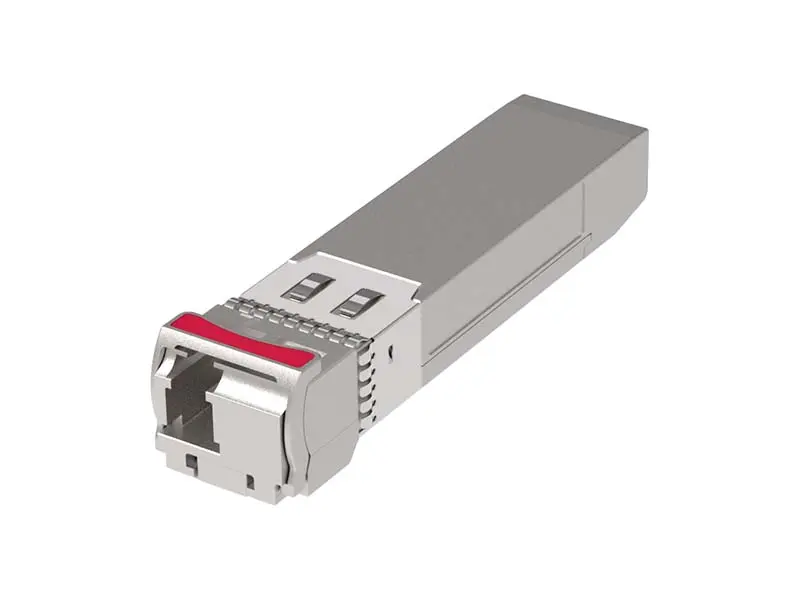 Other
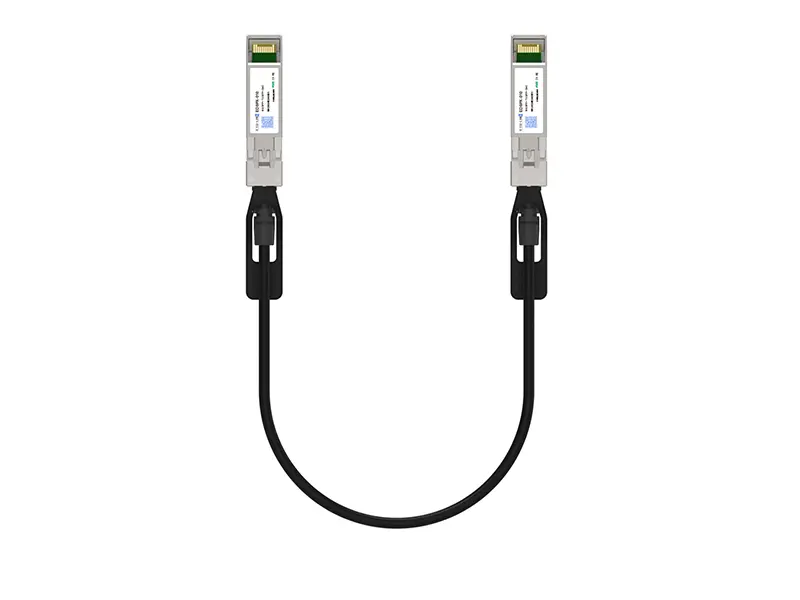 10G SFP+ DAC
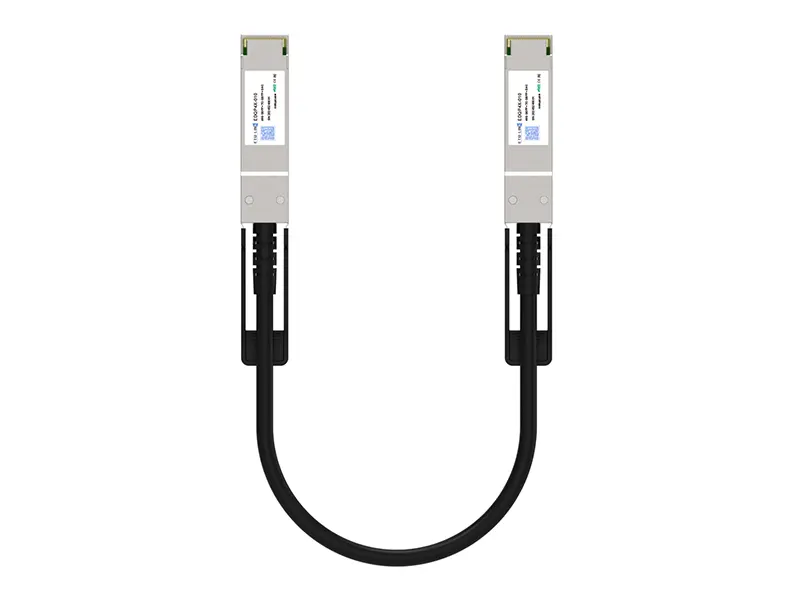 40G QSFP+ DAC
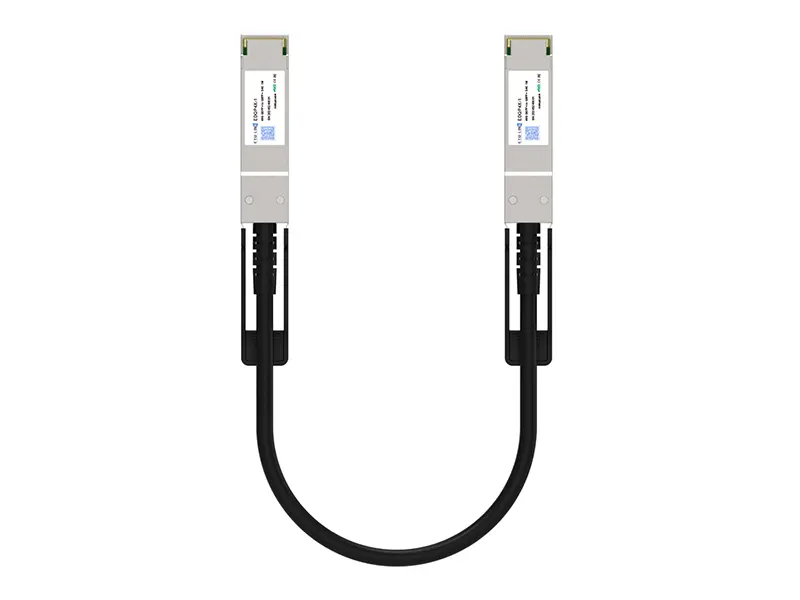 56G QSFP+ DAC
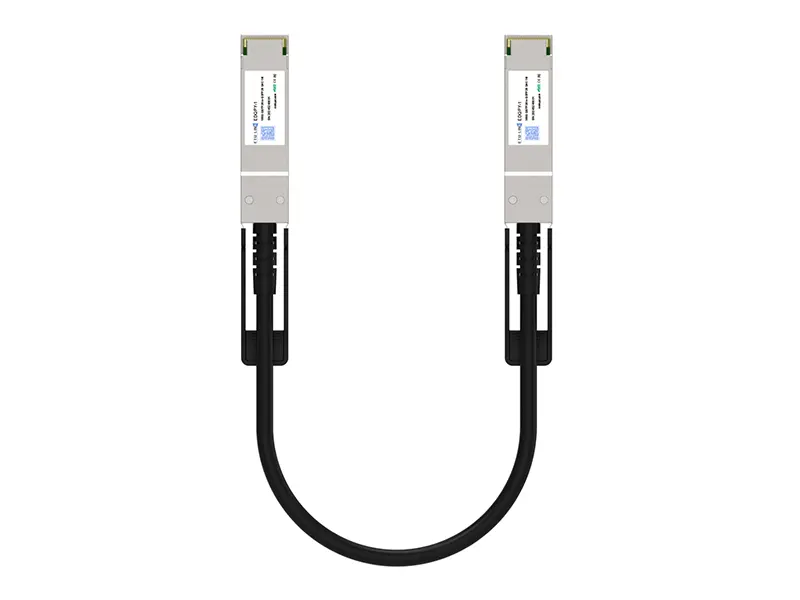 100G QSFP28 DAC
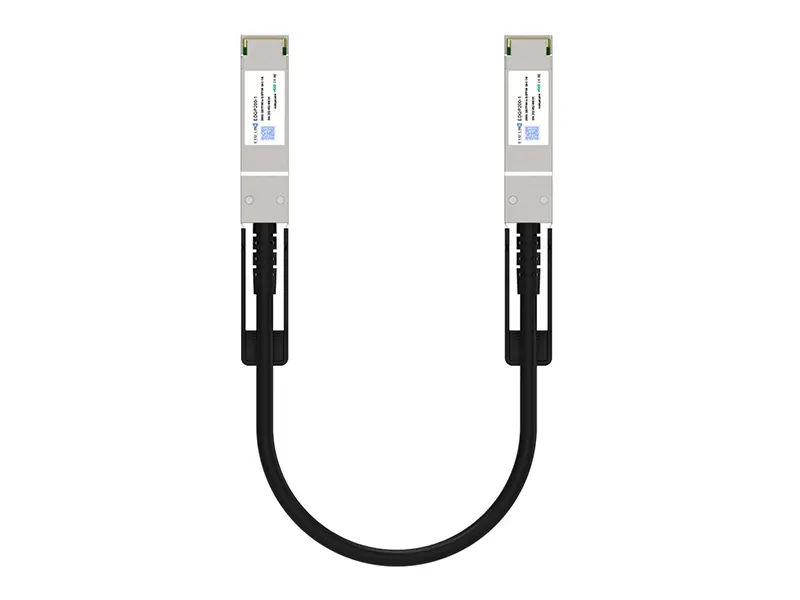 200G QSFP56 DD DAC
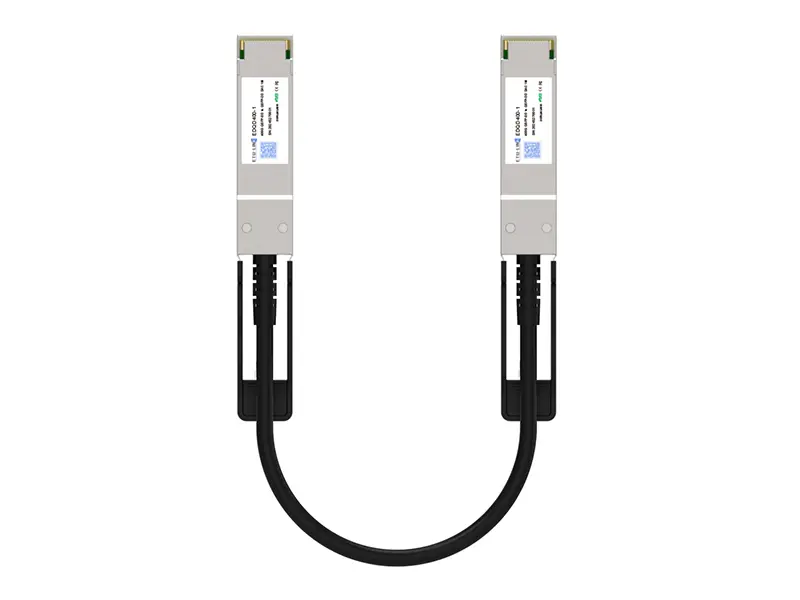 400G QSFP DD DAC
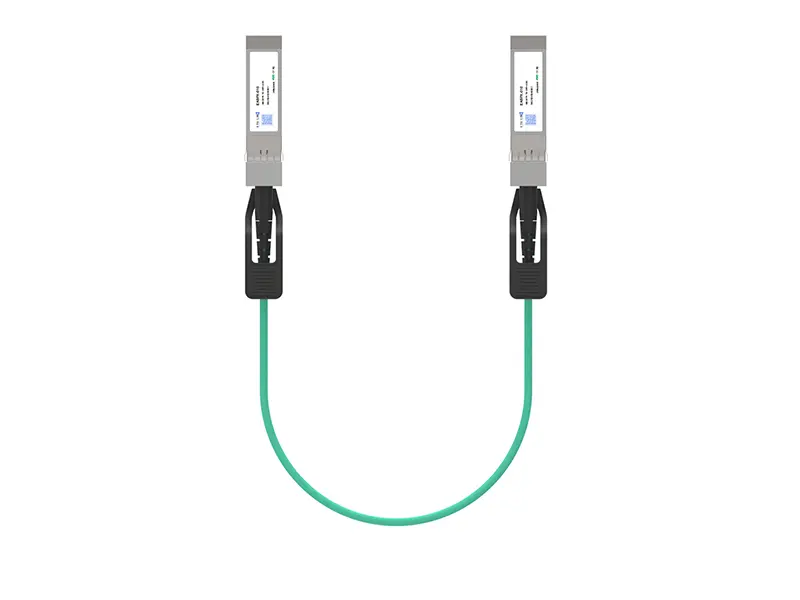 10G SFP+ AOC
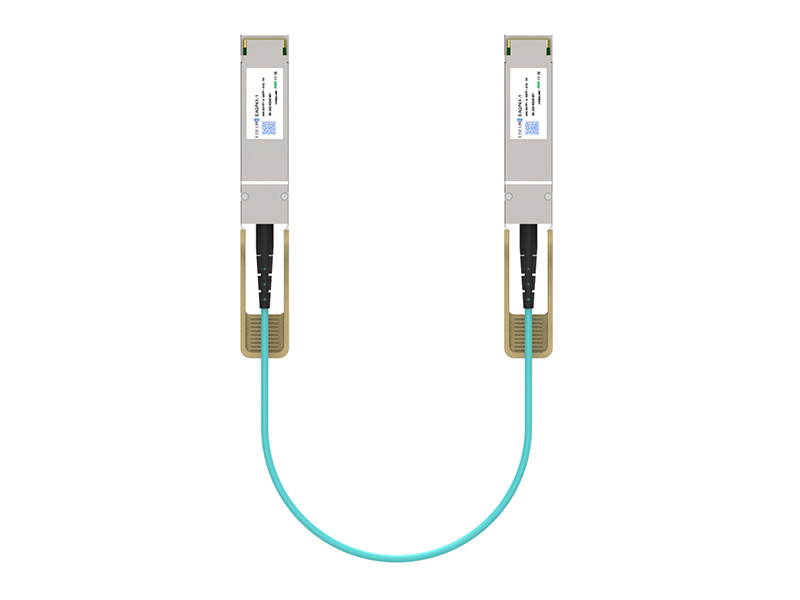 40G QSFP+ AOC
 100G QSFP28 AOC
 200G QSFP56 AOC
 400G QSFP-DD AOC
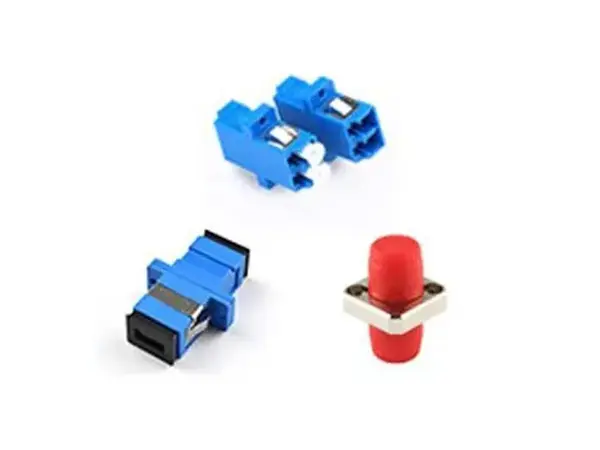 Adapter Details
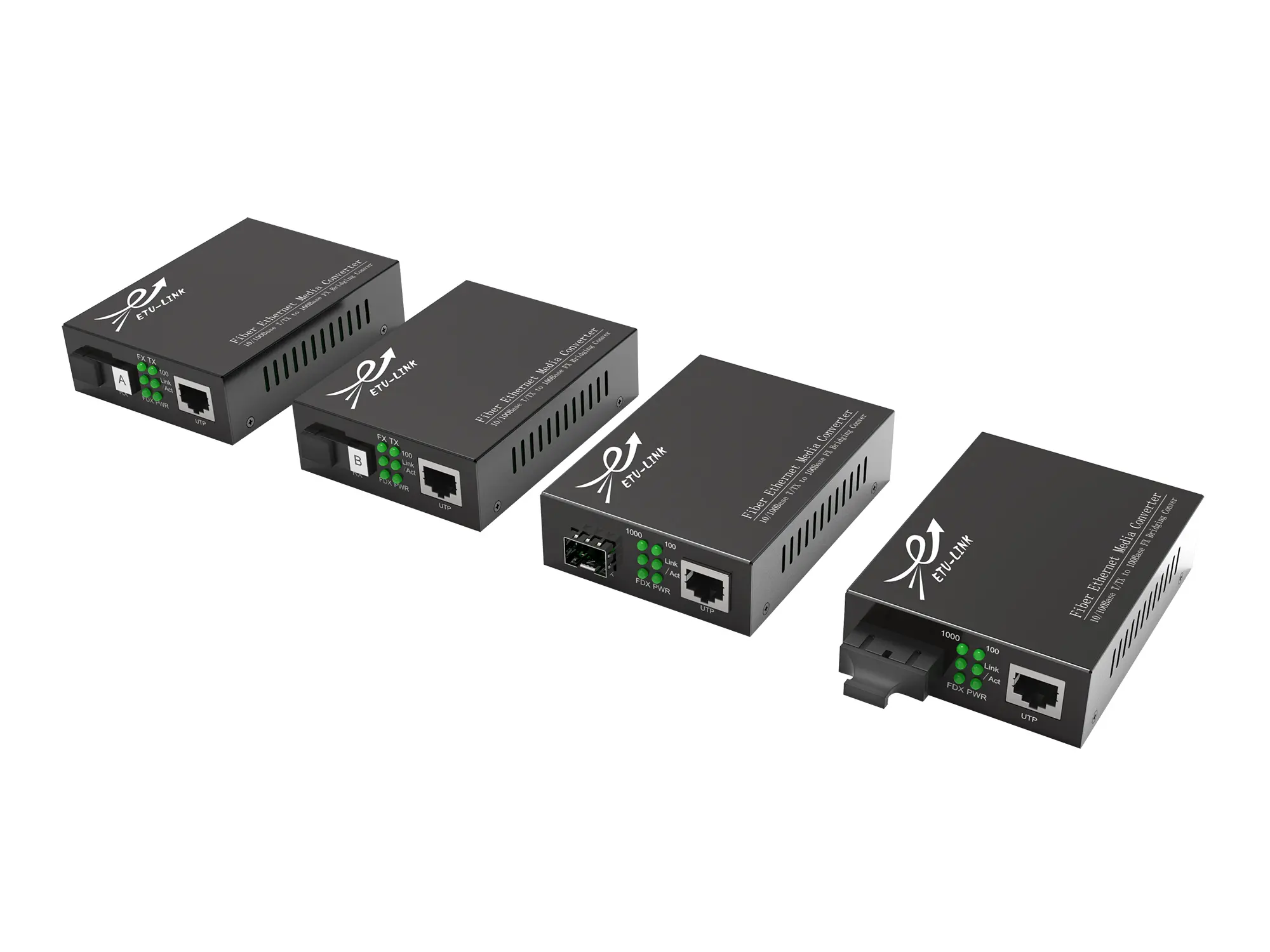 Media Converter
Leave Your Message
A 56G QSFP+ Active Optical Cable can connect switches, storage systems, and high-performance computing nodes across a rack or data hall. Its appeal is practical: optical fiber reduces cable weight and eases routing where copper bundles become crowded. But bandwidth alone does not tell the whole story. Connector quality, supported reach, host compatibility, power use, and thermal behavior all matter. Small details matter.
Optical-communications researcher Peter Winzer’s work offers a useful engineering principle, paraphrased here rather than presented as a verbatim quotation: “A link’s value depends on reliable performance across the complete system, not just its headline speed.” Buyers comparing China’s top 10 suppliers should therefore check test data, product documentation, and support for their exact platform. Ask how each cable handles bend limits, operating temperature, and interoperability. Request clear specifications.
This guide examines suppliers through those practical checks, alongside manufacturing capability and service responsiveness. A supplier may show a polished product page, yet provide little detail about validation or warranty terms. That gap deserves attention. The ranking is a starting point, not proof that every model suits every installation. Verify the fit before ordering.

What Is a 56G QSFP+ Active Optical Cable?
A 56G QSFP+ active optical cable is a fixed cable assembly with QSFP+ connectors at both ends. Each connector contains electronics that convert electrical signals into optical signals, then back again. In a common design, four lanes carry about 14 Gb/s each, giving a nominal aggregate rate of 56 Gb/s. Short explanation. The cable uses optical fiber rather than copper conductors for the data path.
These cables are used to connect compatible switches, servers, or storage equipment across racks or nearby rows. They can reduce the weight and bulk of longer copper runs, while avoiding separate, removable optical transceivers. The optical engines are built in. Compatibility still matters: check the device ports, supported protocol, link rate, and cable length before ordering. A 56G link is not automatically interchangeable with every 40G QSFP+ or Ethernet connection.
For installation, keep the connectors clean and avoid tight bends; fiber can be damaged even when the outer jacket looks fine. One practical caution: “56G” describes the link’s signaling rate, not a guarantee of a particular distance or performance in every setup. I would verify the supplier’s datasheet and test the cable with the intended equipment. Specifications can differ.
| No. | Evaluation Dimension | Technical Information | What Buyers Should Verify |
|---|---|---|---|
| 1 | What the Cable Is | A 56G QSFP+ active optical cable (AOC) is a fixed-length cable assembly with QSFP+ transceivers permanently attached to both ends. It converts electrical signals to optical signals inside the connector housings. | Confirm that the product is an AOC assembly, rather than a pair of separate optical transceivers and a fiber patch cable. |
| 2 | Aggregate Data Rate | “56G” commonly refers to an aggregate link rate of about 56 Gb/s, typically carried over four lanes operating at approximately 14 Gb/s per lane. | Check the stated rate per lane, aggregate rate, and supported protocol. Do not assume that every product described as QSFP+ supports 56G operation. |
| 3 | QSFP+ Form Factor | QSFP+ describes a four-lane pluggable module form factor. It is used for multiple applications and data rates; the form factor alone does not establish 56G protocol compatibility. | Verify the host port, supported data rate, port configuration, and equipment compatibility before ordering. |
| 4 | Lane Configuration | A typical 56G implementation uses four transmit lanes and four receive lanes, with each lane carrying a portion of the total link bandwidth. | Request the lane rate and interface details in the product specification, especially when matching the cable to switches, adapters, or storage equipment. |
| 5 | Optical Medium | AOCs use optical fiber inside the cable assembly. The optical connection is contained within the attached modules, so the cable does not have user-accessible fiber connectors at each end. | Confirm the specified fiber type, optical interface, and operating conditions from the supplier’s datasheet. |
| 6 | Cable Length | AOCs are supplied in fixed lengths. Maximum supported length depends on the product design and protocol; there is no single universal maximum for every 56G QSFP+ AOC. | Choose a listed standard length and confirm the permitted length range for the exact cable model and application. |
| 7 | Protocol and Application | 56 Gb/s QSFP+ links are associated with applications such as InfiniBand FDR. A product’s supported protocol must be distinguished from its physical connector format. | Ask for explicit protocol support and compatibility information. A cable advertised for one 56G application may not work with every 56G-capable host. |
| 8 | Power and Thermal Limits | Power consumption and heat generation depend on the cable’s optical and electrical design. They can affect system-level port power and cooling requirements. | Check the maximum power specification and the host equipment’s module power and thermal limits. |
| 9 | Digital Identification and Compatibility | Pluggable modules may use identification and management data that host equipment checks when a module is inserted. Recognition behavior can vary by platform. | Confirm the supplier’s compatibility policy for the intended equipment and verify the exact part number before deployment. |
| 10 | Supplier Qualification | Supplier capability is best assessed using product documentation, test evidence, manufacturing controls, and support for the required protocol and cable length—not an unverified ranking. | Request a datasheet, inspection or test report, sample evaluation, warranty terms, and written confirmation of application compatibility. |