How to Choose 10G Single Mode Fiber?
Choosing 10G Single Mode Fiber is not just a matter of buying a yellow cable. The link must match the distance, transceivers, connector type, and equipment at both ends. A mismatch can leave a fast switch waiting on a dark link. Small details matter.
Ethernet pioneer Robert Metcalfe described Ethernet as “the plumbing of the Internet.” That image fits fiber selection well: reliable connections often depend on quiet, practical choices hidden from view. This guide examines OS2 cable, LC connectors, optical budgets, and transceiver compatibility. For example, 10GBASE-LR commonly operates at 1310 nm over single-mode fiber and supports links up to 10 km under specified conditions. Your actual reach depends on the complete link design, not the cable label alone.
Start with the route. Measure the installed path, allow for service loops, and check whether the optics support that distance. Then confirm the module type at each device; identical-looking ports may require different optics. Compatibility lists are worth checking before purchase. So is the link budget.
A little caution helps. Connector cleanliness, bends, and patch-panel losses can affect performance, even when every part appears correct. This introduction sets up a practical comparison of cable specifications, transceivers, and installation checks. The aim is a dependable 10G Single Mode Fiber link—not simply the longest reach or lowest price. One caveat remains: product specifications and device compatibility can vary, so verify them against the manufacturers’ documentation.
Map Link Distance to 10GBASE-LR (10 km) or 10GBASE-ER (40 km)
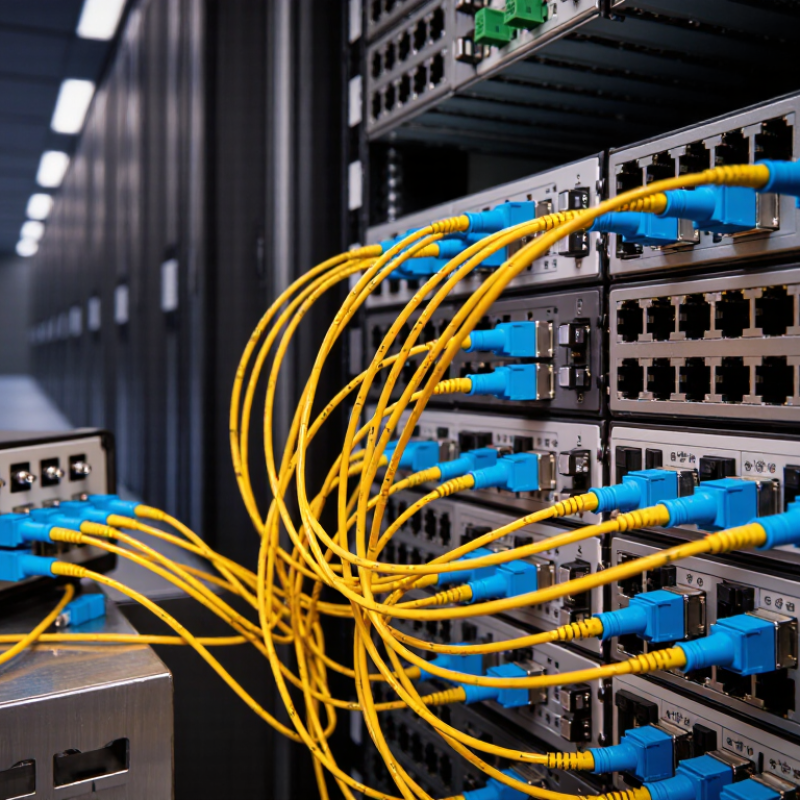
Choosing between 10GBASE-LR and 10GBASE-ER starts with the actual optical path length. LR is designed for links up to 10 km over single-mode fiber, commonly using a wavelength near 1310 nm. ER extends the nominal reach to 40 km, typically at 1550 nm. These are design limits, not promises that every installed route will work.
Measure the route between equipment, including patch cords, cross-connects, and service loops. Then check the transceiver specifications at both ends and calculate total insertion loss from fiber, connectors, and splices. A 9 km route with several dirty or poorly seated connections can be less reliable than a clean 10 km span. Small details matter. Measure twice.
For a short campus or building-to-building link within the supported loss budget, LR is usually the simpler fit. ER makes sense when the route exceeds LR’s reach and its optical budget supports the measured loss. On short ER links, transmit power may be too high for the receiver, so verify input limits and use attenuation only when the equipment guidance calls for it. Distance alone can mislead; I would not choose ER just because the route sounds long. Check the fiber type, connector condition, and link budget before ordering optics.
Match 1310 nm LR or 1550 nm ER Optics to the Fiber
For a 10G single-mode link, choose the optic by reach and verify its wavelength against the installed fiber and link budget. IEEE 802.3ae specifies 10GBASE-LR at 1310 nm for reaches up to 10 km, while 10GBASE-ER at 1550 nm supports up to 40 km over single-mode fiber. These are maximum application reaches, not guarantees for every cable route. Patch panels, splices, and dirty connectors all consume optical margin.
ITU-T Recommendation G.652 describes single-mode fiber characteristics across wavelength ranges that include both 1310 nm and 1550 nm. So ordinary G.652 fiber can often support either option, but confirm the cable specification and measured loss rather than relying on its label alone.
Check the margin. ER can suit a longer route, yet deploying it on a short link may add cost without solving a real need. I would also check the transceiver’s optical power limits and receiver sensitivity against the full path loss. Distance tables are useful, but they can make a borderline link look simpler than it is.
(Sources: IEEE 802.3ae; ITU-T G.652.)
Choose OS2 Single-Mode Fiber Compliant with ITU-T G.652.D
How to Choose 10G Single Mode Fiber?
Choose OS2 Single-Mode Fiber Compliant with ITU-T G.652.D
For a 10G link, choose OS2 single-mode fiber that explicitly meets ITU-T G.652.D. This specification covers a widely used fiber type with low water-peak attenuation, supporting transmission across common wavelength ranges. Check the product datasheet rather than relying on “OS2” alone. The standard, attenuation figures, and operating wavelength should be clearly stated.
Match the cable to the installation. A short indoor run between two switches may need a different jacket and connector arrangement than a long outdoor route. Confirm the transceiver wavelength, connector type, polarity, and total link length before ordering. Fiber does not determine reach by itself; the optics and link budget matter too. Leave room for patch panels and service loops, and respect the cable’s bend radius. Small details matter.
Tips: Keep connectors capped until use, and clean them before testing. Verify the cable markings and test the installed link with suitable equipment. A label can be wrong; I have seen that detail overlooked. Check the actual specification.
How to Choose 10G Single-Mode Fiber? Choose OS2 Compliant with ITU-T G.652.D
OS2 single-mode fiber compliant with ITU-T G.652.D is a suitable choice for 10G links that require single-mode cabling. The chart shows the specified maximum reaches for 10GBASE-LR and 10GBASE-ER interfaces; actual reach depends on the transceivers, link budget, connectors, and installation.
Verify the Optical Budget Against Fiber, Splice, and Connector Losses
How to Choose 10G Single Mode Fiber?
Verify the Optical Budget Against Fiber, Splice, and Connector Losses
A 10G single-mode link is not chosen by distance alone. Check the transmitter’s minimum output power and the receiver’s sensitivity in the equipment specifications. Their difference gives a conservative optical budget. Compare it with the estimated path loss, using the correct wavelength and fiber type. A link may look comfortable on paper, yet struggle after installation.
Estimate fiber attenuation across the actual route, not the straight-line map distance. Add the loss from every splice and connector pair. For example, a long outdoor run with several repair splices can use more budget than a shorter, clean indoor link. Small losses add up. Connector condition matters, too: dust or a poorly seated connector can cause unexpected loss. Check both ends. Use measured insertion-loss results where possible, rather than relying only on typical figures.
Keep a practical margin between expected loss and the transceiver’s limit. The right margin depends on the link, measurement uncertainty, and possible future repairs; one figure will not fit every installation. If calculated loss nearly consumes the budget, reconsider the route, reduce connection points, or select compatible optics with a suitable range. Do not assume the link is sound because it passes a brief traffic test. Record the fiber length, splice count, connector count, and test results. I would recheck these assumptions before ordering; small details are easy to miss.
How to Choose 10G Single Mode Fiber? — Verify the Optical Budget Against Fiber, Splice, and Connector Losses
Illustrative link-budget check for a 10GBASE-LR single-mode link at 1310 nm. The examples use a 6.2 dB maximum channel insertion-loss budget and include a 1.0 dB engineering reserve.
| Link Length |
Fiber Loss
(0.40 dB/km) |
Splice Loss
(Count × 0.10 dB) |
Connector Loss
(2 Mated Pairs × 0.50 dB) |
Estimated Passive Loss |
Reserve |
Design Loss
(Passive Loss + Reserve) |
Remaining Budget
(6.2 dB − Design Loss) |
Assessment |
| 1 km |
0.40 dB |
2 × 0.10 = 0.20 dB |
1.00 dB |
1.60 dB |
1.00 dB |
2.60 dB |
3.60 dB |
Within budget |
| 5 km |
2.00 dB |
4 × 0.10 = 0.40 dB |
1.00 dB |
3.40 dB |
1.00 dB |
4.40 dB |
1.80 dB |
Within budget |
| 8 km |
3.20 dB |
6 × 0.10 = 0.60 dB |
1.00 dB |
4.80 dB |
1.00 dB |
5.80 dB |
0.40 dB |
Limited headroom |
| 10 km |
4.00 dB |
8 × 0.10 = 0.80 dB |
1.00 dB |
5.80 dB |
1.00 dB |
6.80 dB |
−0.60 dB |
Exceeds design budget |
Specify LC Duplex Interfaces and Test the Installed Link Against Standards
For a 10G single-mode link, specify duplex LC interfaces at both ends and confirm polarity before installation. The IEEE 802.3-2022 specification defines 10GBASE-LR operation over single-mode fiber for distances up to 10 km. It also sets a 6.2 dB maximum channel insertion-loss budget. Treat that figure as a limit, not a target: connectors, splices, and aging leave less margin.
Small details matter.
Test the installed link, not just the cable reel. Use an optical loss test set at 1310 nm, following the reference method in IEC 61280-4-2:2021, and compare measured loss with the project’s calculated budget.
Clean, then inspect. Check both fibers, LC polarity, and connector end faces; a small dust mark can distort readings. Record the test method, wavelength, reference, and results for each strand.
ANSI/TIA-568.3-E provides cabling guidance, while the IEEE limit helps frame the application’s channel budget.
Numbers can mislead.
A link may pass an insertion-loss test yet still have a polarity fault or poor documentation; I have seen teams assume “light is present” means the link is ready. Retest after any connector change.

 400G
400G 200G
200G 100G
100G 40G
40G 25G
25G 10G
10G 1G
1G COPPER-T
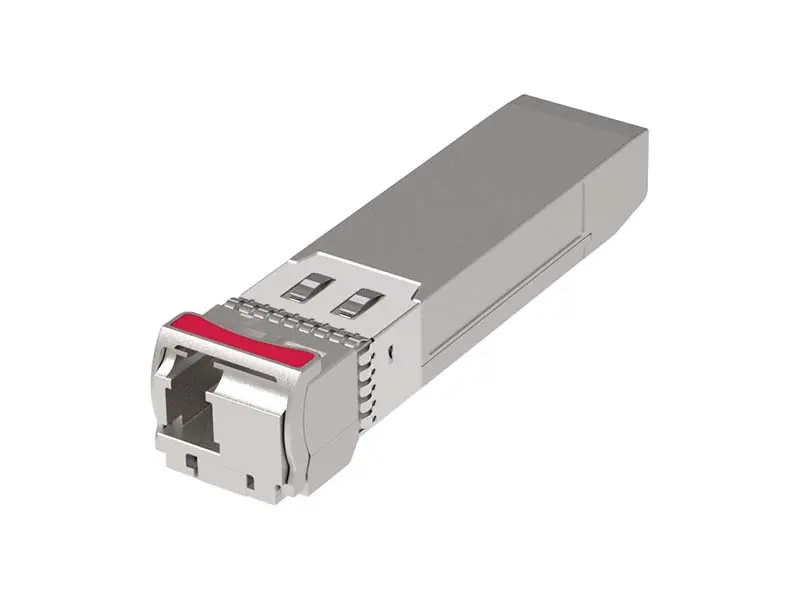 Other
Other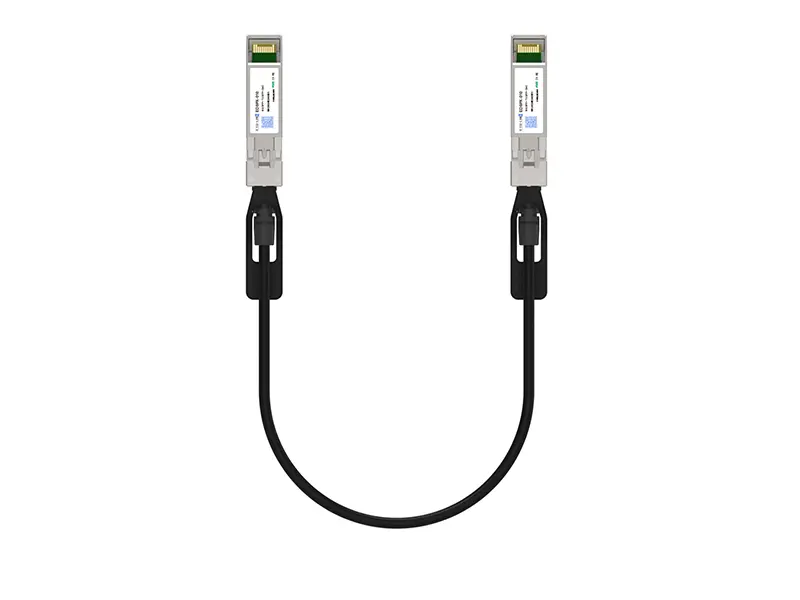 10G SFP+ DAC
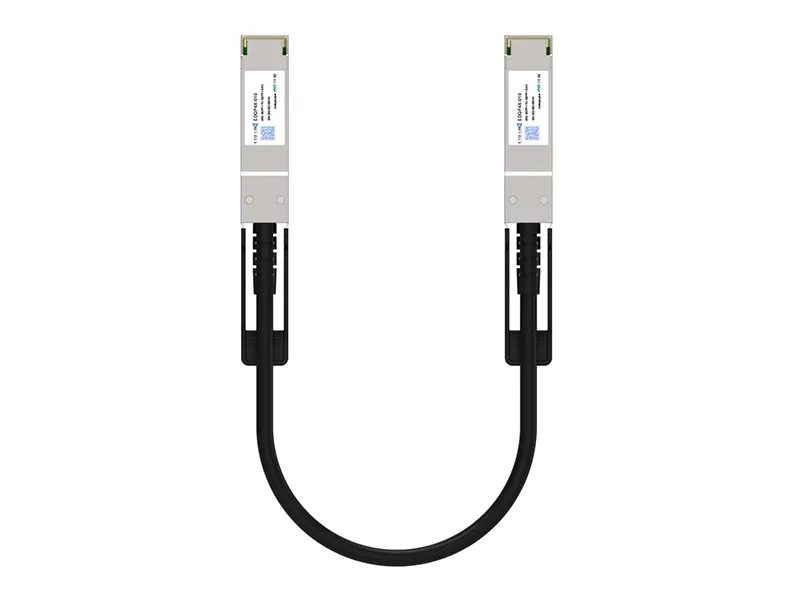 40G QSFP+ DAC
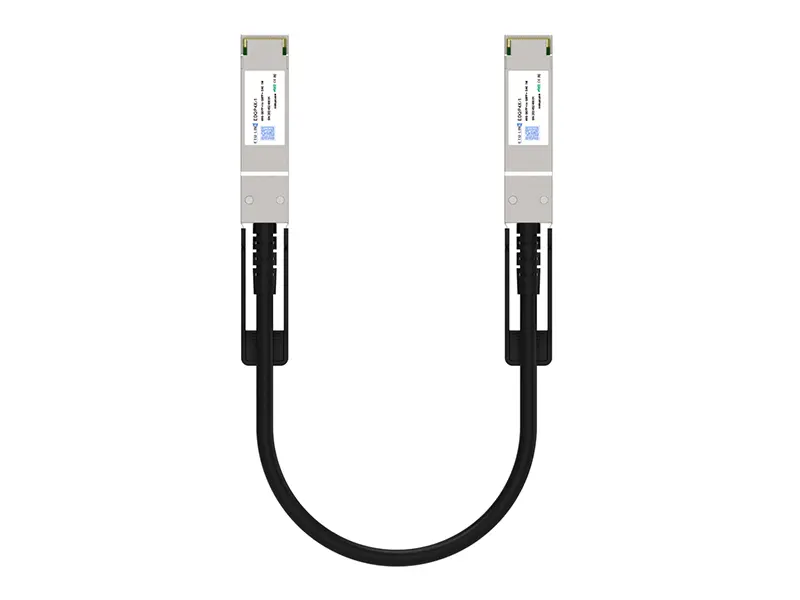 56G QSFP+ DAC
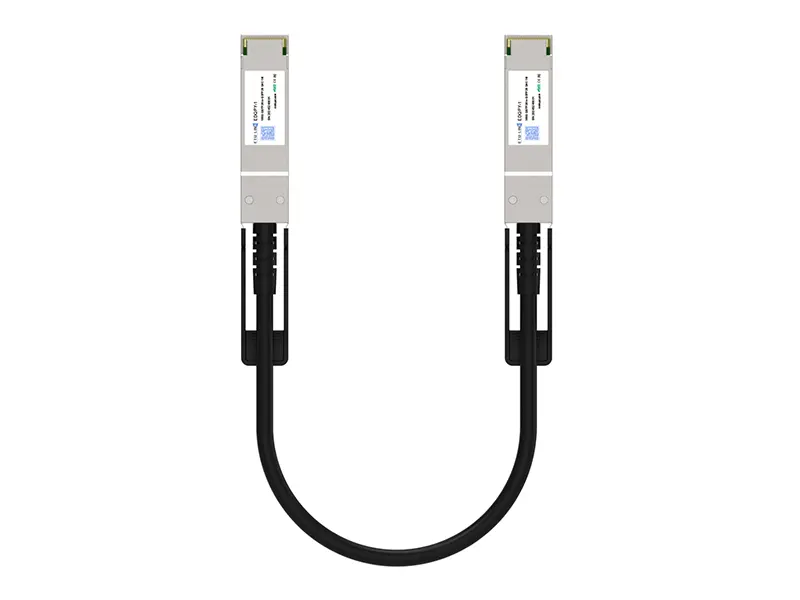 100G QSFP28 DAC
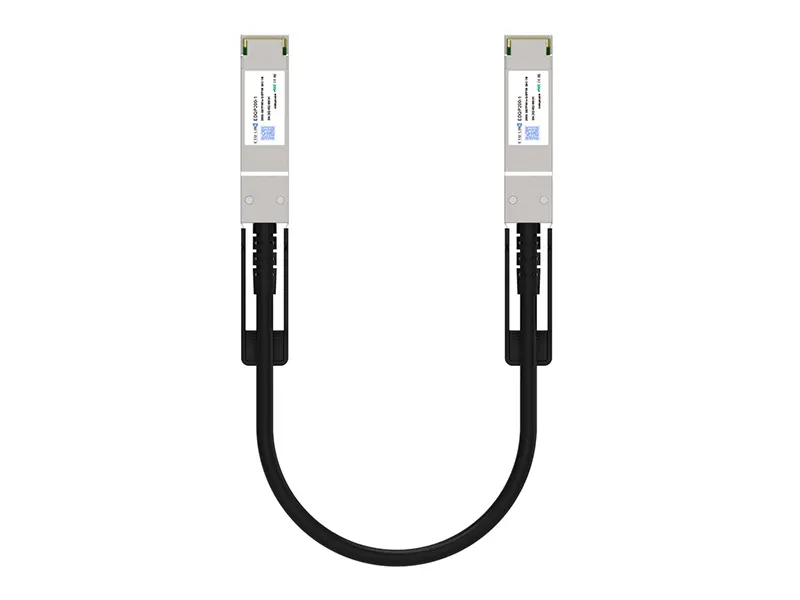 200G QSFP56 DD DAC
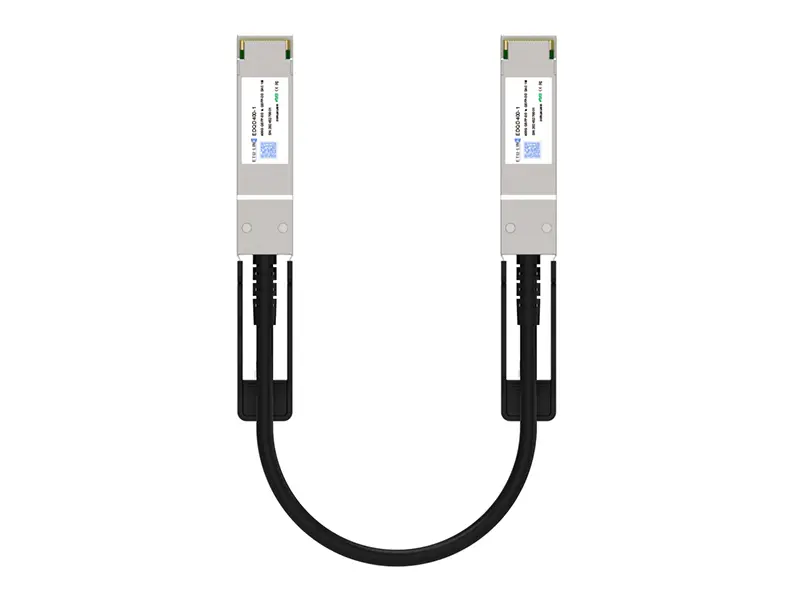 400G QSFP DD DAC
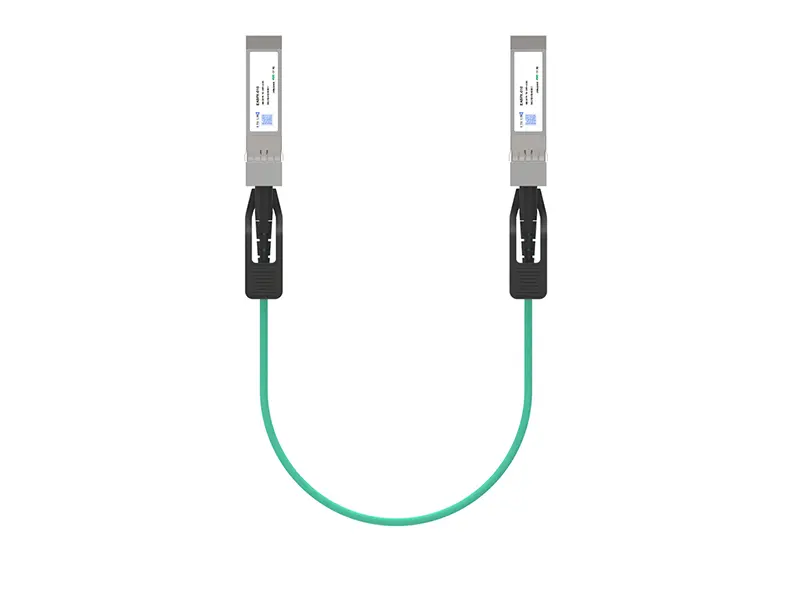 10G SFP+ AOC
 40G QSFP+ AOC
 100G QSFP28 AOC
 200G QSFP56 AOC
 400G QSFP-DD AOC
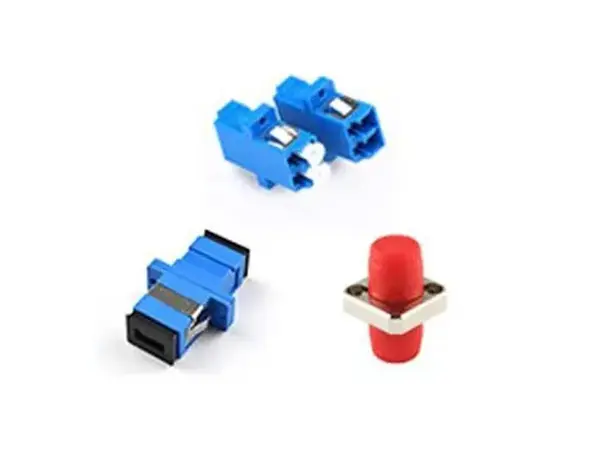 Adapter Details
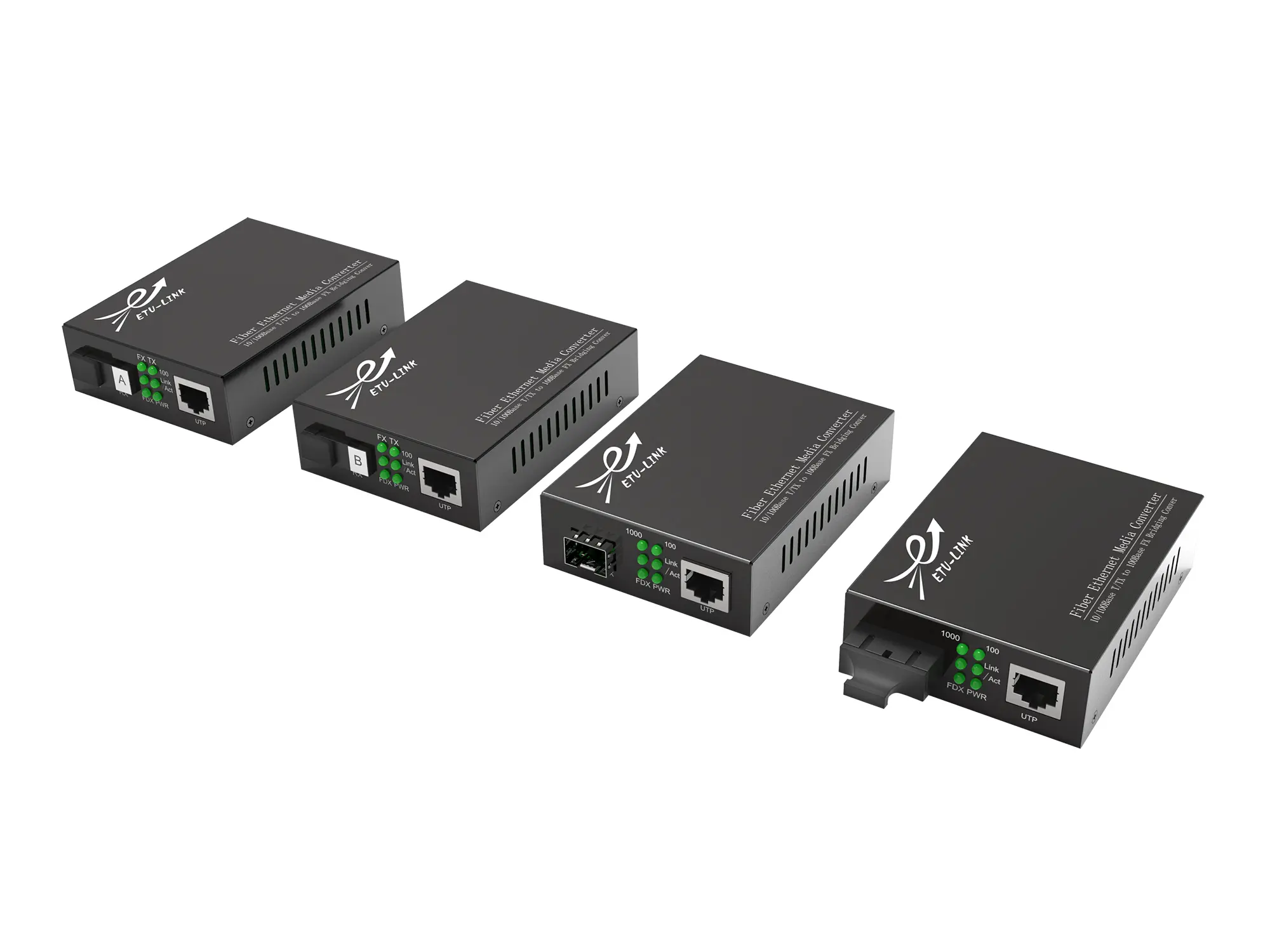 Media Converter