2026 How to Choose the Best Direct Attach Cable for Your Needs?
In today's rapidly evolving tech landscape, selecting the right Direct Attach Cable is crucial for optimal data transmission. Renowned industry expert Dr. Sarah Lin emphasizes, "Choosing the right cable can make or break your network performance." Organizations face the challenge of balancing cost, speed, and compatibility when making this decision.
Direct Attach Cables are available in various lengths and specifications, each tailored for different applications. Understanding their unique features is vital. For instance, short-range applications often benefit from copper cables, while long-distance connections may require fiber optics. Not all cables are created equal, making careful evaluation essential.
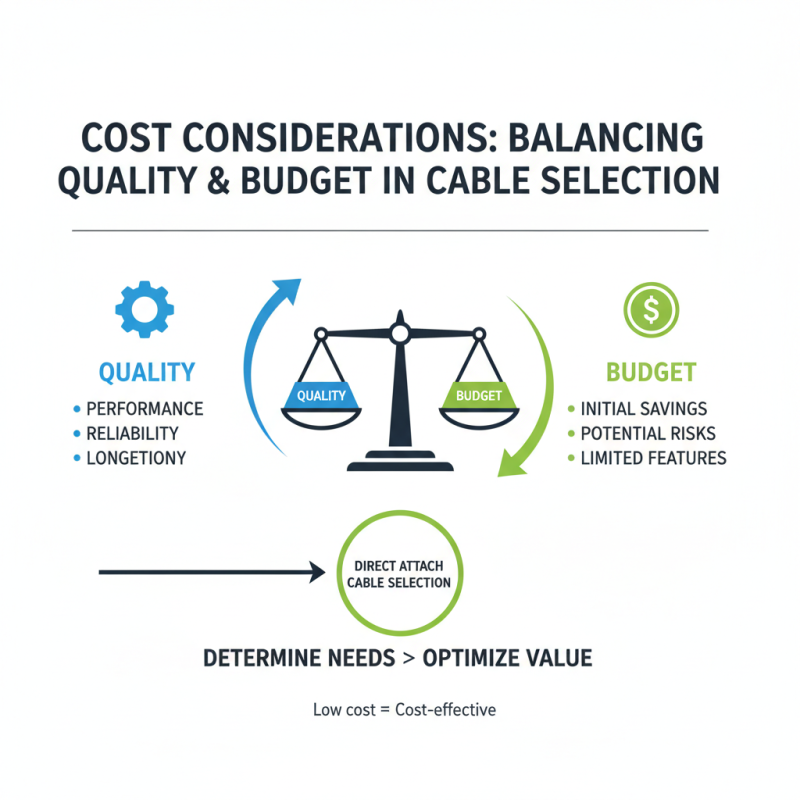
Many users overlook subtle differences in cable quality and shielding. It's tempting to go for cheaper options, but this can lead to network issues over time. Reflecting on past mistakes can guide better choices. Ultimately, the right Direct Attach Cable can enhance performance and reliability, transforming network infrastructure for the better.

Understanding Direct Attach Cables: Key Features and Benefits
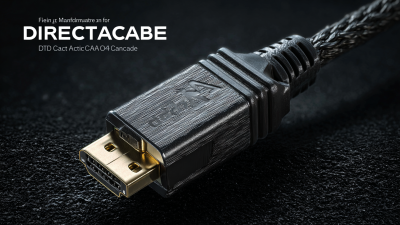
Direct Attach Cables (DACs) have become essential in modern data centers. These cables offer high-speed connectivity at short distances. Their design typically includes a transceiver integrated into the cable. This reduces complexity and costs compared to traditional optical solutions. According to recent industry reports, DACs can provide data rates of up to 25 Gbps and even 100 Gbps for specific applications.
When choosing a DAC, consider key features like cable length and compatibility with existing systems. Most cables range from one to seven meters in length, making them suitable for rack-to-rack connections. Some reports indicate that using DACs can lower latency by approximately 30%. This is significant for time-sensitive applications. However, it is vital to assess the environment. DACs might not be the best choice in areas with high electromagnetic interference.
The materials used also impact performance. Copper or fiber-optic DACs each have their advantages. Copper options are often more affordable, while fiber allows for longer distances without a signal loss. Users should weigh the upfront cost against potential performance benefits. This choice can greatly influence overall system efficiency and data throughput. Real-world applications require careful consideration to optimize performance, as a one-size-fits-all solution rarely exists.
Types of Direct Attach Cables: Active vs Passive Options
When selecting direct attach cables, understanding the differences between active and passive options is crucial. Active cables typically include built-in signal boosters. These components extend the reach of the cable and enhance performance. They are suitable for long distances, often exceeding 10 meters, making them ideal for data centers. However, they may be more expensive and require additional power.
On the other hand, passive cables do not have integrated electronics. They rely solely on the copper material and connections for data transmission. These cables work well for shorter distances, typically under 7 meters. They are more cost-effective but can suffer from signal degradation over longer spans. Users must assess their specific needs.
Consider the environment where the cables will be deployed. Factors such as temperature and electromagnetic interference can impact performance. Reflecting on these details can help avoid connectivity issues. Balancing cost and performance is essential. Each option has its pros and cons. It’s wise to weigh your needs against the specifications of both types. Making informed choices leads to better outcomes in network setups.
2026 How to Choose the Best Direct Attach Cable for Your Needs?
| Type |
Active Cables |
Passive Cables |
Use Case |
Length Options |
| Data Rate |
Up to 100 Gbps |
Up to 25 Gbps |
High-speed data transfer |
0.5m to 5m |
| Signal Amplification |
Included |
None |
Long distance connections |
1m to 10m |
| Power Consumption |
Higher |
Lower |
Short distance connections |
0.5m to 7m |
| Cost |
Generally more expensive |
More affordable |
Budget-conscious solutions |
1m to 10m |
| Best For |
High-performance computing |
Standard applications |
Typical networking |
0.5m to 15m |
Assessing Compatibility: Ensuring Cable Meets Device Requirements
When selecting a direct attach cable, compatibility is key. Make sure the cable matches the specifications of your devices. Check connector types and signal standards. Each device may require unique configurations. Not all cables support the same data rates or distances. Understanding these requirements prevents frustration down the line.
Always refer to the technical documents provided by your device manufacturers. They outline the required cable types and connectivity standards. If unsure, consult with a professional who understands your equipment. A small oversight can lead to performance issues.
Keep in mind that not all cables are created equal. Sometimes, a lower-quality cable may appear to fit, but it can cause problems. Performance can vary, which is not always obvious at first glance. Testing different cables can provide insights into what truly works best for your setup.
Evaluating Cable Length: Choosing the Right Length for Your Setup
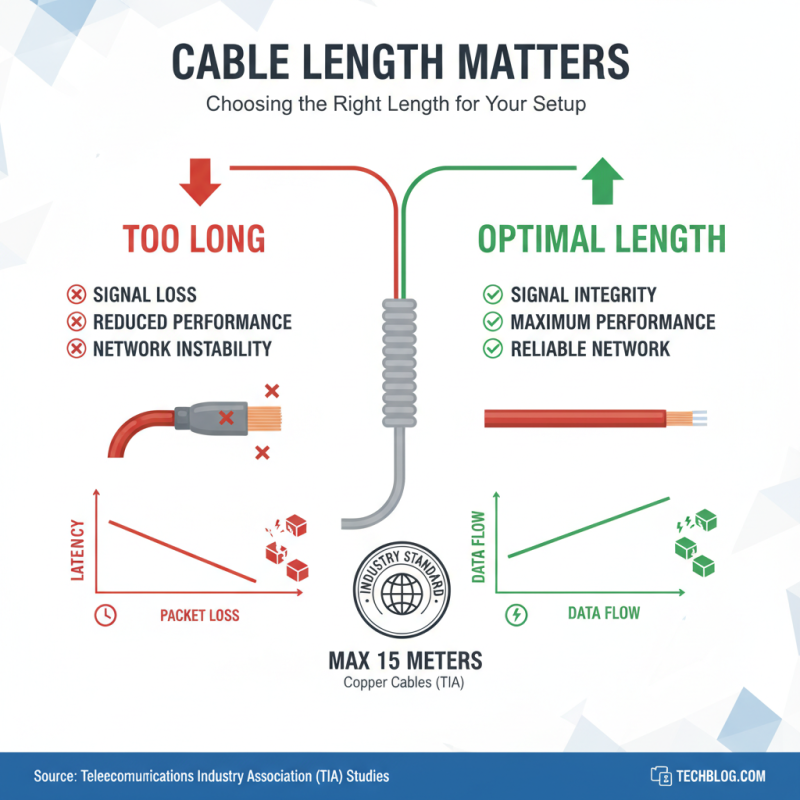
When selecting a direct attach cable, cable length is vital. A poorly chosen length can lead to signal loss and reduced performance. Industry studies indicate that signal integrity may deteriorate significantly beyond recommended lengths. For example, the Telecommunications Industry Association suggests a maximum length of 15 meters for optimal signal transmission in copper cables. Exceeding this can result in increased latency and packet loss, impacting your network stability.
Understanding your setup is crucial. If you have a neatly arranged system, shorter cables enhance efficiency and reduce clutter. Conversely, if your equipment is spread out, longer cables may be necessary. The demand for flexibility in cable length has increased, with 30% of IT professionals citing organization as a primary concern. Testing cables in various lengths can help identify the best fit, taking into account the physical layout and electrical requirements of your network. Always consider potential future adjustments; flexibility now saves trouble later.

 400G
400G 200G
200G 100G
100G 40G
40G 25G
25G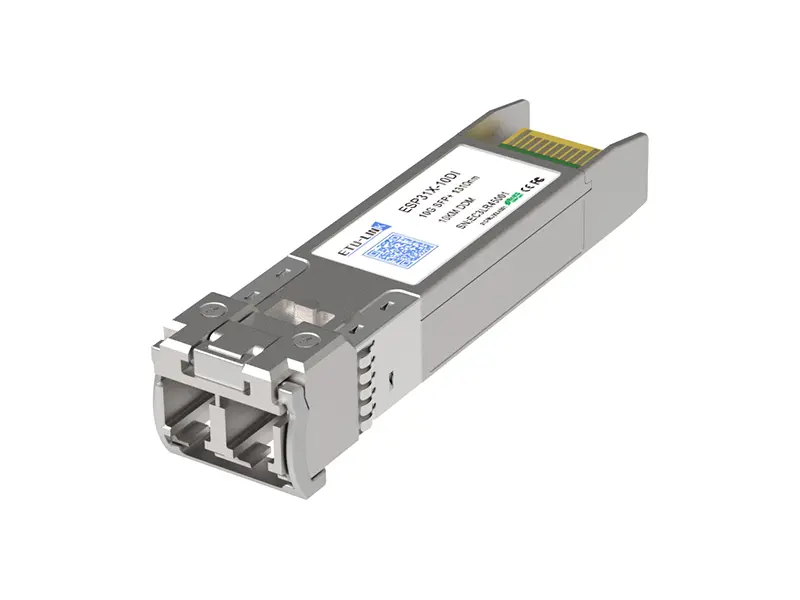 10G
10G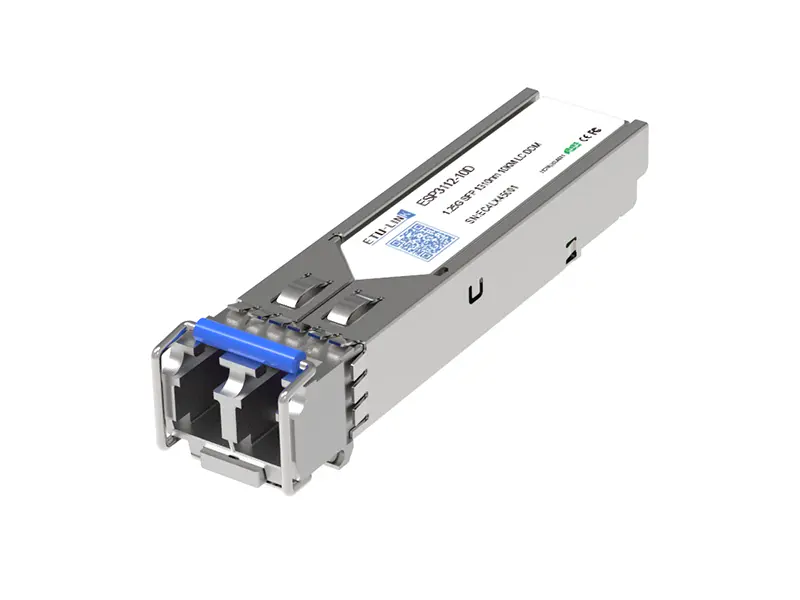 1G
1G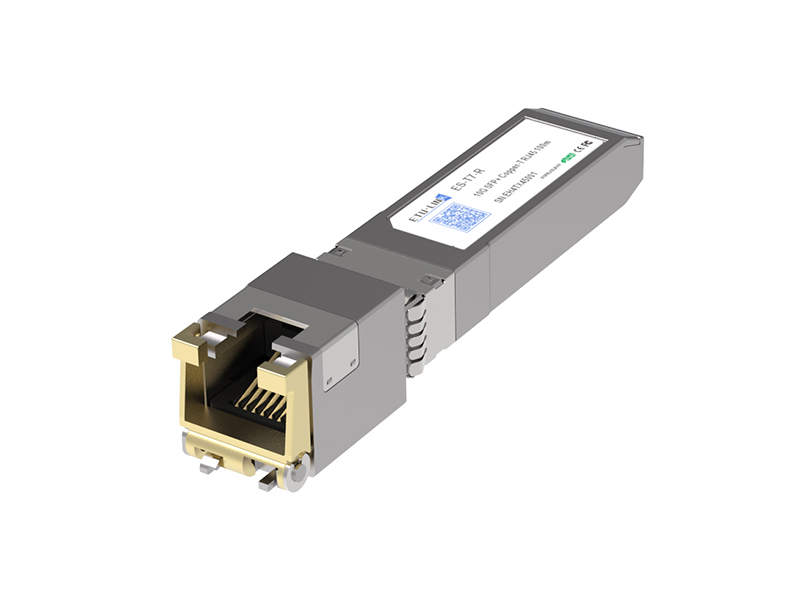 COPPER-T
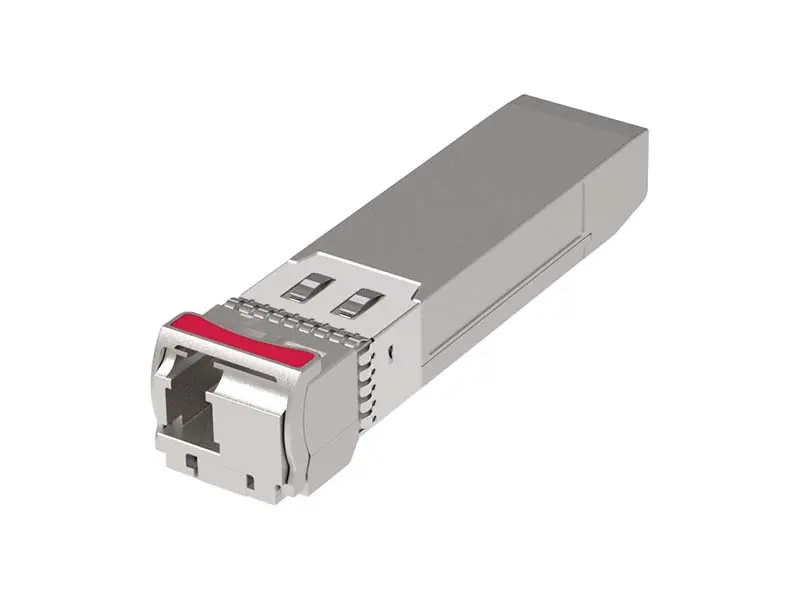 Other
Other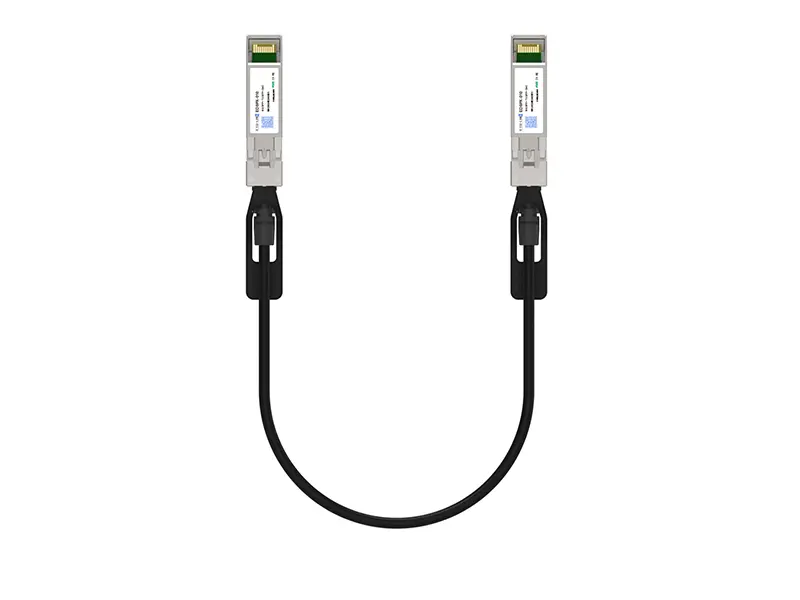 10G SFP+ DAC
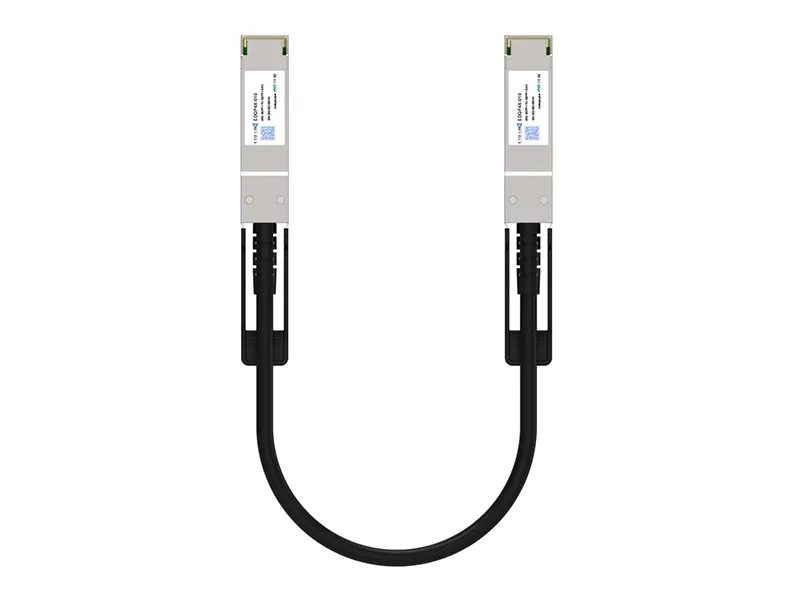 40G QSFP+ DAC
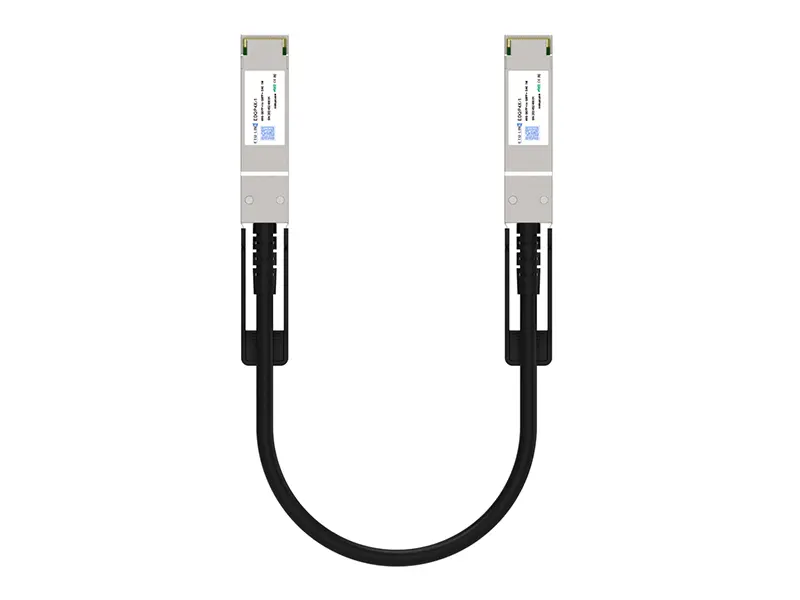 56G QSFP+ DAC
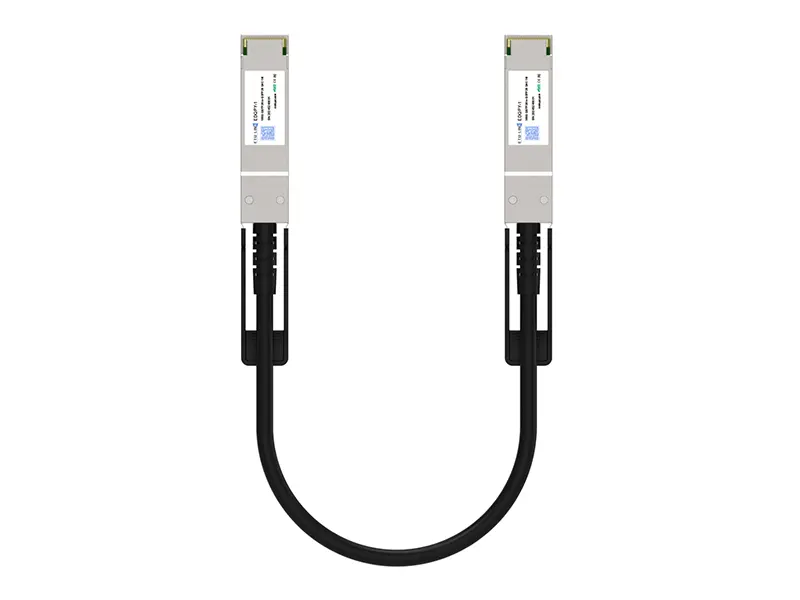 100G QSFP28 DAC
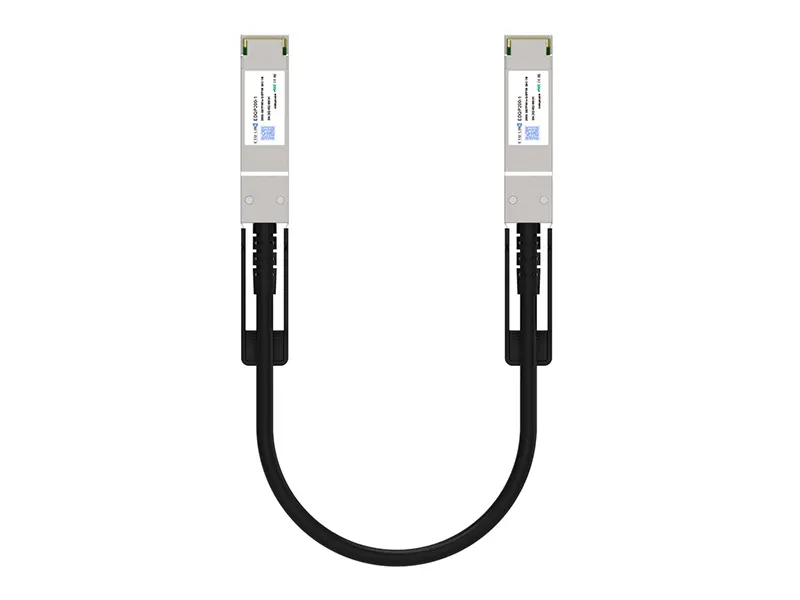 200G QSFP56 DD DAC
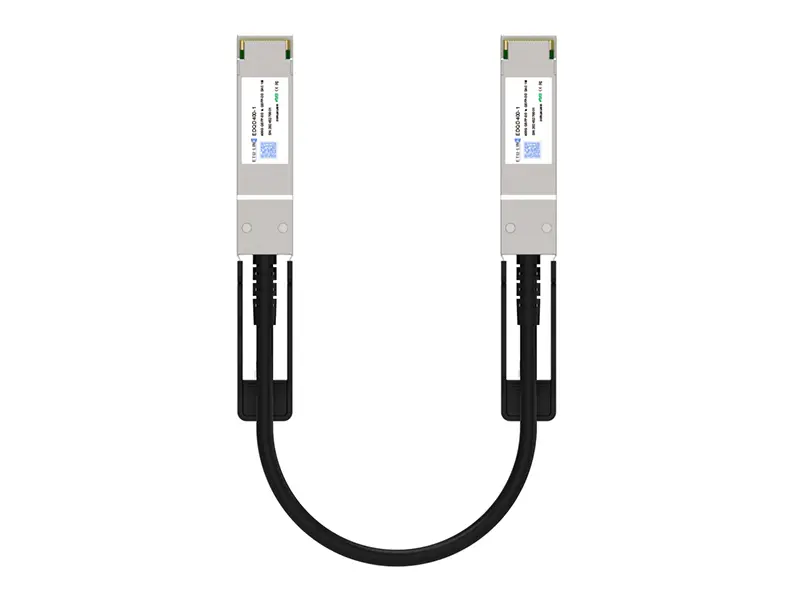 400G QSFP DD DAC
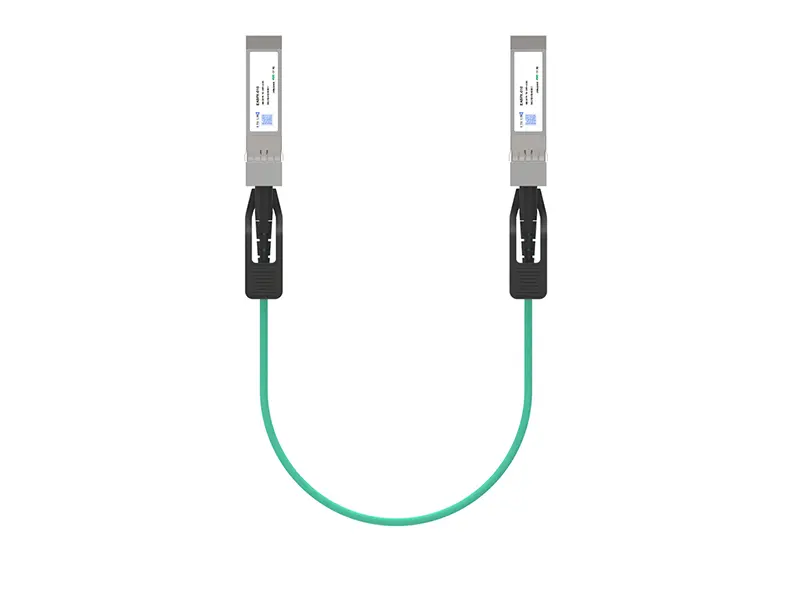 10G SFP+ AOC
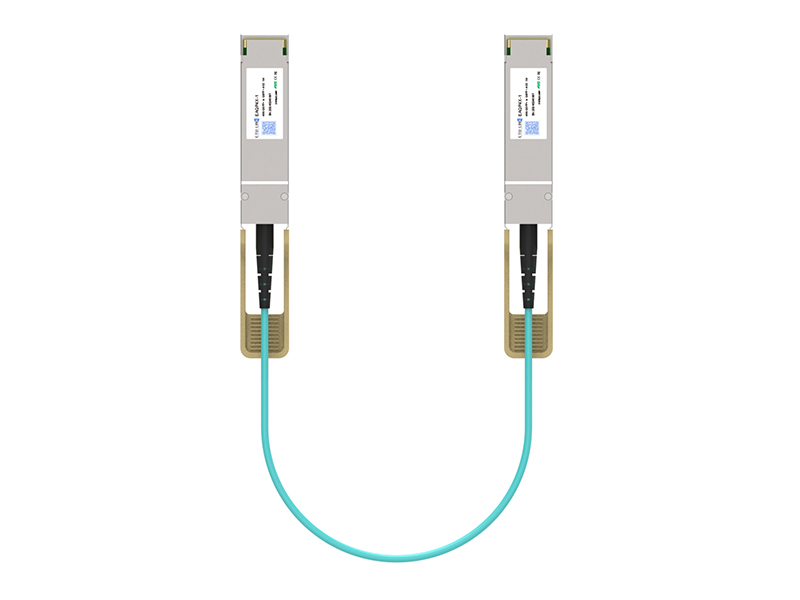 40G QSFP+ AOC
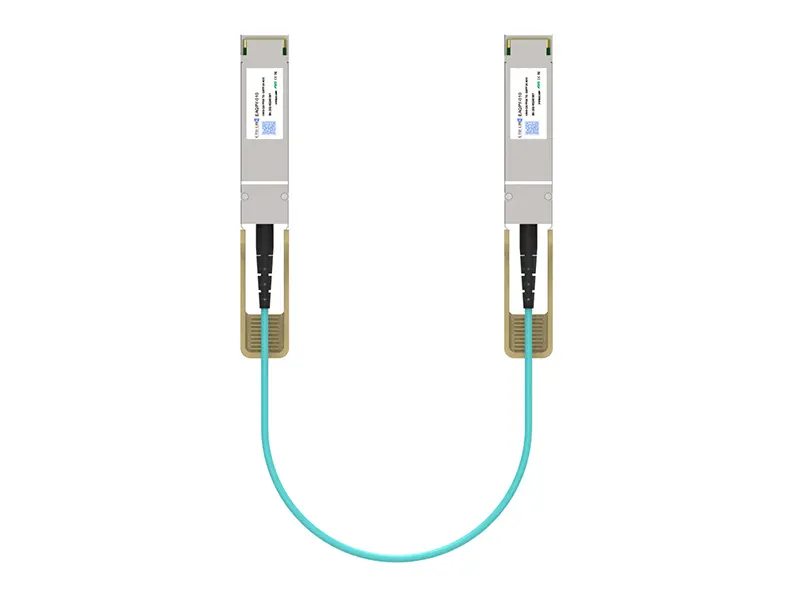 100G QSFP28 AOC
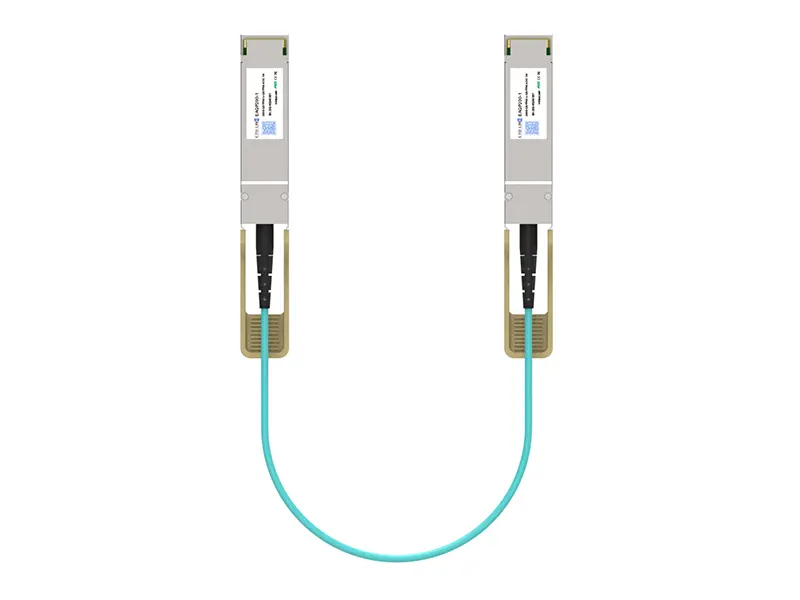 200G QSFP56 AOC
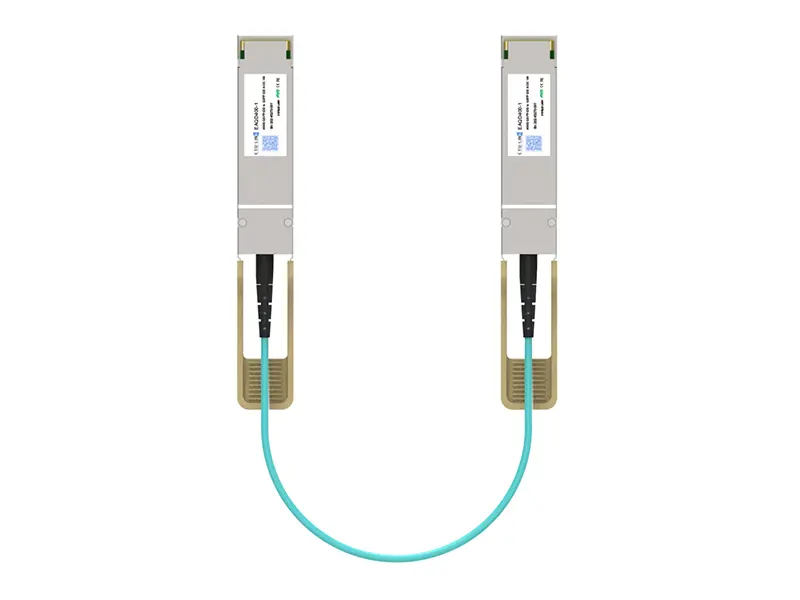 400G QSFP-DD AOC
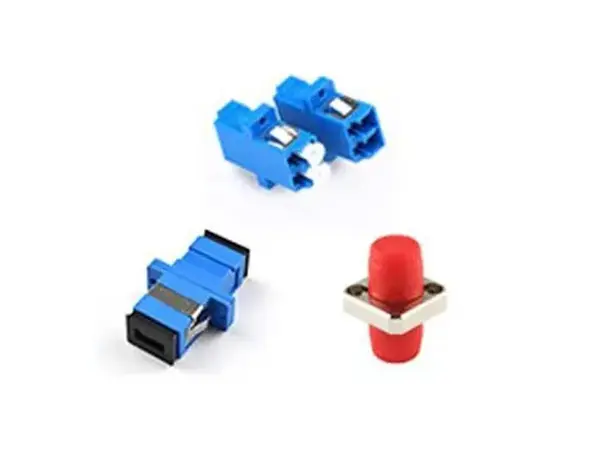 Adapter Details
 Media Converter