How to Choose a 400G QSFP DD AOC Cable
Choosing a 400G QSFP-DD AOC cable is not just a matter of matching two ports. The right choice depends on reach, host compatibility, airflow, and the cable path inside the rack. Small details matter. A thick cable can crowd neighboring ports, while an unsuitable reach can add cost without improving the link.
The IEEE 802.3bs standard defines 400GbE physical-layer specifications, and the QSFP-DD MSA documents the module form factor and interface requirements. These are useful starting points, not a substitute for checking the switch and cable vendors’ compatibility lists. Uptime Institute’s Global Data Center Survey also highlights power and cooling as ongoing data-center concerns—relevant when evaluating dense connections. LightCounting’s High-Speed Ethernet Optics reports provide further market context, though forecast figures should not be mistaken for product-level performance guarantees.
John D’Ambrosia, a longtime Ethernet standards leader, has emphasized interoperability through his standards work. A fair paraphrase of that principle is: “Bandwidth matters only when the complete link interoperates.” This guide applies that idea to practical checks: confirm the exact QSFP-DD port, verify supported AOC length, and review connector orientation before ordering. Then inspect the rack route. Measure it. A few centimeters can matter. Even careful planning has limits; vendor compatibility information can lag behind firmware changes, so verify the final configuration before deployment.
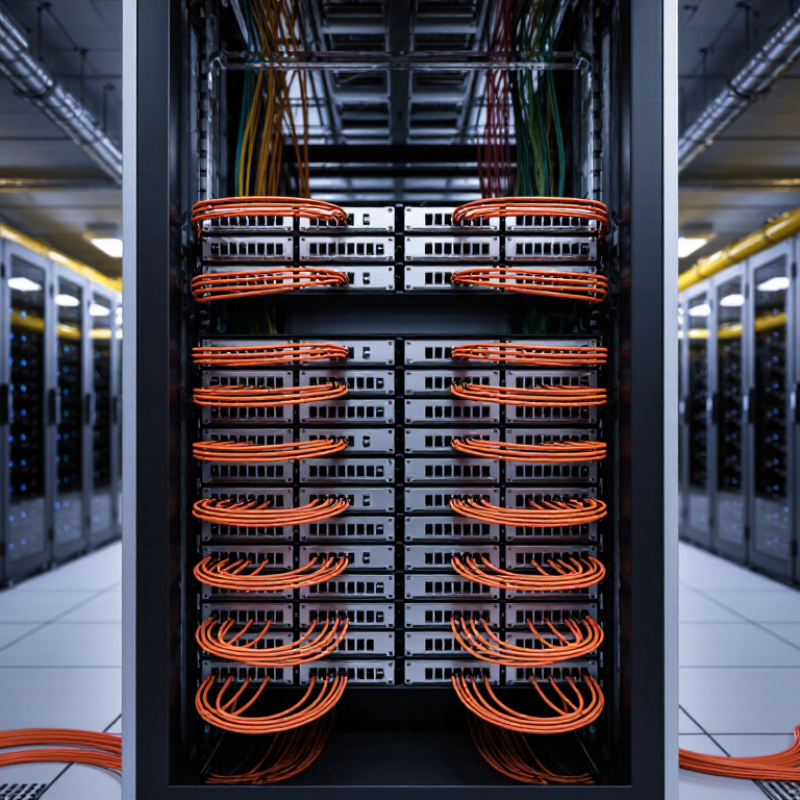
Understand the 400G QSFP-DD AOC Cable and Its Key Features
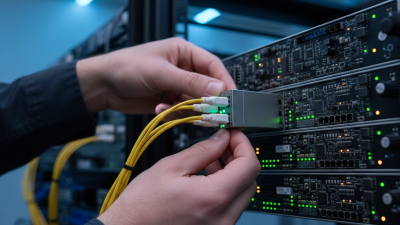
A 400G QSFP-DD AOC cable is an active optical cable with QSFP-DD connectors built into both ends. It converts electrical signals into light inside the cable assemblies, carrying data between compatible switches, servers, or other network equipment. Unlike a separate transceiver-and-fiber setup, it arrives as one connected unit. That can simplify installation in a dense rack.
Check the label. Confirm the equipment supports QSFP-DD and the cable’s stated data rate, length, and optical specifications. Reach varies by cable design, so do not assume every 400G AOC supports the same distance. Look at the route between ports, too: tight bends, blocked airflow, and cable strain can complicate an otherwise suitable link. Heat matters. Check power and thermal limits in the equipment documentation, especially when several high-speed connections sit close together. AOC cables are often lighter and easier to route than copper alternatives over comparable distances, but they cannot be unplugged into separate optical modules. A small caveat: the tidiest cable plan on paper may not fit a crowded rack. Measure the path and leave room for service access before ordering.
Check Port Compatibility and Supported Network Standards
A 400G QSFP-DD AOC is compatible only when the switch port and cable agree on form factor, speed, and signaling. Check the device datasheet for QSFP-DD support and the exact 400GbE mode; a matching connector alone proves little. Check both ends. Some links use breakout configurations, while others require a single 400GbE port. Confirm the host’s lane mapping, forward error correction settings, and supported cable length before ordering.
IEEE 802.3bs defines 400GbE operation at an aggregate 400 Gb/s. The Ethernet Alliance’s 2024 Ethernet Roadmap places 400GbE within a wider progression that includes 800GbE and 1.6TbE, so a port labeled “400G” still needs mode-level verification. Compare the switch’s supported standards with the AOC’s stated protocol and reach, then confirm both endpoints accept the same configuration. A 100-meter reach listed for one cable should not be assumed for another. This detail is easy to miss. Compatibility lists can also lag behind firmware updates, so verify the installed software version with the equipment documentation. I would treat an unlisted combination as unconfirmed, not automatically compatible.
How to Choose a 400G QSFP DD AOC Cable - Check Port Compatibility and Supported Network Standards
| Selection Dimension |
What to Check |
Typical 400G QSFP-DD AOC Details |
| Host port and form factor |
Confirm that both devices have QSFP-DD ports and support the cable’s 400G operating mode. |
QSFP-DD describes the module form factor; it does not by itself guarantee host-device compatibility. Check the equipment compatibility list and port configuration. |
| Network standard |
Match the supported Ethernet standard at both ends. |
A common multimode 400G interface is 400GBASE-SR8, specified in IEEE 802.3cm. AOC product implementations and supported link modes can vary; verify the cable datasheet. |
| Data rate and lane configuration |
Check the aggregate link rate and the number and speed of lanes supported by the host. |
A 400GBASE-SR8 link uses eight optical lanes in each direction, with a nominal 53.125 Gb/s signaling rate per lane using PAM4. |
| Fiber type and reach |
Ensure the cable length is within the supported reach for the relevant standard and fiber type. |
For 400GBASE-SR8, the specified reach is up to 70 m over OM3 or 100 m over OM4 multimode fiber. The AOC’s stated maximum length may be shorter; use its datasheet as the limit. |
| Cable ends and connection |
Check whether the assembly connects directly to the QSFP-DD ports or requires separate optical patching. |
An AOC has permanently attached transceiver ends and integrated fiber, so it normally plugs directly into the two host ports. It does not present separate fiber connectors for patch-panel connections. |
| Breakout operation |
If connecting to multiple lower-speed ports, confirm that both the AOC and host support the exact breakout mode. |
A standard 400G-to-400G AOC does not automatically provide breakout. 2 × 200G or 4 × 100G operation requires a specifically designed cable and compatible port configuration. |
| FEC and link settings |
Check forward error correction (FEC) requirements and the host’s supported settings. |
Use the FEC mode required by the selected Ethernet interface and AOC implementation. Mismatched host settings can prevent the link from coming up. |
| Power, cooling, and clearance |
Check the cable’s maximum power and temperature specifications against the host port’s limits. |
Confirm that the port can power the AOC and that airflow, operating temperature, and cable bend radius meet the product specifications. |
| Management and recognition |
Verify module recognition and required monitoring or management support. |
QSFP-DD devices commonly use digital management interfaces, but supported management features and host acceptance vary. Check the AOC and equipment documentation. |
Choose the Cable Length and Fiber Configuration
Choose a 400G QSFP-DD AOC Cable: Cable Length and Fiber Configuration
Measure the real route between switches, including vertical rack paths and service loops. A cable that is too short strains ports; excess length crowds trays and blocks airflow.
Synergy Research Group reported more than 1,100 hyperscale data centers worldwide in its 2024 tracker, reflecting the scale of today’s high-bandwidth infrastructure. In dense racks, even a few extra meters can complicate cable management. Select the shortest standard length that still allows safe routing and maintenance access.
Fiber Configuration
Fiber configuration matters just as much. QSFP-DD AOCs have fixed optical assemblies, so confirm the required reach, connector type, and lane mapping before ordering. Many 400G parallel-optics designs use separate transmit and receive fiber paths; exact fiber counts and connector arrangements vary by implementation. Match the cable to both endpoint specifications, not just the port label.
I still recheck the pinout. It is easy to overlook.
Tips: Measure along the intended tray route, not in a straight line. Check whether the link needs multimode or single-mode fiber, then verify compatibility at both ends. Leave a gentle service loop, but avoid tight bends and bundled slack. A quick fit check saves rework.
Compare Performance, Power, and Environmental Requirements
A 400G QSFP-DD AOC should match the link’s actual distance and port requirements, not just its headline speed. Check that both switches support the cable’s interface and that its specified length reaches between ports without excess slack. AOC assemblies have fixed optical ends, so they can simplify dense racks, but they are less flexible than separate transceivers and fiber. Measure twice. Review the manufacturer’s power figures and operating limits for the exact cable length; do not assume every 400G model draws the same amount.
Power adds up across a rack. Compare the cable’s maximum consumption with the port budget, then consider airflow around neighboring equipment. A tightly packed row can trap warm air near the cage, even when the room feels cool. Check the stated operating-temperature range and minimum bend radius, and route the cable away from sharp edges and hot exhaust. I still leave more slack than looks necessary during installation; it makes later service easier, though too much slack can obstruct airflow. Small details matter. Before ordering, confirm the required length, connector orientation, and environmental limits against the actual rack layout.
Verify Vendor Support, Testing, and Warranty Terms
For a 400G QSFP-DD AOC, verify support for the exact switch, port, firmware, and cable length. Request a written compatibility list, not a general “400G-ready” claim. Ask for test records showing bit-error-rate results at 400G, operating-temperature checks, and the tested cable length. Serial or lot traceability matters when a link fails months later. A quick plug-in check is not enough. The 2024 Uptime Institute outage analysis reported that 54% of surveyed organizations’ most recent significant outages cost more than $100,000. That figure is not cable-specific, but it shows why a failed link deserves serious qualification.
Read warranty terms before purchase. Confirm the coverage period, what counts as a defect, RMA response time, and whether replacement shipping is included. Ask who handles troubleshooting outside business hours. Also check whether the warranty remains valid after a host firmware update. Small detail. Big difference. A datasheet may list temperature and reach, yet omit how the unit was tested or what happens after failure. I would treat missing test conditions as an unresolved risk, not assume the supplier follows a familiar procedure. Ask for the report and keep it with the deployment record.

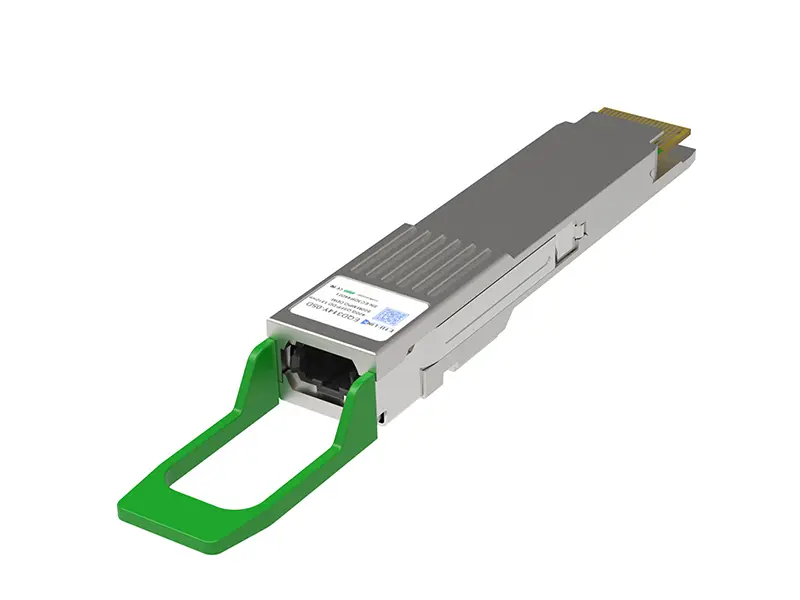 400G
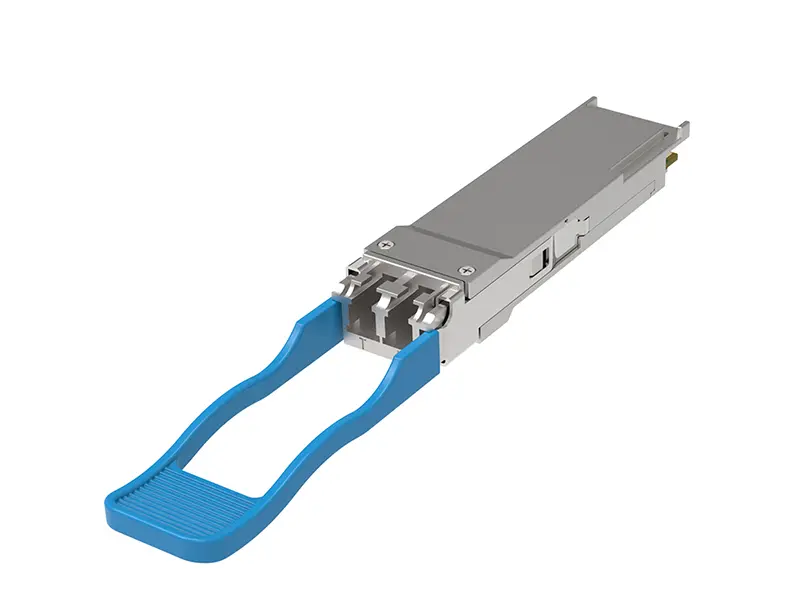 200G
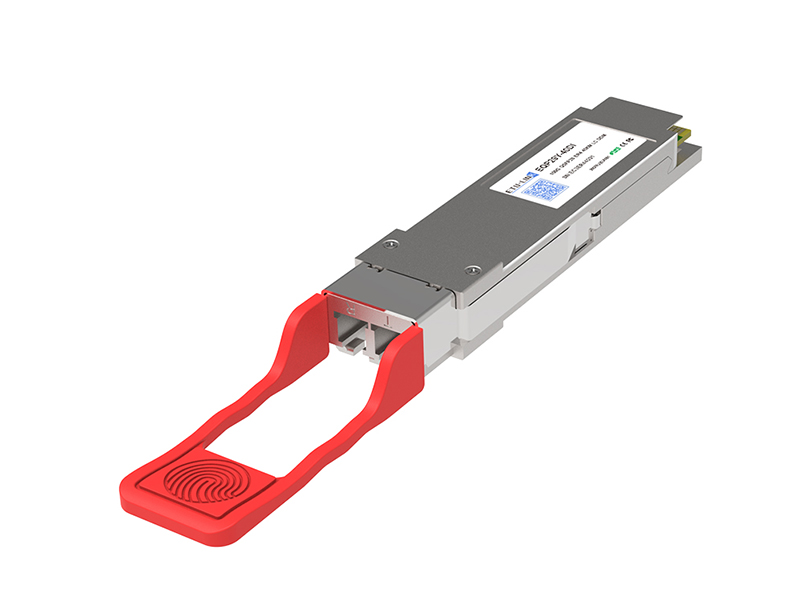 100G
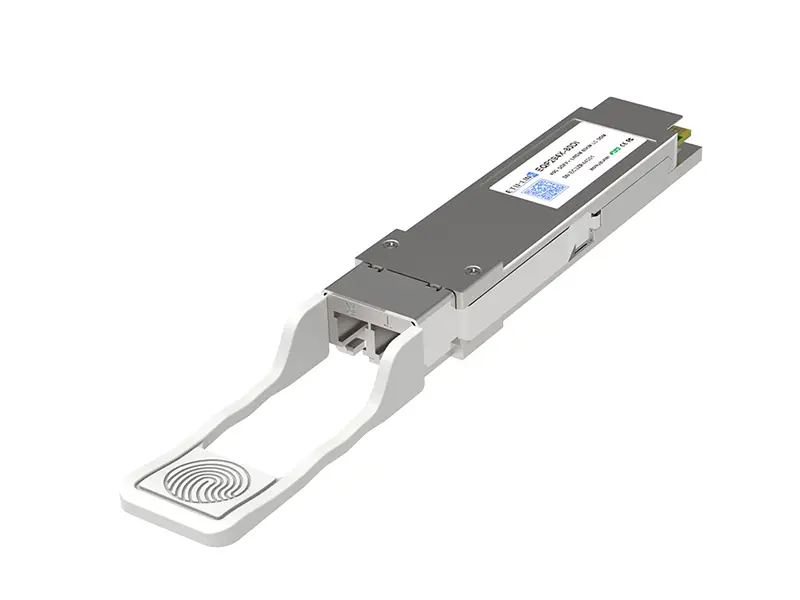 40G
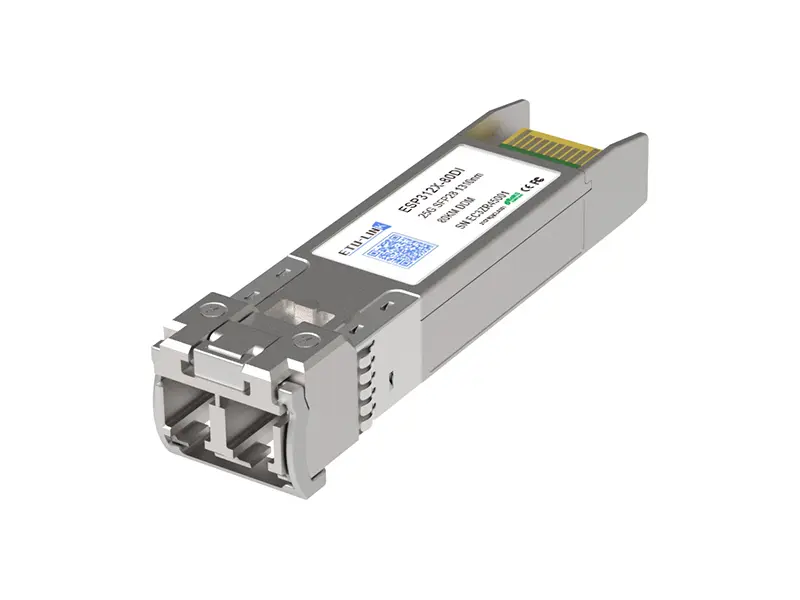 25G
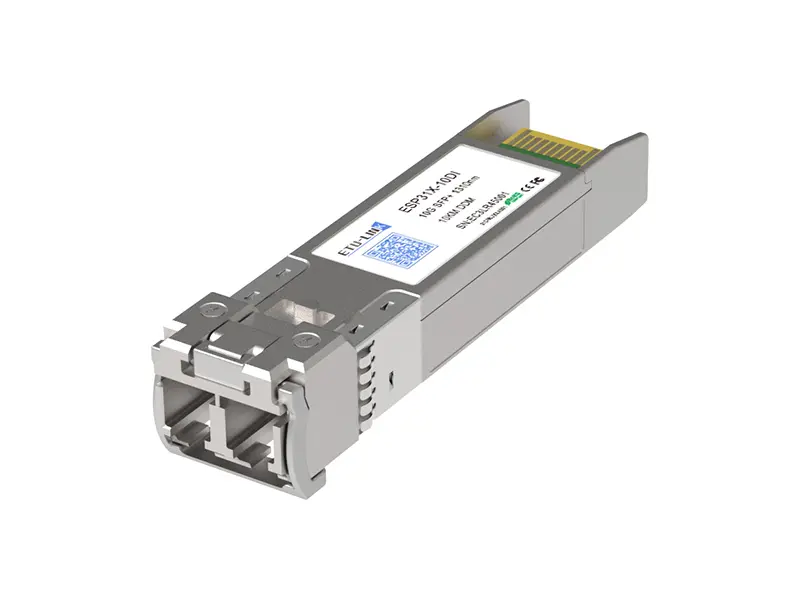 10G
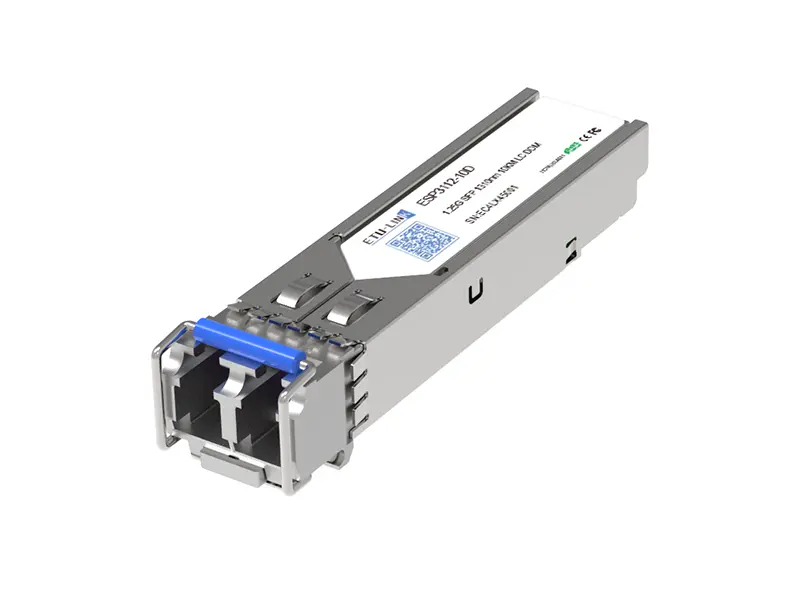 1G
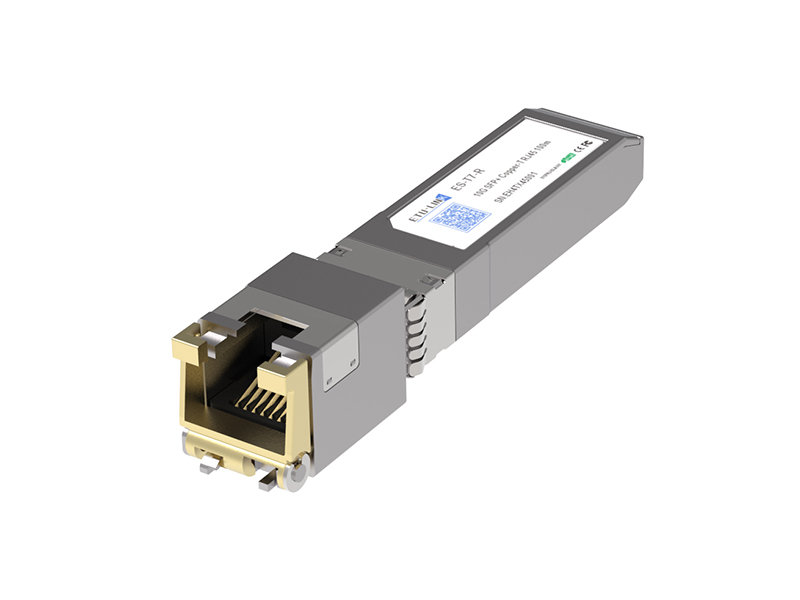 COPPER-T
 Other
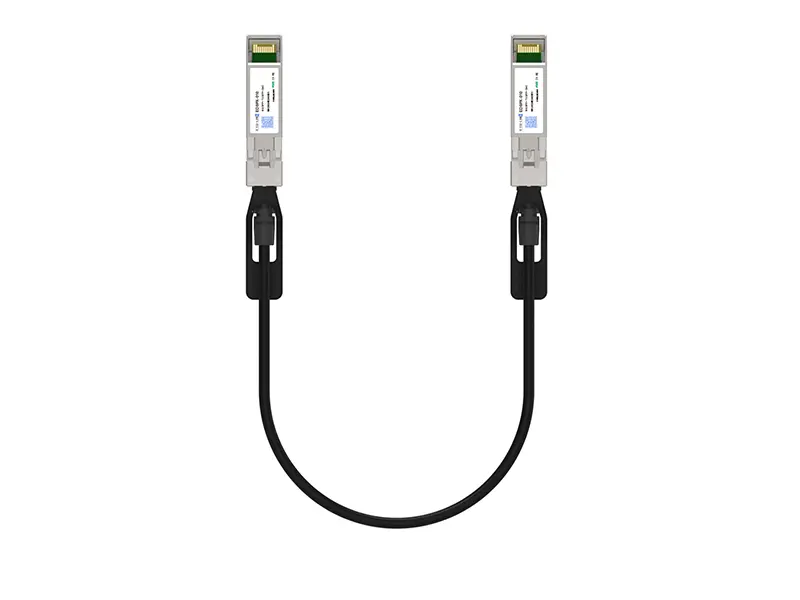 10G SFP+ DAC
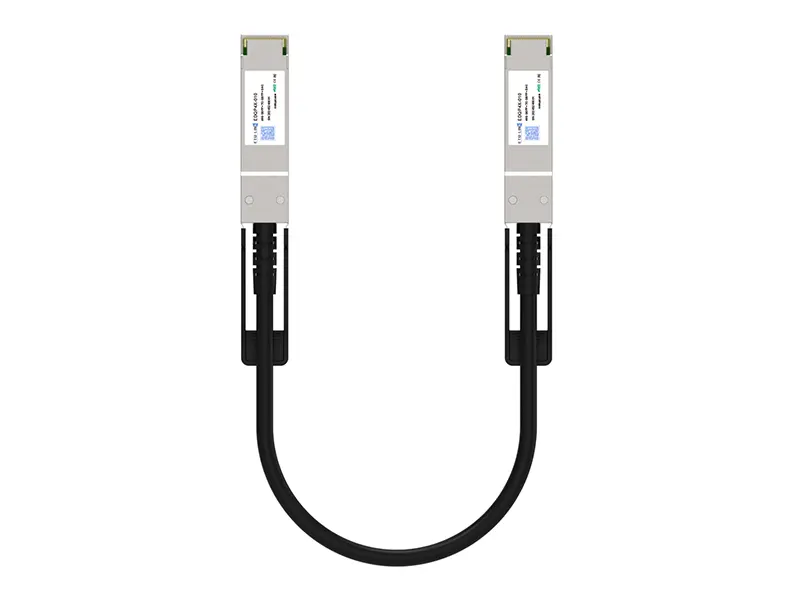 40G QSFP+ DAC
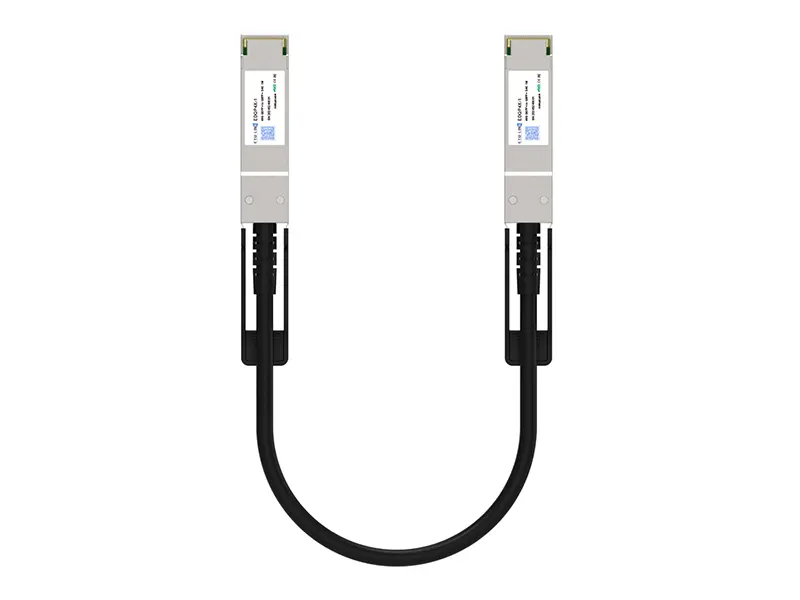 56G QSFP+ DAC
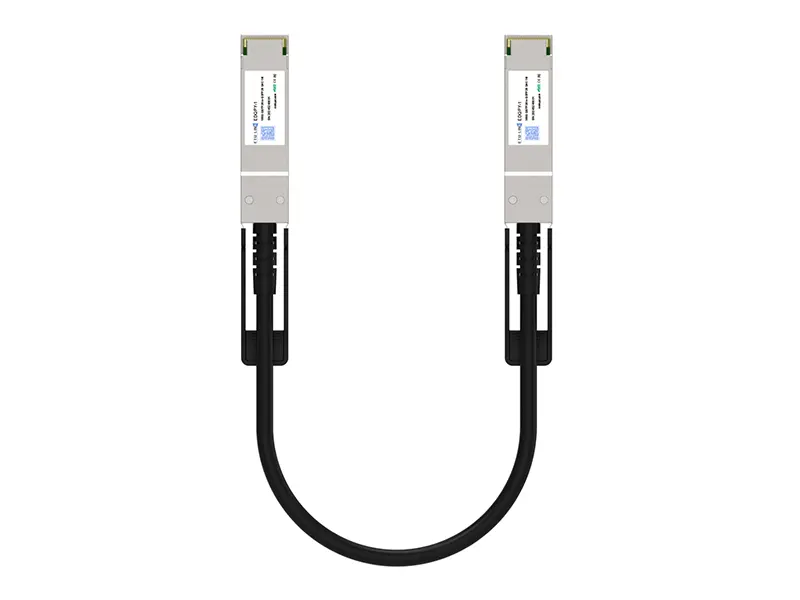 100G QSFP28 DAC
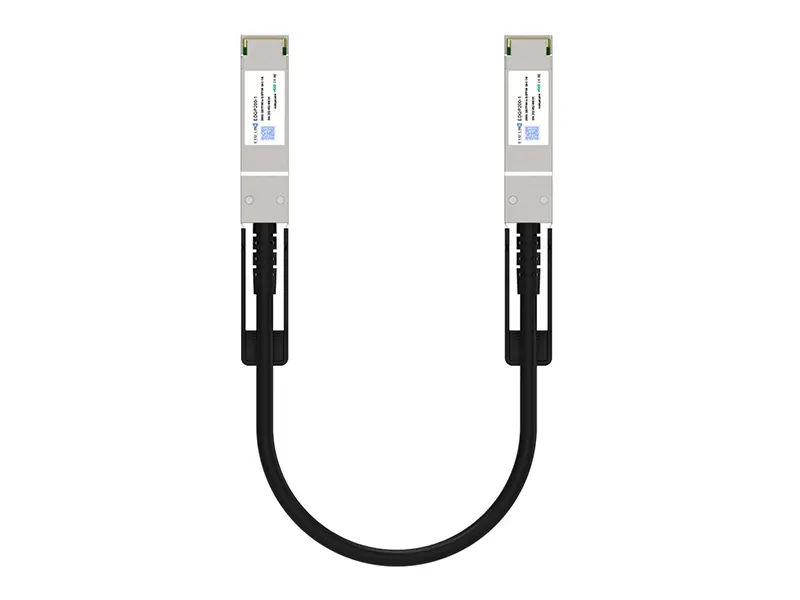 200G QSFP56 DD DAC
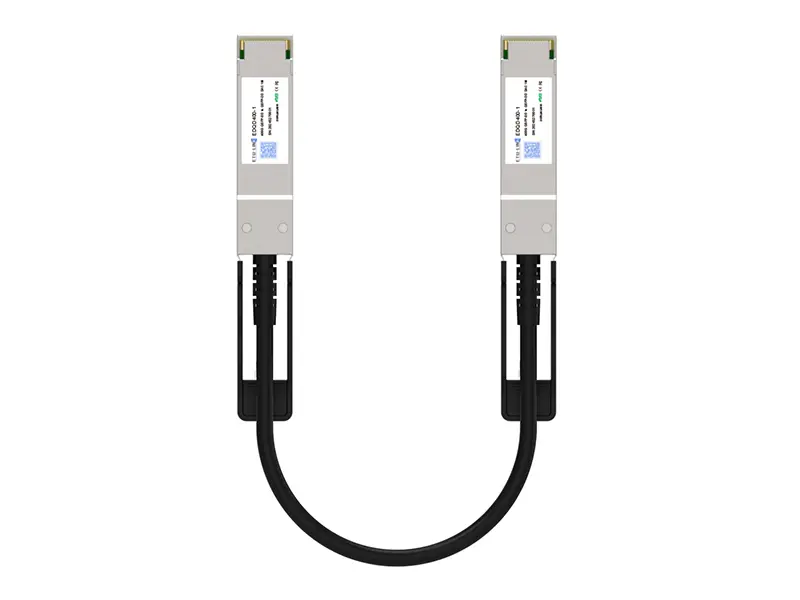 400G QSFP DD DAC
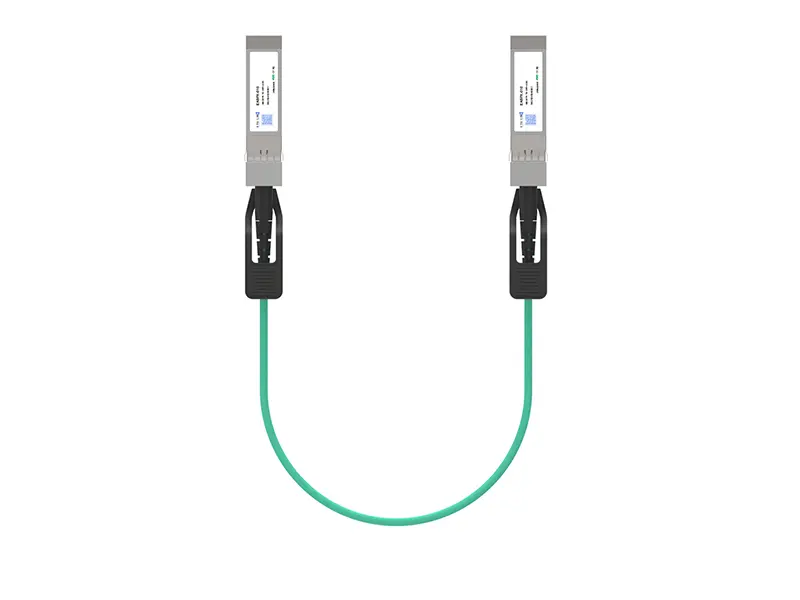 10G SFP+ AOC
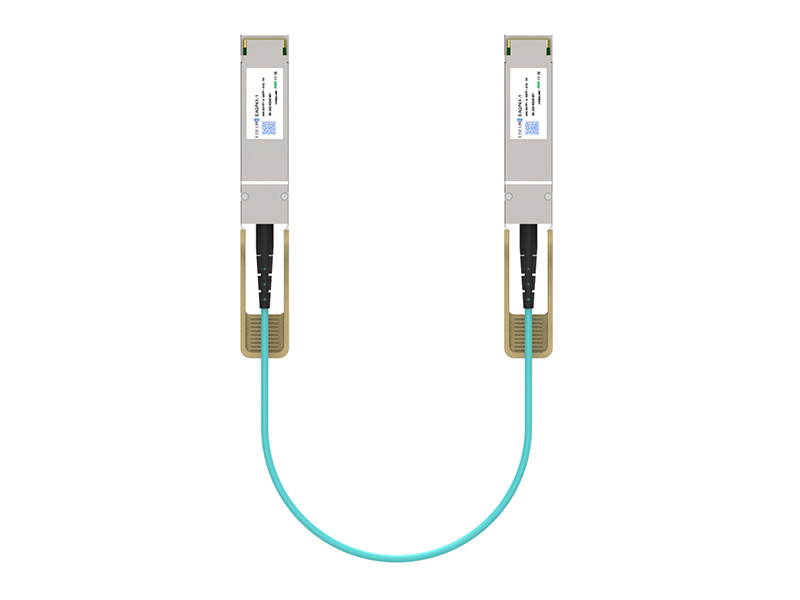 40G QSFP+ AOC
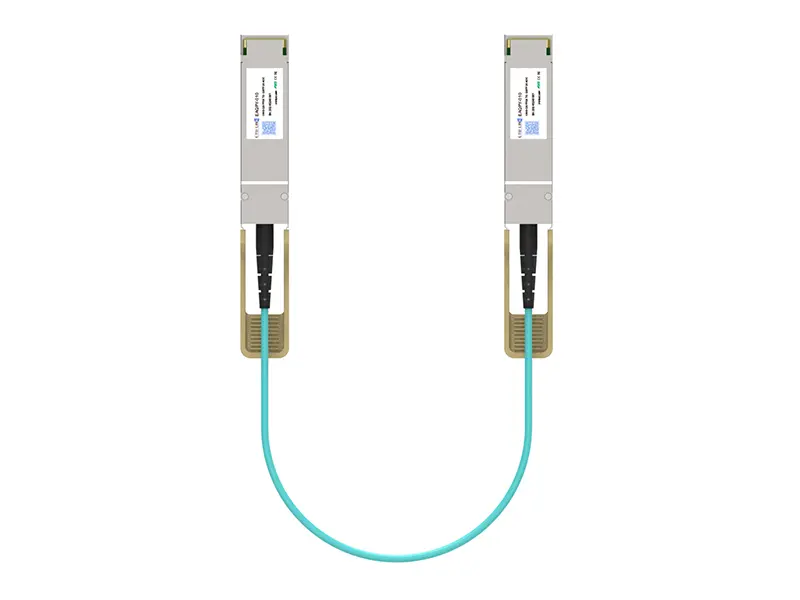 100G QSFP28 AOC
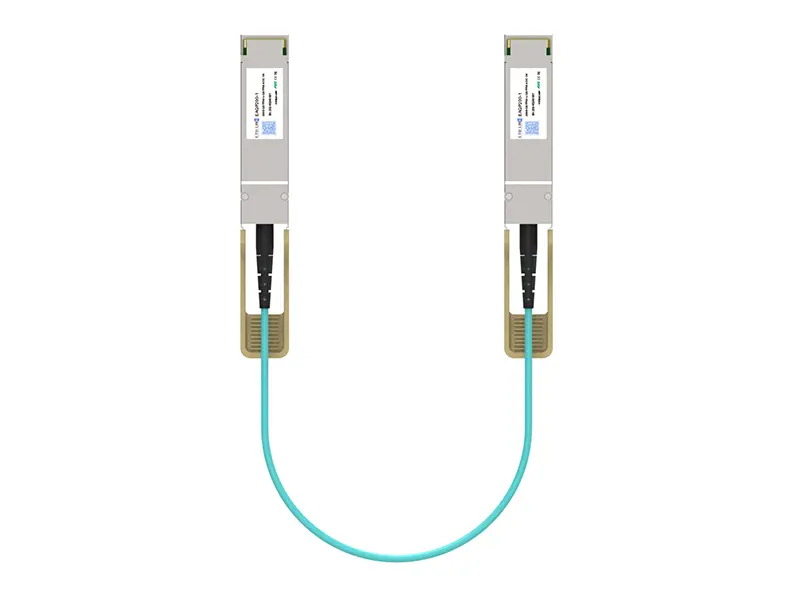 200G QSFP56 AOC
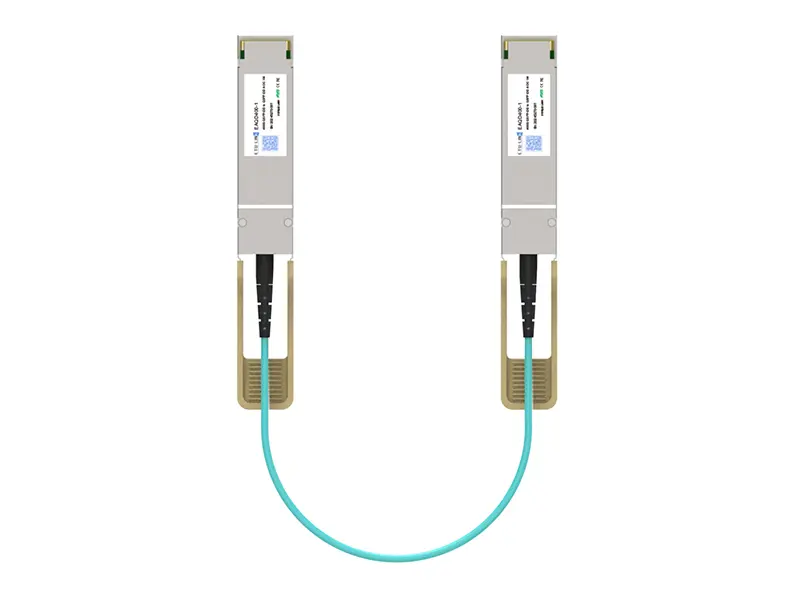 400G QSFP-DD AOC
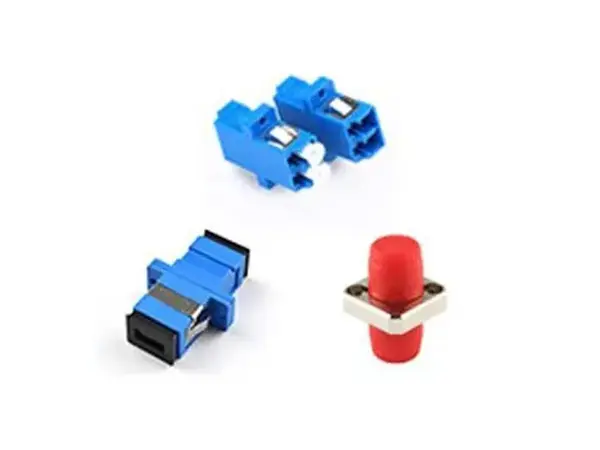 Adapter Details
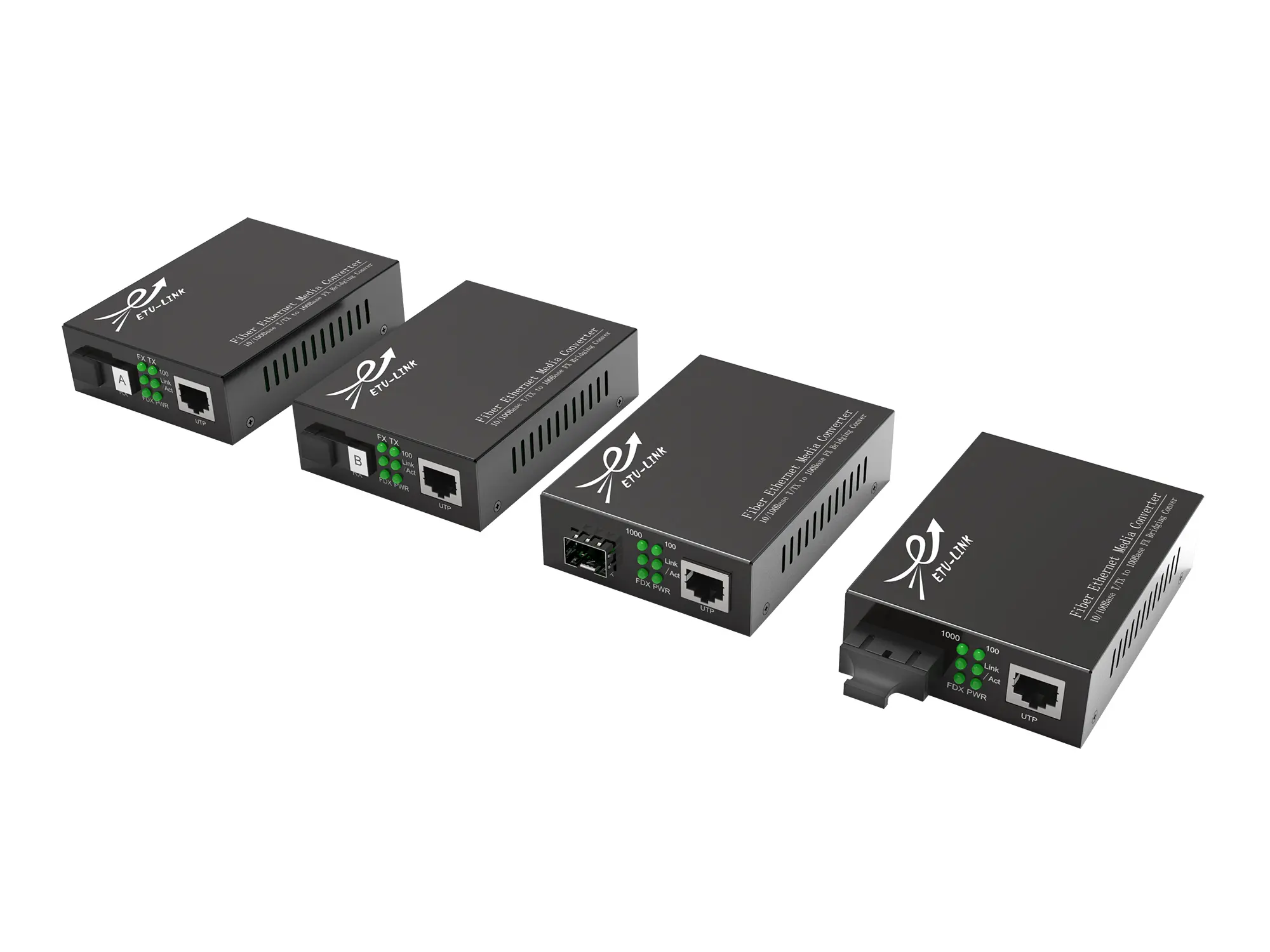 Media Converter