Leave Your Message

How to Choose a 40G QSFP+ Active Optical Cable

Choosing a 40G QSFP+ Active Optical Cable is not just a matter of matching port speeds. Cable length, switch compatibility, airflow, and the route between racks all affect the result. A cable that fits the link budget may still create headaches if its module coding is unsupported. Small details matter.

Demand for fast connections has grown alongside data-center traffic. Cisco’s Annual Internet Report, covering 2018–2023, forecast 29.3 billion networked devices and connections by 2023. That forecast is not a direct measure of data-center links, but it helps explain why operators need reliable, high-capacity connections. For the technical baseline, IEEE 802.3ba specifies 40 Gigabit Ethernet, while the QSFP+ form factor supports four 10 Gb/s lanes. Check the equipment documentation, too. Standards alone do not guarantee every vendor combination will work.

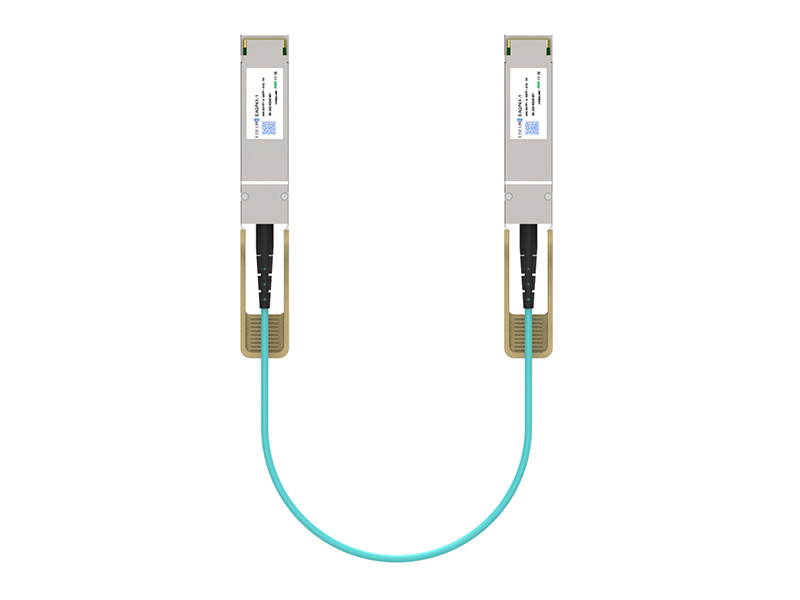
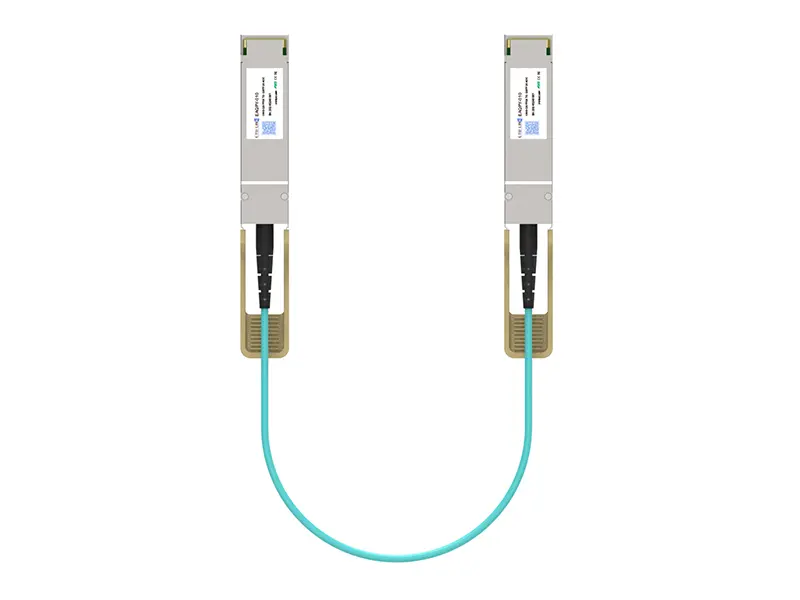
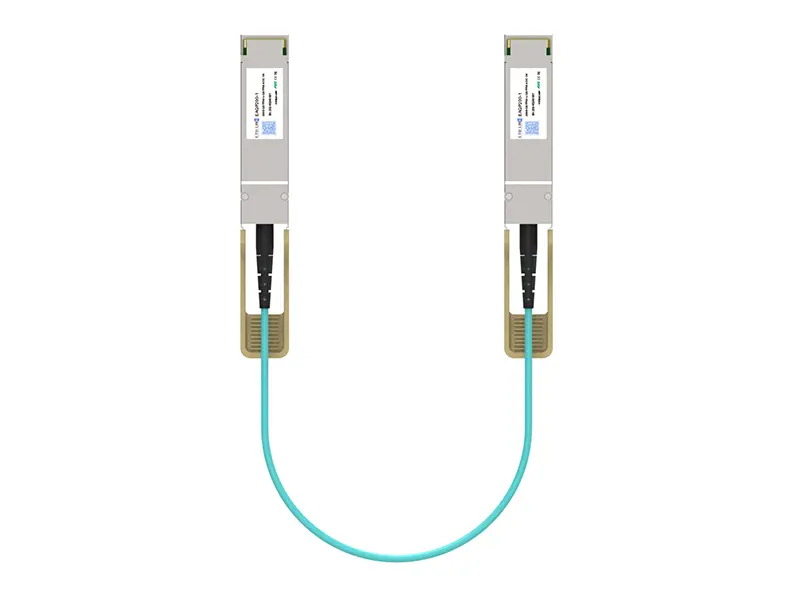
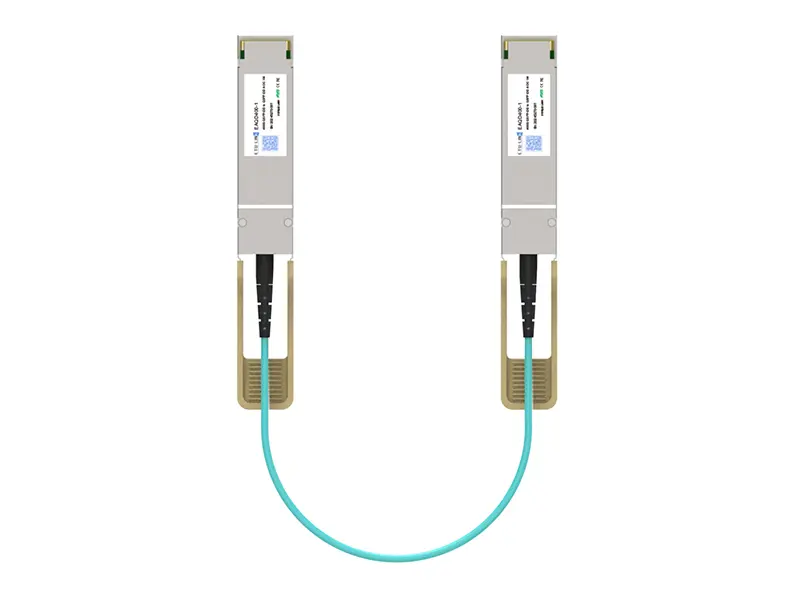
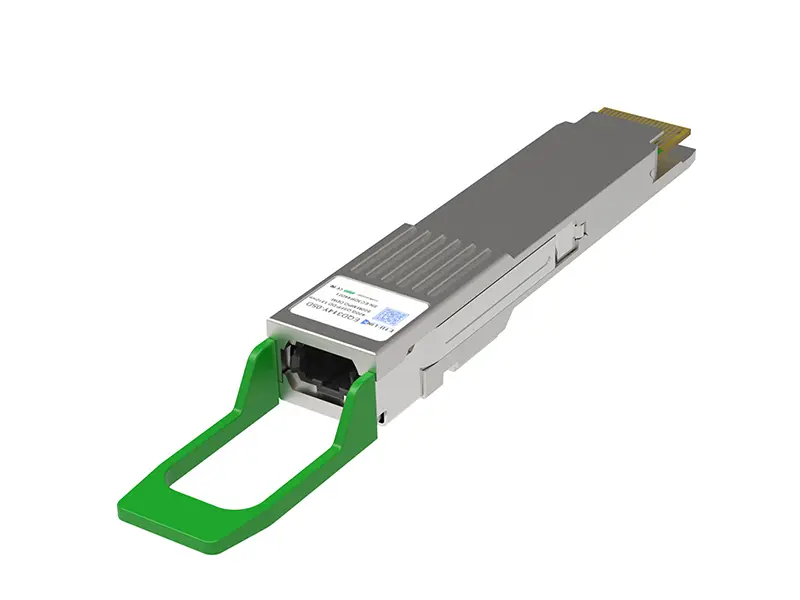
An active optical cable can be a practical choice for rack-to-rack links. It uses optical signaling and typically arrives with transceivers attached, reducing separate component choices. Yet “plug and play” is not always plug and play. Before buying, compare the cable’s supported reach, connector type, power requirements, and compatibility list with the exact switch models. Look closely at the planned route: a cable that is too short can strain connectors, while excess length can clutter a rack. This guide explains how to weigh those details, assess credible specifications, and avoid choosing on price alone. There is no perfect cable for every layout. The right choice is the one your equipment supports and your installation can maintain.
How to Choose a 40G QSFP+ Active Optical Cable

Define the Network Requirements for a 40G QSFP+ AOC

How to Choose a 40G QSFP+ Active Optical Cable

Define the Network Requirements for a 40G QSFP+ AOC

Start with the endpoints. Confirm that both switches or network devices have QSFP+ ports and support a 40G AOC. Check whether the link needs QSFP+ connectors at both ends or a breakout connection to four 10G ports. That detail changes the cable type. A connector that fits is not proof of compatibility.

Measure the actual cable route, not just the distance between racks. Include overhead trays, cabinet turns, and enough slack for service. Compare that length with the cable’s specified reach. Also check port power limits, airflow, and the operating temperature around each device. A long route can look simple on a floor plan, then become awkward around a crowded rack. Planning can still miss things.


Check Switch and Port Compatibility

Check the exact switch model and port before choosing a 40G QSFP+ active optical cable. A QSFP+ socket does not guarantee support for every cable. Confirm that the switch accepts active optical cables, supports 40GbE on that port, and recognizes the cable’s identification data. Also check whether the port is configured for a single 40G link or can split into four 10G links. Easy to miss. A breakout setting will not match a standard 40G connection. Check the switch’s compatibility guide and firmware notes, then verify the cable length and connector type against the installation plan.

Use published reach figures as a reference, not as a promise about every AOC. IEEE 802.3ba specifies up to 100 metres for 40GBASE-SR4 over OM3 fiber and 150 metres over OM4; the Ethernet Alliance’s Ethernet Roadmap also documents Ethernet speed and reach options. An AOC has permanently attached optical ends, so its stated reach depends on the cable assembly and host support. I still check the port documentation twice; compatibility tables can be easy to misread. Before deployment, test one cable on the intended switch port and confirm that link status, speed, and error counters look normal.

Choose the Cable Length and Connector Configuration

Choose cable length from the measured route, not the gap between rack fronts. Include vertical cable-management paths, overhead trays, and a small service loop at each end. A 3-meter route may need a 5-meter cable; excess cable, however, can obstruct airflow or snag during maintenance. Measure the actual path before ordering. QSFP+ AOCs have fixed optical ends, so confirm that both devices accept QSFP+ modules and that the cable reaches without tension. IEEE 802.3ba specifies 40GBASE-SR4 distances of 100 meters on OM3 and 150 meters on OM4 fiber; these figures describe standards-based links, not a guarantee for every AOC. Check the cable’s own rated reach.

Connector configuration matters just as much. A QSFP+–to–QSFP+ AOC suits a direct 40GbE link between compatible ports. A QSFP+–to–4×SFP+ breakout instead connects one QSFP+ port to four 10GbE ports, when the switch supports that mode. The Ethernet Alliance’s 2024 Ethernet Roadmap tracks the industry’s move toward higher port speeds, but existing 40G equipment still requires exact port and breakout compatibility. I’ve seen this detail overlooked: matching the connector shape alone does not confirm support. Verify port mode, coding, and device compatibility with the equipment documentation.

Tips: Leave gentle slack, never a tight coil. Label both ends before installation. If the path may change, a little extra length helps—but too much becomes a nuisance.

Compare Optical, Power, and Environmental Specifications

How to Choose a 40G QSFP+ Active Optical Cable
Compare Optical, Power, and Environmental Specifications

A 40G QSFP+ active optical cable carries data over optical fiber, with active components built into its ends. Check the supported link length against the actual route, including cabinet turns and slack. Many 40G designs use four 10G lanes, but confirm the cable and host ports support the same interface. A neat specification sheet can still hide a poor fit. I would not choose the longest reach automatically; extra reach may add cost without helping a short rack connection.

Compare power draw and operating temperature in the cable’s datasheet. Power use can affect thermal load, especially when many ports run together. Check the stated temperature range against the equipment’s location, not just the room thermostat. Also verify connector compatibility and device support at both ends. Check both ends. AOC assemblies are generally fixed-length units, so damaged cable sections are not replaced like separate patch cords. One detail I might overlook is routing: tight bends or pressure behind a rack can strain the assembly.

Tips: Measure the installed path before ordering, and leave room for gentle bends. Confirm the vendor’s compatibility list and temperature limits. If specifications conflict or seem incomplete, ask for clarification rather than relying on a similar-looking cable’s rating. Small details matter.

How to Choose a 40G QSFP+ Active Optical Cable — Compare Optical, Power, and Environmental Specifications
Specification Short Reach
1–10 m
Medium Reach
15–50 m
Long Reach
60–100 m
Typical use Top-of-rack links and equipment in the same rack or adjacent racks. Links between racks or across a data-hall row. Longer data-hall links where a passive copper cable is impractical.
Data rate and lanes 40 Gigabit Ethernet class; four transmit and four receive lanes, each operating at 10.3125 Gb/s line rate.
Optical wavelength Typically 850 nm VCSEL-based multimode optics at each end.
Fiber construction Multimode optical fibers are integrated into the cable assembly; the fiber type and supported reach depend on the cable design.
Reach selection Choose when the required path is within the assembly’s stated short-reach limit. Choose when the cable route exceeds short-reach options but remains within the assembly’s rated distance. Choose only when the exact cable length is explicitly rated for the link. Some AOCs are offered up to 100 m; availability varies.
Connector format QSFP+ transceiver-style plug at both ends; the optical fibers are permanently attached, so there are no separate field optical connectors.
Power consumption Commonly below about 1.5 W per end, but actual consumption and maximum power depend on the specific assembly. Check the device’s per-port power budget.
Operating temperature Commercial-temperature products commonly specify 0°C to 70°C at the module case. Confirm the rated range for the selected cable.
Storage temperature A commonly specified commercial range is −40°C to 85°C; verify the product specification before storage or shipment.
Cable handling Observe the manufacturer’s minimum bend radius and avoid pulling, crushing, or sharply bending the cable. These limits vary by cable construction.
Selection note Values above describe common 40G QSFP+ AOC characteristics, not a guarantee for every assembly. Confirm length, interoperability, power, temperature range, and link compatibility against the specific product datasheet and host equipment requirements.

Verify Vendor Quality and Test the Link Before Deployment

How to Choose a 40G QSFP+ Active Optical Cable

Verify Vendor Quality and Test the Link Before Deployment

A 40G QSFP+ active optical cable can pass a basic light check and still fail under sustained traffic. Ask the supplier for documented production tests, operating-temperature limits, and cable-length tolerances. Review the exact part number and firmware details, too. Small omissions matter. IEEE 802.3ba-2010 defines 40 Gb/s Ethernet, but compliance with the standard does not certify every cable’s interoperability. The Ethernet Alliance’s 2024 Ethernet Roadmap also tracks 40GbE within the broader Ethernet ecosystem; that context is useful, but it cannot replace testing your specific link.

Before installation, inspect both QSFP+ ends for dust, bent housings, or loose strain relief. Connect the cable to the intended switch ports, then check module recognition, link status, and reported temperature. Run traffic in both directions while monitoring errors and packet loss. A short test is better than none, but it may miss heat-related faults. For a longer cable run, test the actual installed length and routing; tight bends behind a rack can create stress that a bench test never sees. Keep the results with the cable’s serial number and deployment location. I would not treat a clean first test as proof of lifetime reliability. It is only a useful baseline.