How to Choose the Best Copper RJ45 Cable for Your Needs?
Choosing the best Copper RJ45 cable starts with the network’s real demands, not the label on the box. A short office link, a noisy factory floor, and a data-centre rack require different priorities. Category rating, conductor material, shielding, bend radius, and Power over Ethernet performance all matter. So does installation quality.
The Telecommunications Industry Association’s ANSI/TIA-568.2-D standard defines balanced twisted-pair performance requirements for modern structured cabling. Meanwhile, IEEE 802.3bt supports four-pair Power over Ethernet, with higher power levels that can increase heat inside crowded cable bundles. That detail is easy to overlook. A cable may pass data tests but still perform poorly under sustained PoE loads.
Market research also reflects strong demand. Grand View Research reports continued growth in the global structured cabling market, driven by data centres, cloud services, and enterprise upgrades. These figures show momentum, not a reason to buy the most expensive cable. Specifications must match the installation.
As John Siemon, industry expert and president of The Siemon Company, has said, “Copper is not going away.” His point remains practical: copper still provides dependable, economical connections for many horizontal links and edge devices. However, this statement should not become an excuse for ignoring fibre, distance, or bandwidth limits.
A reliable choice begins with evidence. Check the required transmission speed, channel length, PoE class, environmental conditions, and certification documents. Look for solid copper conductors, not copper-clad aluminium, when permanent performance matters. I initially underestimated connector quality; field failures often begin at poorly terminated plugs, not inside the cable. The best Copper RJ45 solution is therefore the one that survives testing, heat, movement, and tomorrow’s upgrade plan.
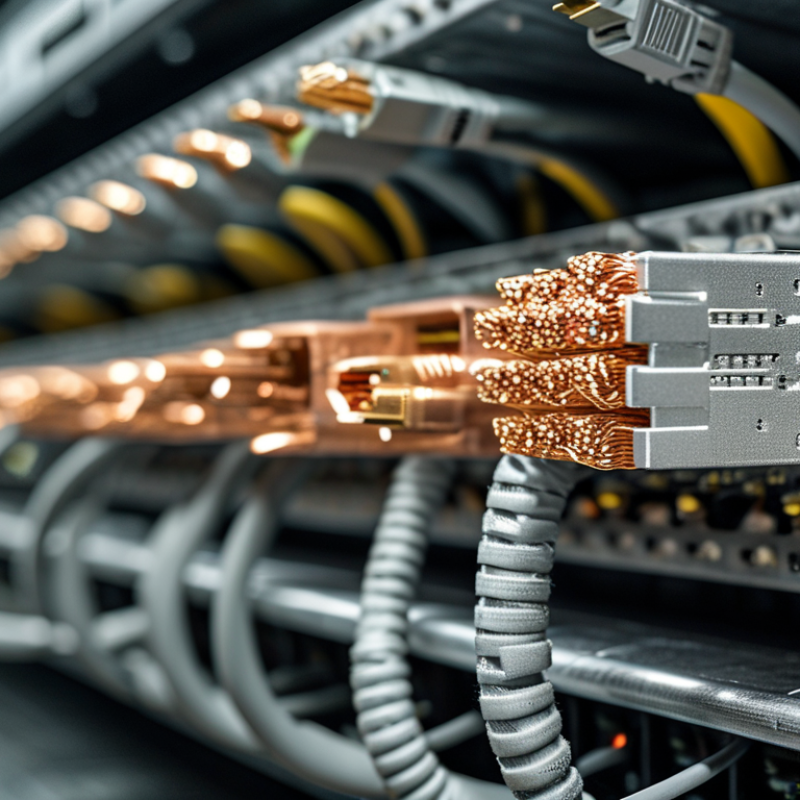
Define Copper RJ45 Cable Categories: Cat5e 1 Gb/s, Cat6 10 Gb/s, and Cat8 25/40 Gb/s
Choosing a copper RJ45 cable starts with distance, speed, and installation conditions. Cat5e supports 1 Gb/s over channels up to 100 meters under TIA-568.2-D guidance. It remains practical for offices, cameras, and ordinary network outlets. Cat6 can carry 10 Gb/s, but typically only to 55 meters. Beyond that distance, performance depends heavily on cable quality and surrounding interference.
Distance changes the decision.
Cat8 supports 25 Gb/s and 40 Gb/s Ethernet over short links, generally up to 30 meters. IEEE 802.3bq defines 25GBASE-T and 40GBASE-T for this high-bandwidth class. ISO/IEC 11801 also places Cat8 in data-center environments, where short rack connections are common. Its heavier shielding and thicker construction can make routing difficult inside crowded conduits.
In real installations, I check the connector quality, bend radius, and termination before trusting the printed category. A Cat6 cable with poor termination may perform worse than a carefully installed Cat5e link. Fluke Networks field-testing guidance emphasizes channel testing, not visual inspection alone. That point is often missed. The label does not prove the link works. I would choose Cat8 for short, demanding server connections, Cat6 for future-ready building links, and Cat5e where 1 Gb/s is sufficient. My earlier preference for the highest category was too simple; distance and workmanship matter more than impressive numbers.
How to Choose the Best Copper RJ45 Cable for Your Needs? - Define Copper RJ45 Cable Categories: Cat5e 1 Gb/s, Cat6 10 Gb/s, and Cat8 25/40 Gb/s
| Cable Category |
Typical Ethernet Speed |
Maximum Frequency |
Recommended Permanent Link / Channel Distance |
Conductor and Construction |
Typical Applications |
Key Selection Consideration |
| Cat5e |
1 Gb/s up to 100 m for 1000BASE-T |
100 MHz |
Up to 90 m permanent link and up to 100 m total channel, including patch cords |
Usually 24 AWG to 26 AWG twisted-pair copper conductors; available in unshielded or shielded designs |
Home networks, office connections, IP phones, standard wireless access points, and general gigabit Ethernet |
Choose Cat5e when the network operates at 1 Gb/s and the installation budget or existing infrastructure is the main concern. |
| Cat6 |
1 Gb/s up to 100 m; 10 Gb/s typically up to 55 m |
250 MHz |
Up to 90 m permanent link and up to 100 m total channel for standard Ethernet applications; 10 Gb/s distance depends on installation conditions |
Often uses larger 22 AWG to 24 AWG conductors and may include a central separator to reduce pair-to-pair crosstalk |
New office cabling, data centers, high-speed workstations, video distribution, and multi-gigabit access points |
Choose Cat6 for improved crosstalk performance and additional capacity. For 10 Gb/s, confirm the required cable length and channel performance. |
| Cat6A |
10 Gb/s up to 100 m |
500 MHz |
Up to 90 m permanent link and up to 100 m total channel |
Typically 22 AWG to 24 AWG conductors; commonly includes improved pair separation and may be shielded or unshielded |
Enterprise networks, high-density wireless access points, server rooms, and installations requiring full-distance 10 Gb/s |
Consider Cat6A when 10 Gb/s must be supported across the full 100 m channel or when long-term network expansion is expected. |
| Cat8 |
25 Gb/s or 40 Gb/s over short channels |
2000 MHz |
Up to 24 m permanent link and up to 30 m total channel, depending on the network application and installation |
Shielded balanced twisted-pair construction is normally used to control electromagnetic interference at very high frequencies |
Short data-center switch-to-server links, high-performance server rooms, and specialized 25GBASE-T or 40GBASE-T environments |
Choose Cat8 only when the equipment requires 25 Gb/s or 40 Gb/s over copper and the short channel limit, grounding, and installation requirements can be met. |
Note: Actual performance depends on the Ethernet standard, cable length, connector quality, patch panels, installation practices, electromagnetic interference, and compliance with the applicable cabling requirements. All listed categories use RJ45-compatible 8P8C-style connections for common twisted-pair Ethernet systems.
Match Cable Bandwidth to Standards: 100 MHz, 250 MHz, 500 MHz, or 2,000 MHz
Choosing a copper RJ45 cable starts with the network standard, not the package label. ANSI/TIA-568.2-D maps Category 5e to 100 MHz, Category 6 to 250 MHz, and Category 6A to 500 MHz. These figures describe tested bandwidth, not guaranteed internet speed. A 100 MHz Cat5e link can support 1 Gb/s across a 100 m channel when installation quality is sound. Keep it practical.
For 10GBASE-T, IEEE 802.3an specifies operation across up to 100 m using suitable balanced copper. In practice, 500 MHz Cat6A provides stronger margin against alien crosstalk and dense patch-panel noise. Cat6 may carry 10 Gb/s over shorter distances, but results depend on length, connectors, bend radius, and interference. I once saw a new link fail certification after tight bends compressed its separator. The cable was not the only problem.
The 2,000 MHz option belongs to Category 8. IEEE 802.3bq defines 25GBASE-T and 40GBASE-T for channels up to 30 m. This makes Cat8 useful inside compact data-center racks, not automatically better for offices. Higher frequency often means thicker, stiffer cable and stricter termination. Measure twice. Use a certified tester. Select 100, 250, 500, or 2,000 MHz according to distance, required standard, and upgrade plans. Real buildings rarely match laboratory conditions.
Select Shielding for EMI Conditions Using UTP, F/UTP, and S/FTP Designs
Choosing a copper RJ45 cable starts with its electromagnetic environment. UTP has no metallic shield, so it suits homes, offices, and short horizontal runs. It is flexible and usually easier to terminate. However, nearby motors, fluorescent drivers, or high-current power cables can introduce noise. ISO/IEC 11801-1 recommends separating data cables from potential interference sources. A tidy installation still matters.
F/UTP adds one foil shield around all twisted pairs. This design offers moderate protection in industrial rooms or crowded ceiling trays. S/FTP adds a braided outer shield and individual foil shields around each pair. It provides stronger rejection of external interference, but requires careful bonding and compatible connectors.
IEEE 802.3bt supports up to 90–100 watts from the power-sourcing equipment, making insertion loss, heating, and bundle size practical concerns. Shielding does not correct poor workmanship. I have seen expensive shielded cable perform badly because the drain wire was left unbonded.
Tips:
Walk the route before buying. Note motors, elevators, wireless transmitters, and parallel power lines. Choose UTP for clean paths, F/UTP for moderate EMI, and S/FTP for severe interference. Keep data and power separated whenever possible. The Telecommunications Industry Association recommends maintaining separation and following grounding practices for balanced twisted-pair systems. Test every installed link with a certified field tester. Do not rely only on package labels. A shorter, properly grounded F/UTP run may outperform a poorly installed S/FTP cable.
Verify Power over Ethernet Support Under IEEE 802.3af, at, bt Requirements
How to Choose the Best Copper RJ45 Cable for Your Needs?
When selecting a copper RJ45 cable, verify its PoE rating against IEEE 802.3af, 802.3at, or 802.3bt requirements. The cable itself does not create power. Its conductor size, resistance, insulation, and connector quality affect safe delivery. Under 802.3af, equipment may receive up to 12.95 watts. 802.3at raises that limit to 25.5 watts. 802.3bt can deliver up to 51 watts or 71.3 watts, depending on its type. Check both the power source and powered device.
For most office installations, a properly manufactured Cat5e cable can support PoE across a 100-meter channel. Higher-power 802.3bt systems use all four twisted pairs. Do not rely on appearance alone. Read the technical sheet for conductor material, pair balance, maximum resistance, and operating temperature. Solid copper conductors are generally more dependable than copper-clad alternatives, especially in warm ceiling spaces. Small details matter.
Test the complete link, not only the cable. Connect the intended switch, patch panel, outlets, and endpoint, then check voltage under load. Feel for unusual warmth after extended operation, although touch is not a precise test. A certification tester provides better evidence. It is tempting to choose the cheapest cable with a PoE label. That choice can fail when cable bundles heat up or connectors loosen. I would also leave some margin above the required power level; real installations rarely remain perfect.
How to Choose the Best Copper RJ45 Cable for Your Needs?
Verify Power over Ethernet support under IEEE 802.3af, 802.3at, and 802.3bt requirements before selecting a copper RJ45 cable.
How to read this chart: PSE output is the maximum power supplied by the PoE source, while PD input is the minimum power available to the powered device after transmission losses. IEEE 802.3af and 802.3at can operate over two pairs, while IEEE 802.3bt uses all four pairs for higher-power applications. Use Cat5e or better copper cabling, and consider cable length, conductor size, connector quality, and heat buildup in cable bundles.
Check Cable Length, Conductor Gauge, and ANSI/TIA-568.2-D Installation Limits
Choosing a copper RJ45 cable starts with the installation distance, not the package label. Measure the actual pathway, including bends, trays, and service loops. ANSI/TIA-568.2-D commonly limits a permanent horizontal link to 90 meters. The complete channel can reach 100 meters, including patch cords. Extra slack is useful, but excessive loops can complicate testing and airflow.
Conductor gauge also affects performance. Thicker copper conductors usually reduce resistance and voltage drop. This matters for Power over Ethernet, especially across warm cable bundles. Smaller conductors are easier to bend, but they may create greater loss over longer runs.
Use solid conductors for permanent cabling and stranded conductors for flexible patch cords. Do not confuse copper-clad materials with solid copper when evaluating specifications.
I have learned this the hard way: a cable can look excellent and still fail after installation. Check the printed gauge, category, shielding type, and temperature rating before pulling it. Keep the bend radius gentle and avoid crushing the jacket with tight ties. Near electrical wiring, follow local separation requirements and the installation guidance for the cable type. Test the finished link with a certified field tester when reliability matters. A basic continuity check is not enough. It may miss excessive insertion loss, crosstalk, or poor return loss. Some installations need more planning than expected.

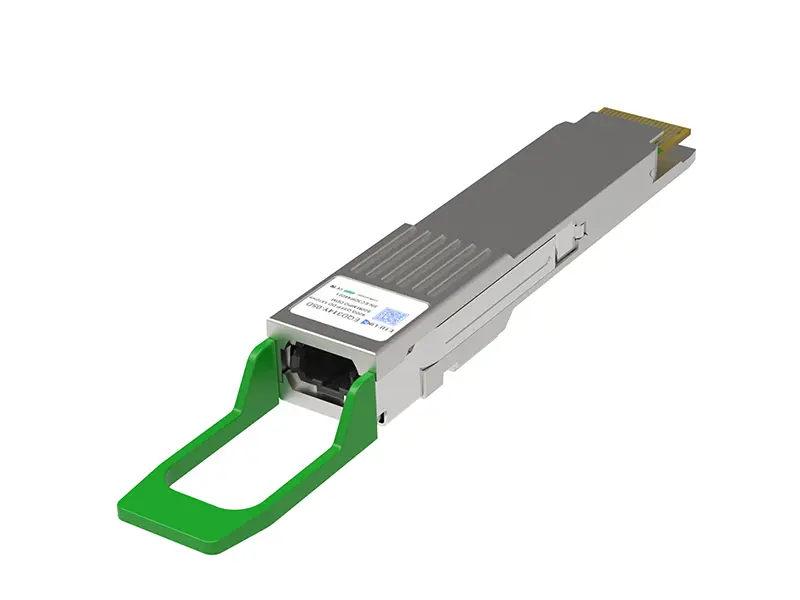 400G
400G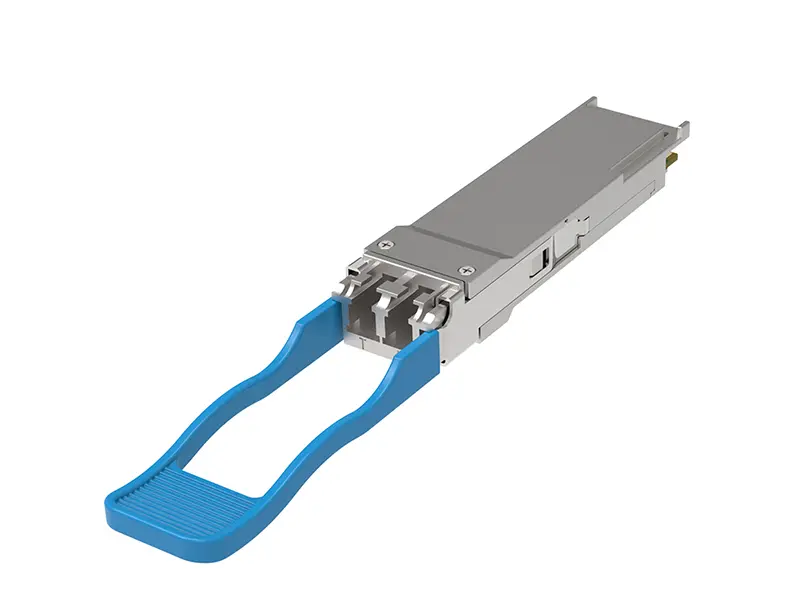 200G
200G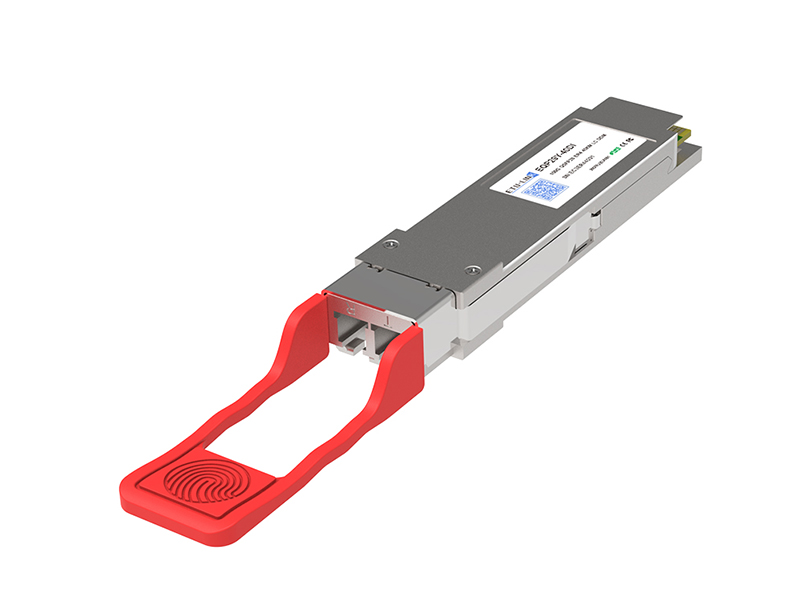 100G
100G 40G
40G 25G
25G 10G
10G 1G
1G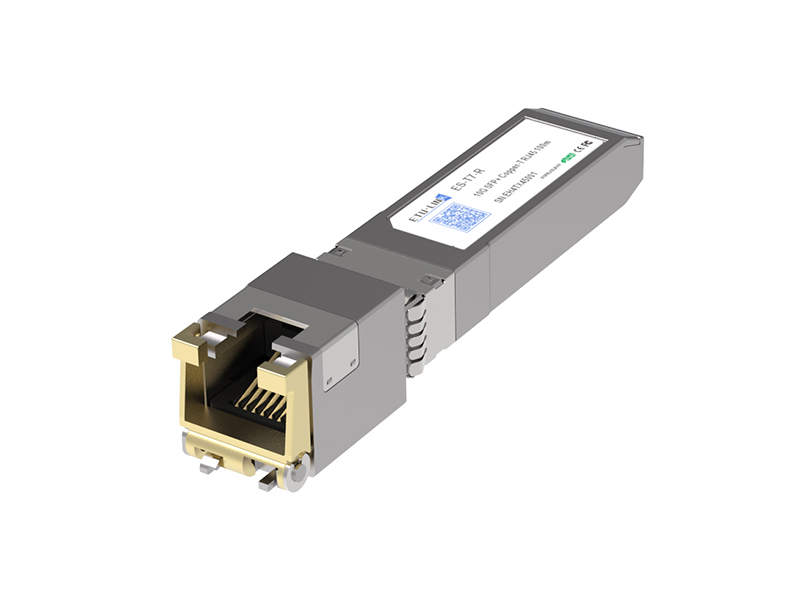 COPPER-T
 Other
Other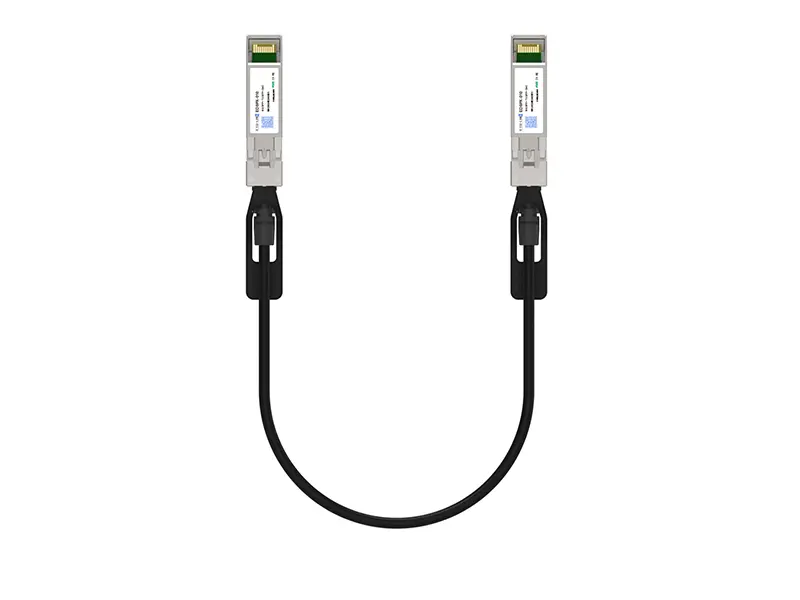 10G SFP+ DAC
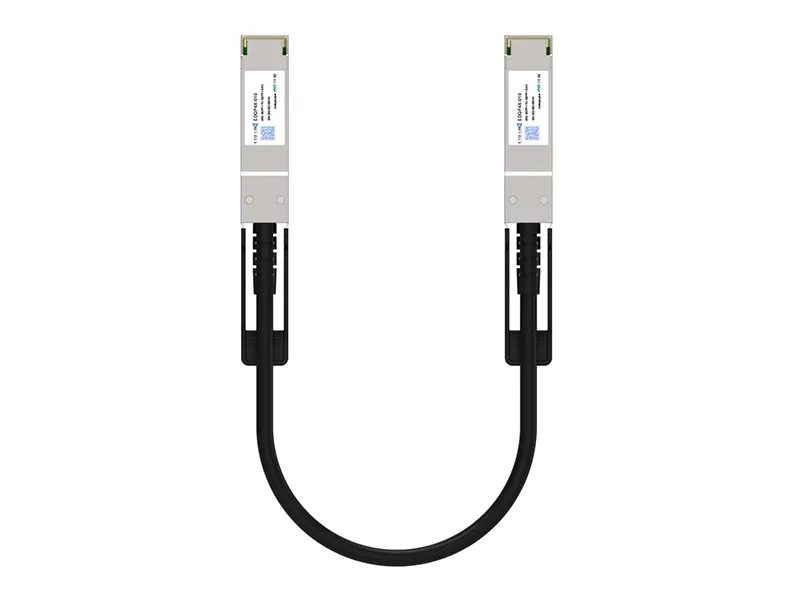 40G QSFP+ DAC
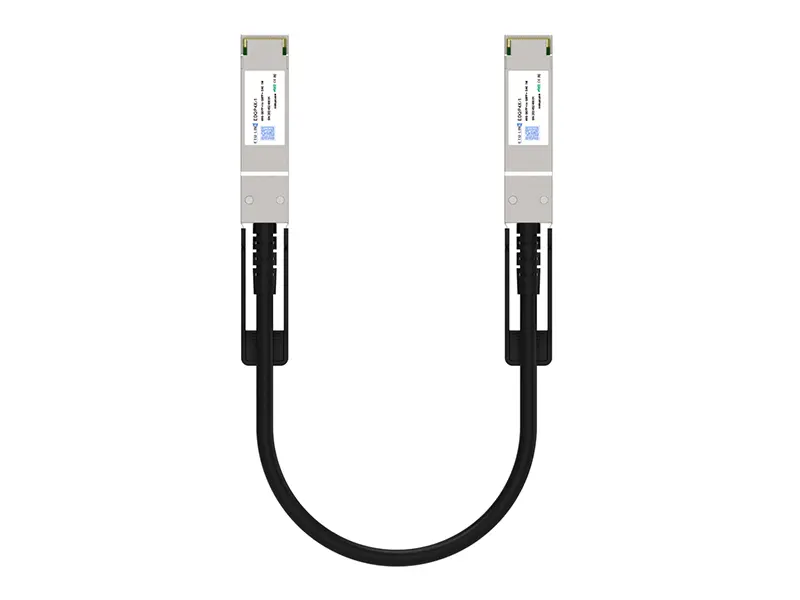 56G QSFP+ DAC
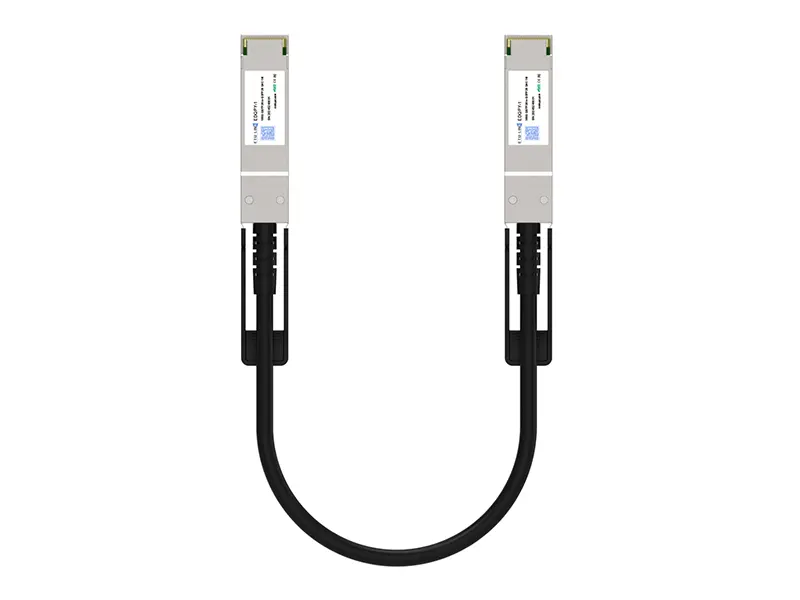 100G QSFP28 DAC
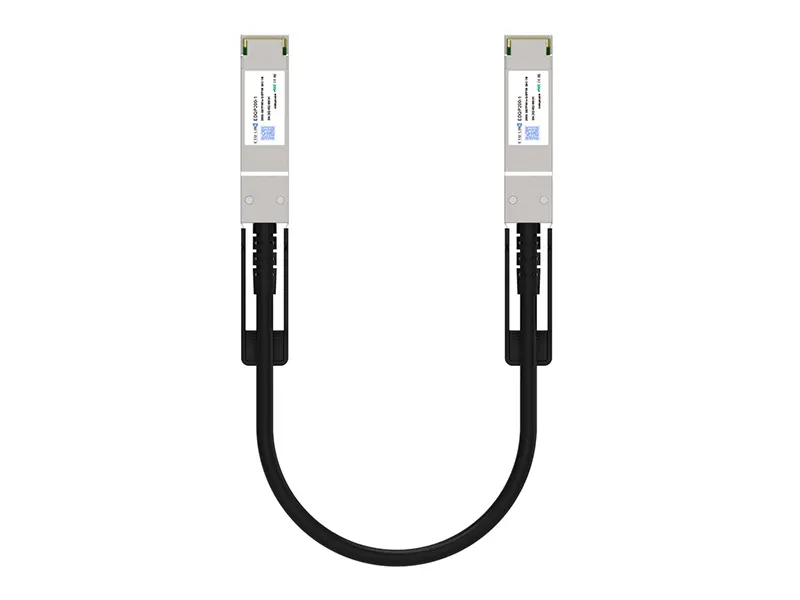 200G QSFP56 DD DAC
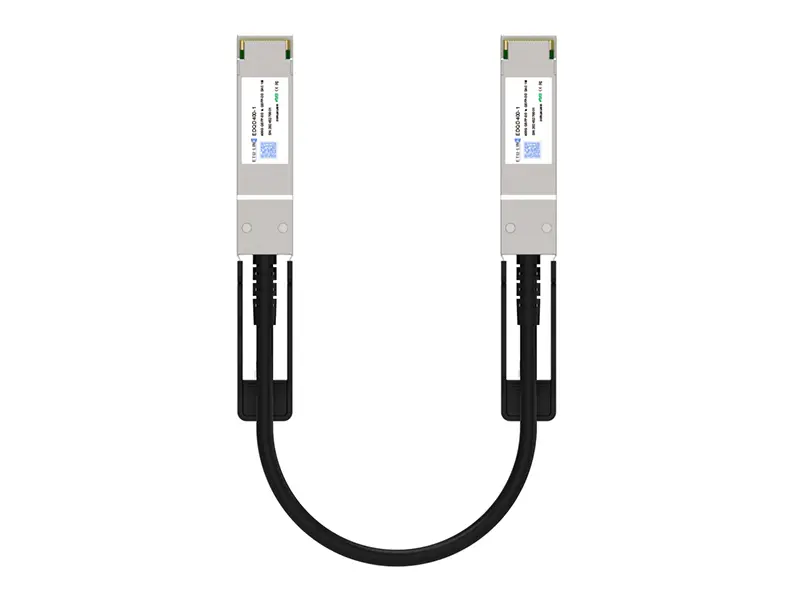 400G QSFP DD DAC
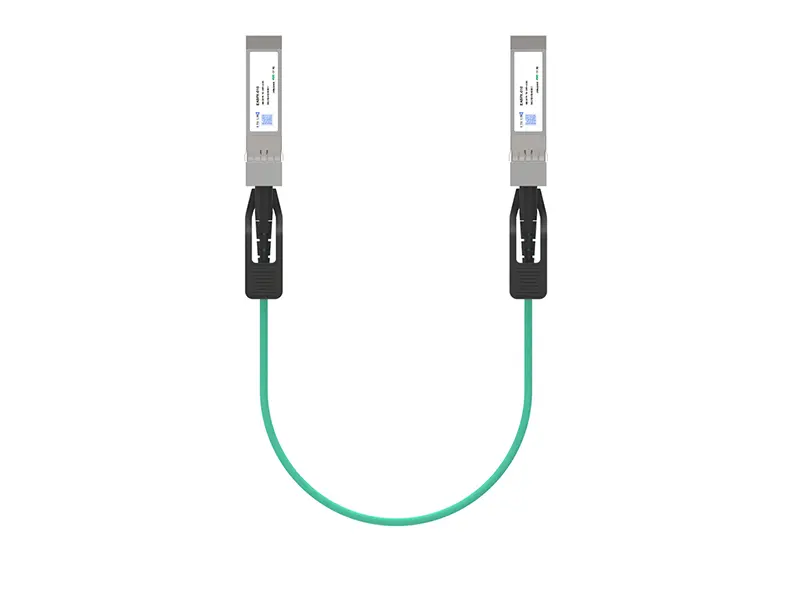 10G SFP+ AOC
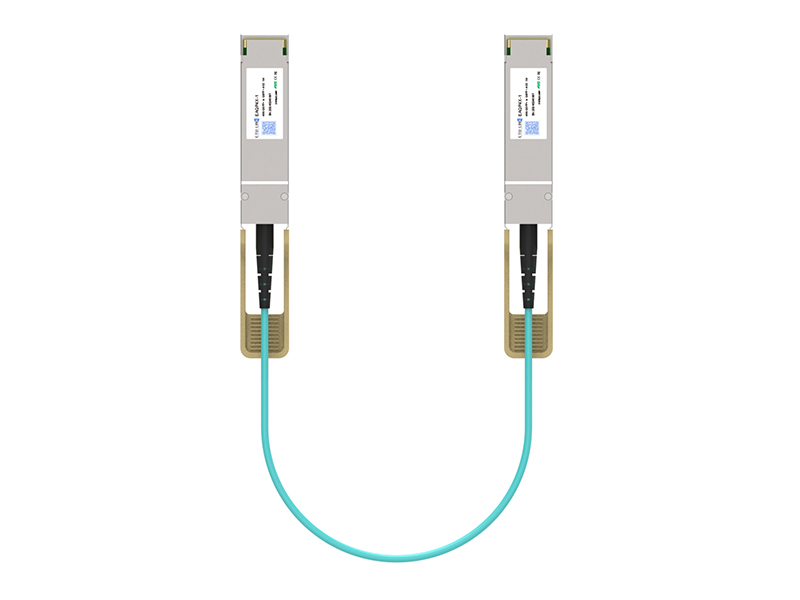 40G QSFP+ AOC
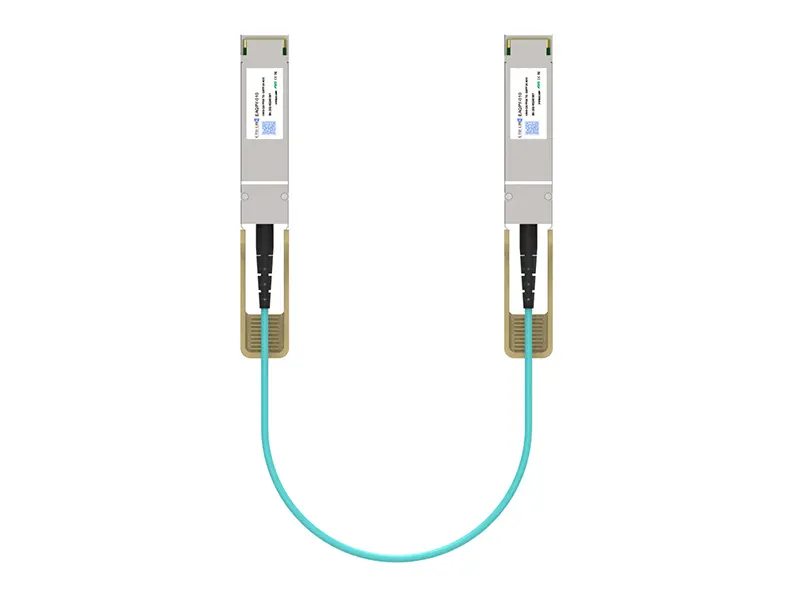 100G QSFP28 AOC
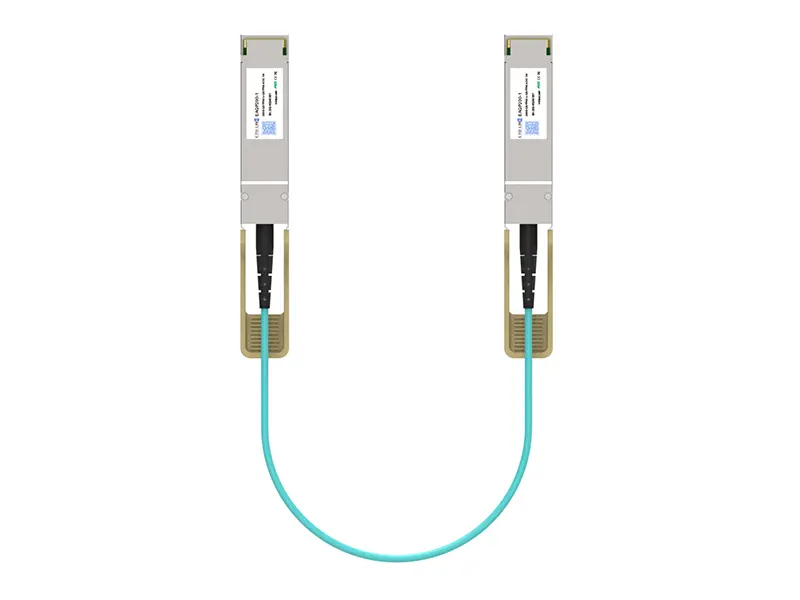 200G QSFP56 AOC
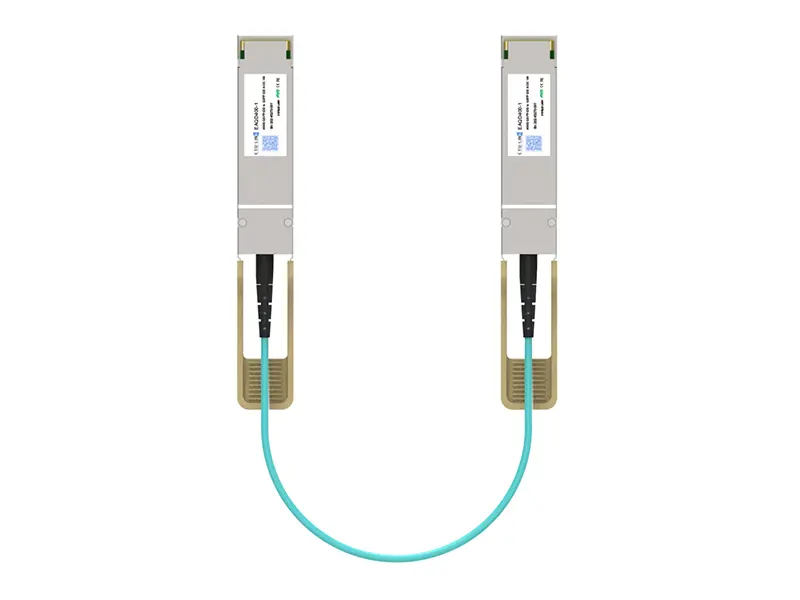 400G QSFP-DD AOC
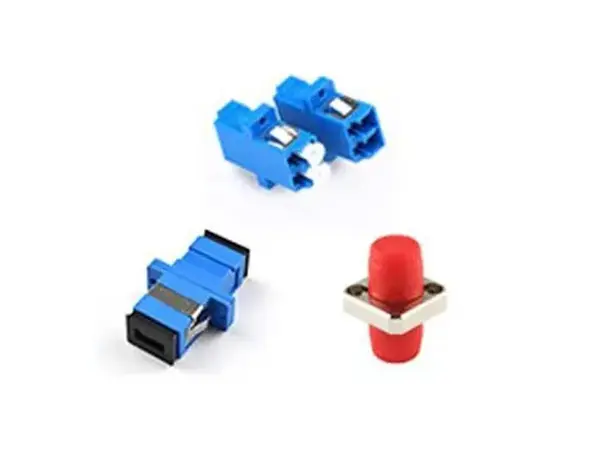 Adapter Details
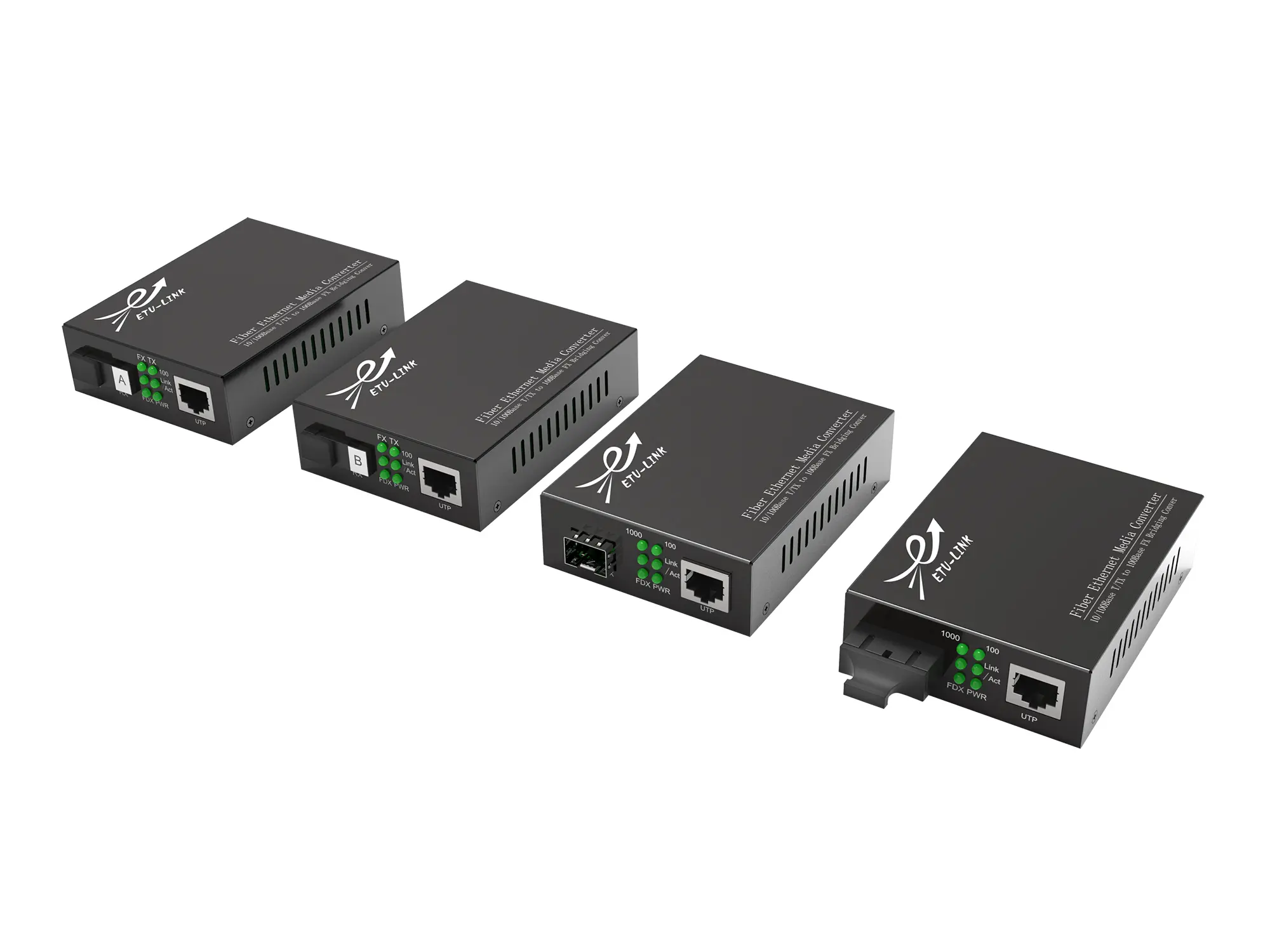 Media Converter