Leave Your Message

How to Buy Cisco QSFP 100G ZR4 S in 2026?

Buying a Cisco QSFP 100G ZR4 S in 2026 requires more than comparing online prices. Network teams must confirm compatibility, authenticity, optical reach, and lifecycle support before placing an order. A module may look correct in a product photograph, yet its label, coding, or firmware behavior can differ. Small details matter.

This guide explains how to evaluate the Cisco QSFP 100G ZR4 S through reliable, practical checks. Start with Cisco’s current documentation and the exact switch or router model. Confirm supported software, port requirements, fiber type, connector design, and diagnostic monitoring. Ask authorized distributors for a traceable part number, manufacturing information, warranty terms, and return conditions. Request clear photographs of the label when buying through an independent supplier. It is not excessive caution.

Pricing should be reviewed alongside delivery time and testing quality. A cheaper transceiver can create costly troubleshooting if the device reports an unsupported optic or shows unstable readings. Experienced engineers often test optical power, temperature, and link stability before production deployment. Keep the test record. It helps later.

Still, no buying checklist is perfect. Cisco compatibility policies and regional availability may change during 2026. Product listings can also contain incomplete or outdated information. Recheck every important specification before payment, especially for refurbished or third-party inventory. This article offers a careful purchasing framework, not a substitute for Cisco’s official guidance or qualified engineering review. The safest choice is the one that fits your verified network environment and comes with dependable support.
How to Buy Cisco QSFP 100G ZR4 S in 2026?

Define the Cisco QSFP 100G ZR4 S and Its Network Compatibility

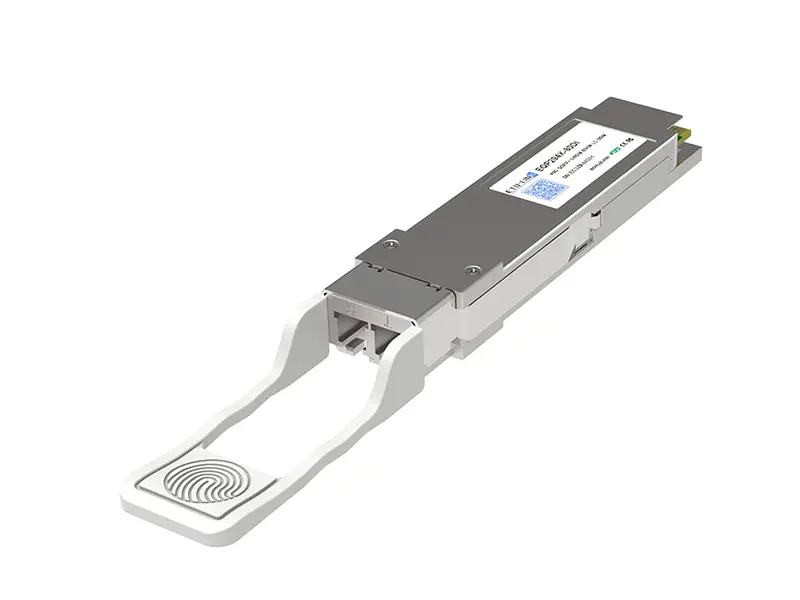
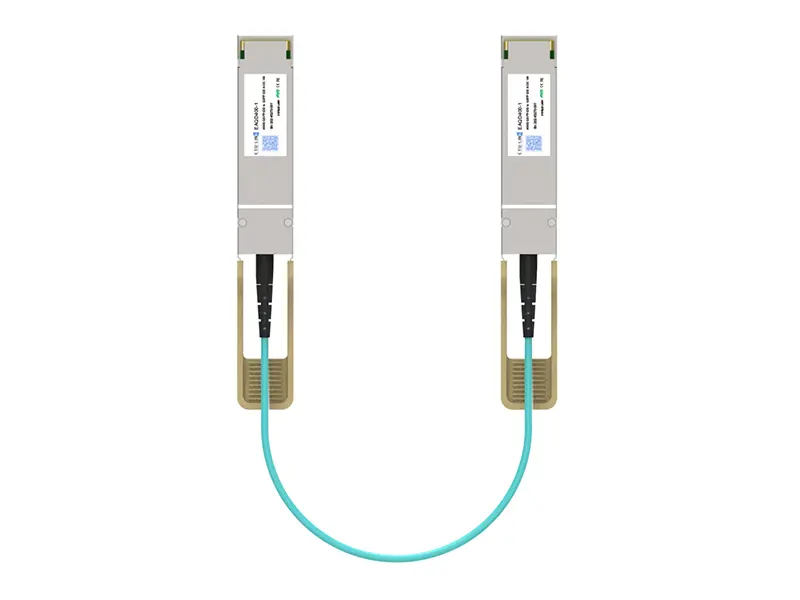
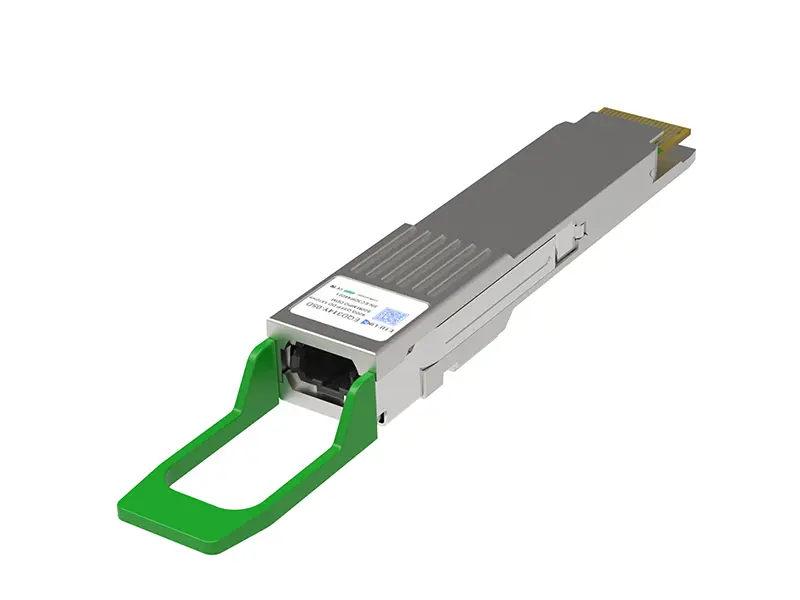
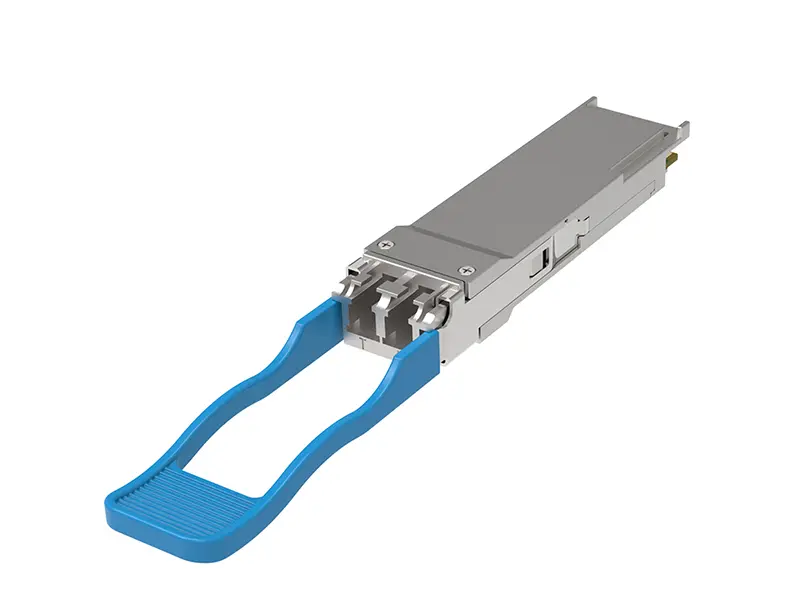
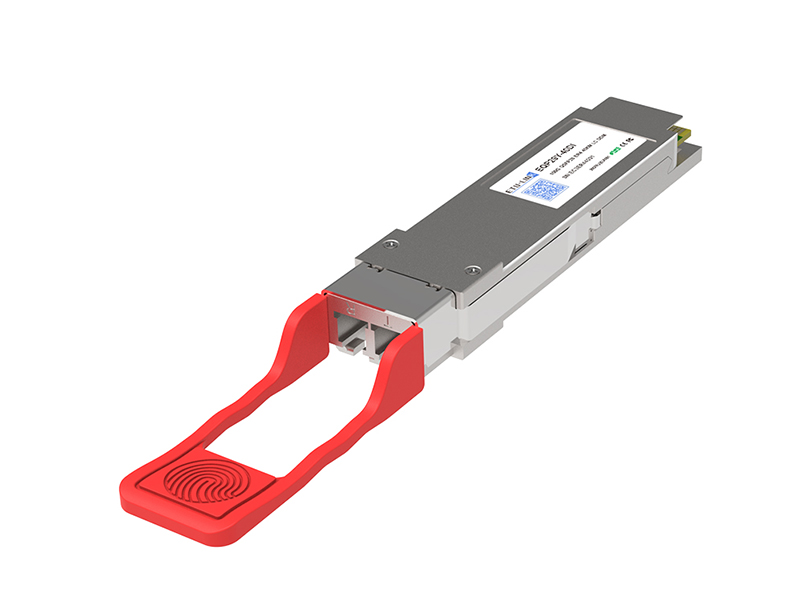
A 100G ZR4-S optic is a QSFP28 transceiver designed for long-reach Ethernet links. It usually sends 100Gbps through four 25Gbps wavelengths near 1310nm. With compatible single-mode fiber, its reach can approach 80 kilometers. The exact distance depends on fiber loss, connectors, splices, and power margins.

Its network compatibility needs careful checking. The host switch must support QSFP28, 100GbE operation, and the optic’s coding and FEC requirements. The remote port should use the same optical standard, not merely the same speed. IEEE 802.3 defines several 100GbE interfaces, but their reach and wavelength designs differ. A 100G LR4 module, for example, may support only 10 kilometers. Mixing it with a ZR4-S module can cause link failure.

The 2024 Ethernet Alliance roadmap highlights continuing demand for higher-speed Ethernet, while Omdia’s 2024 optical transceiver analysis identifies 100G as a mature but still widely deployed segment. This supports using ZR4-S for metro links, campus interconnects, and data-center extensions.

I would still verify EEPROM coding, DOM support, temperature range, and approved firmware before purchasing. A product label is not enough. I once treated matching LC connectors as proof of compatibility; that was a costly assumption. Check the switch’s compatibility list, optical budget, and FEC settings in the installation guide.
Verify Technical Specifications, Distance, and Fiber Requirements

How to Buy a 100G ZR4-S Transceiver in 2026?

Verify Technical Specifications, Distance, and Fiber Requirements

A 100G ZR4-S transceiver typically uses four 1310-nanometer wavelengths and reaches up to 80 kilometers. Confirm this distance under the stated fiber, connector, and power conditions. The 2024 Ethernet Alliance roadmap identifies 100GbE as a continuing backbone technology, but real deployments still depend on optical budgets and proper testing.

Check compatibility before comparing prices. The module should support duplex single-mode fiber, usually with dual-LC connectors, digital diagnostics, and host-side electrical compliance. ITU-T G.652.D specifies single-mode fiber characteristics and a maximum attenuation of about 0.4 dB per kilometer near 1310 nanometers. That figure excludes connector, splice, and repair-panel losses. Small losses add quickly.

Measure the route.

I have seen installations fail because an advertised 80-kilometer reach was treated as guaranteed. A safer calculation includes fiber attenuation, connector loss, splice loss, aging margin, and receiver sensitivity. The 2024 FOA Fiber Optic Reference Guide recommends documenting these variables during link qualification.

Request the optical budget, center wavelengths, temperature range, and firmware compatibility from the supplier. Also verify whether forward error correction is required by the host platform. Some specifications appear complete, yet omit this detail. That omission deserves attention.

Finally, confirm the transceiver’s diagnostic readings after installation, especially received power and laser temperature.

Identify Authorized Cisco Suppliers and Compare 2026 Pricing

When buying a QSFP 100G ZR4-S in 2026, start with authorized suppliers, not the lowest online listing. An authorized channel should provide traceable serial details, a clear warranty, and compatibility confirmation. Ask for a formal quotation showing the exact part number, production status, lead time, and return conditions. Supplier authorization can change, so verify it through current manufacturer records or official distribution documentation.

Pricing may differ because of inventory age, regional availability, support coverage, and order volume. Compare the complete purchase cost, including shipping, taxes, testing, and replacement handling. A cheaper module may become expensive if it fails link testing or lacks valid support. Request quotations from at least three qualified suppliers. Keep the specifications identical during comparison. Otherwise, the numbers can mislead you.

Tips: Check the optical reach, connector type, and operating temperature before ordering. Ask whether the module is new, tested, and sealed. Confirm interoperability with your switches and fiber route. Do not rely on screenshots alone. Request datasheets and written warranty terms. I have seen buyers focus too heavily on unit price, then discover delays during deployment. That approach saves money on paper, but not always in practice.

How to Buy 100G ZR4-S Optics in 2026: Supplier Qualification and Pricing Comparison

The chart shows indicative 2026 budgetary unit prices in USD for 100G ZR4-S optical transceivers by procurement route. Actual quotations vary according to quantity, warranty, compliance documentation, lead time, and return terms.

Before purchasing, verify 100G Ethernet support, 1310 nm operation, four-lane electrical signaling, duplex single-mode fiber compatibility, approximately 80 km reach, DOM monitoring, temperature rating, and switch interoperability.

Check Product Authenticity, Warranty, and Vendor Support

When buying a QSFP 100G ZR4-S in 2026, verify authenticity before comparing price. Request the original manufacturer part number, serial number, date code, and a clear label photograph. Match them with the official product documentation, not only a marketplace listing. Ask for optical test results covering transmit power, receiver sensitivity, wavelength, and digital diagnostic monitoring. A short live test matters. Check the module at 1310 nm and confirm its stated reach suits your single-mode fiber path. Counterfeit optics may pass a basic link test but fail under heat or sustained traffic.

Warranty language should be specific. Look for coverage duration, replacement timing, return conditions, and responsibility for shipping. The Uptime Institute’s 2024 Annual Outage Analysis found that 54% of reported outages caused direct costs above $100,000. A failed optic can therefore create a larger risk than its purchase price. Keep the invoice, test report, and photos together. Small details help.

Vendor support is equally important. Ask whether engineers can review DOM readings, error counters, and interoperability issues after delivery. Request a named technical contact, escalation path, and advance replacement policy. The Ethernet Alliance’s 2024 industry updates continue to show strong demand for higher-speed data-center connectivity, but market pressure can encourage rushed sourcing. I would not trust a perfect-looking certificate alone. Independent verification is better, although it adds time and cost. Verify twice.

Complete the Purchase and Plan Installation and Testing

Buying a 100G ZR4-S optical module requires more than checking the price. Confirm the switch, port type, firmware, and supported reach before placing an order. Ask the supplier for a compatibility statement, test report, serial traceability, and warranty terms. Verify whether the module is new, factory sealed, or previously deployed. That detail matters.

Plan the installation around the actual fiber route. Use the specified single-mode fiber, correct polarity, and clean connectors. Measure the link budget, including patch panels and splice losses. Record the expected transmit and receive power before installation. Keep records. A practical purchase should include spare cleaning tools and one tested replacement module. Do not guess.

During installation, inspect both ends with a fiber microscope and clean them properly. Insert the module without forcing the latch or cable. Check temperature, voltage, optical power, and alarm status through the device interface. Test the link at 100G with traffic generation, not only a port-up message. Run error checks for several hours, then repeat testing after a controlled restart. Test twice. In one deployment, a clean-looking connector still produced intermittent errors because its end face was scratched. That experience changed our process, but it also showed a weakness: short acceptance tests can hide problems. Keep test logs, firmware versions, port numbers, and technician names for later review.

How to Buy Cisco QSFP 100G ZR4 S in 2026? - Complete the Purchase and Plan Installation and Testing
Planning Dimension Recommended Requirement or Value Purchase and Deployment Action Verification Evidence
1. Optical Module Identification
Module form factor QSFP28, hot-pluggable, single 100 Gb/s port Confirm that the host equipment has a compatible QSFP28 cage and port configuration. Host hardware inventory, port data sheet, and compatibility confirmation.
Transmission standard 100GBASE-ZR4 / 100 Gb/s Ethernet over four LAN-WDM optical lanes Verify that the switch, router, or transport platform supports the required 100G mode. Platform software and hardware compatibility matrix.
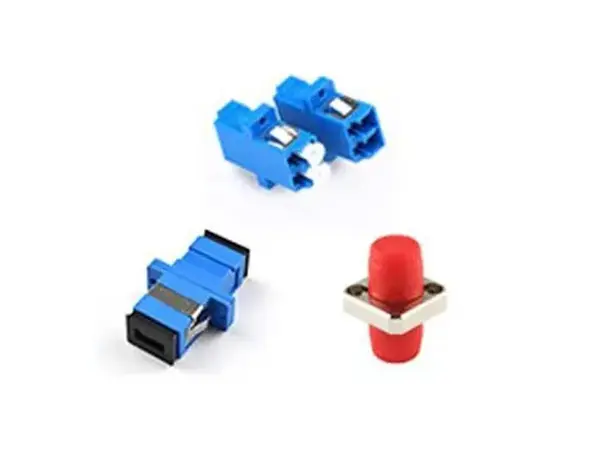
Optical connector Duplex LC connector Order duplex LC single-mode fiber assemblies with matching polarity and connector type. Connector inspection and end-to-end patching diagram.
Fiber type Single-mode fiber, typically OS2 or equivalent ITU-T G.652-compliant fiber Use a clean, tested single-mode fiber route; do not mix multimode patch cords into the link. Fiber route record and cable certification report.
2. Optical Performance and Link Budget
Nominal center wavelength Approximately 1310 nm using four LAN-WDM channels Use test equipment and optical accessories rated for the 1310 nm transmission window. Optical test set configuration and measured wavelength record.
Maximum reach Up to 80 km on suitable single-mode fiber, subject to the actual loss budget and dispersion limits Calculate the route before purchase; include patch panels, connectors, splices, and engineering margin. Signed link-budget worksheet and route-loss measurement.
Typical link-budget method Transmitter output power minus receiver sensitivity, less fiber and component losses Keep a positive engineering margin after all measured losses. Do not rely on distance alone. Calculated margin, insertion-loss report, and optical power readings.
FEC requirement Forward Error Correction is commonly required for long-reach 100G links Enable the compatible Ethernet FEC mode at both ends before live traffic is introduced. Interface configuration and FEC counters showing no uncorrectable errors.
3. Quantity, Ordering, and Receiving Checklist
Recommended order quantity One module per active endpoint, plus at least one spare for each critical link or installation batch Calculate active units, spares, replacement stock, and any laboratory test units separately. Approved bill of materials and asset allocation list.
Required purchase information Exact optical type, reach class, connector type, host platform compatibility, warranty, and return terms Request a formal quotation containing part identification, quantity, delivery schedule, and compliance documentation. Purchase order, quotation, and approved technical submittal.
Receiving inspection Check packaging, labels, serial identification, protective caps, and visible damage Quarantine units with damaged packaging or inconsistent identification until verified. Receiving checklist and photographs where required.
Environmental suitability Confirm the operating temperature and humidity range against the installation location and platform requirements Do not install a module if the equipment room conditions exceed the approved operating limits. Environmental survey and equipment specification review.
4. Installation Preparation
Pre-installation backup Record interface configuration, optics inventory, software version, and current alarms Schedule a maintenance window and define rollback steps before removing any active optic. Change ticket, configuration backup, and rollback plan.
Fiber cleanliness All LC end faces must be inspected and cleaned before connection Use an inspection scope and approved cleaning tools; never connect visibly contaminated fiber. Inspection images or checklist with pass/fail results.
ESD protection Use an antistatic wrist strap, grounded work surface, and protective packaging Keep dust caps installed until the optic is ready to be inserted or connected. Installation safety checklist.
Insertion procedure Insert the module straight into the cage, secure the latch, and connect the LC pair without excessive force Maintain the specified bend radius and label both ends of the fiber route. Physical inspection and updated rack or patching diagram.
5. Commissioning and Testing Plan
Initial interface state Interface should identify the optic, report expected coding, and show no hardware alarm Review transceiver identification, DOM readings, interface state, and alarm log. Captured interface output and DOM snapshot.
Optical power test Measure transmit and receive power on all four optical lanes where lane-level diagnostics are available Compare readings with the module and host equipment operating limits; investigate abnormal imbalance. Power meter or DOM report with date, port, lane, and unit.
Link establishment test Confirm stable link-up at 100 Gb/s with the intended FEC mode enabled Verify both endpoints negotiate or operate with matching speed, FEC, and breakout settings. Interface status, FEC status, and event-log review.
Error-free traffic test Run bidirectional traffic at the planned load for at least 30 minutes during acceptance testing Monitor CRC errors, symbol errors, corrected FEC errors, uncorrectable FEC errors, and link flaps. Traffic-generator report and before/after counter comparison.
Stability observation Monitor the link for 24 hours after commissioning under normal operating conditions Set alerts for optical power changes, temperature alarms, FEC degradation, and interface resets. 24-hour monitoring report with zero unexplained link interruptions.
6. Acceptance Criteria and Records
Acceptance status Pass when all planned checks are complete Close the change only after optical, protocol, traffic, and stability results meet the approved criteria. Signed commissioning and acceptance form.
Failure handling Required if errors or alarms occur Check cleanliness, polarity, fiber loss, FEC settings, software support, and module seating before replacement. Troubleshooting record, corrected configuration, or replacement authorization.
Documentation to retain Purchase records, asset identifiers, compatibility evidence, link budget, test results, and final topology Store documents in the network asset or change-management system for future maintenance. Complete project handover package.
Planning note: The stated 80 km reach is a maximum design class, not a guaranteed distance for every route. Final acceptance should be based on measured insertion loss, optical power, compatible FEC settings, and error-free traffic performance.