Leave Your Message

How to Choose a 56G QSFP+ Active Optical Cable in 2026?

Choosing a 56G QSFP+ Active Optical Cable in 2026 is not just a matter of matching two plugs. The link must also fit the host’s signaling mode, lane configuration, supported reach, and firmware requirements. Bob Metcalfe, Ethernet co-inventor, has described Ethernet as “the plumbing of the Internet.” His line is about networking broadly, not this cable type specifically, but it captures a useful point: quiet infrastructure matters when it works—and becomes obvious when it does not.

Start with the exact equipment on both ends. A 56G QSFP+ label alone may not confirm compatibility; check the switch or adapter documentation for supported speed, coding, and breakout modes. Then verify the cable’s stated length against the actual rack route, including slack around cable managers. Too short is obvious. Too long can complicate airflow and maintenance.

Look beyond the headline data rate. Compare the manufacturer’s compatibility list, operating temperature, power specifications, and warranty. Ask whether the cable is tested with your specific platform, not merely with a similar port. This detail is easy to overlook. A product page may show a familiar connector while omitting an important host requirement.

A practical selection process should also account for growth. If the link may later serve a different switch generation, confirm that the planned migration path is supported rather than assumed. Vendor claims deserve scrutiny, and even careful buyers can miss a small compatibility note. The sections ahead examine these checks, explain common trade-offs, and offer a grounded way to compare 56G QSFP+ Active Optical Cable options before deployment.
How to Choose a 56G QSFP+ Active Optical Cable in 2026?

Define 56G QSFP+ AOC: Four 14.025-Gb/s Lanes for InfiniBand FDR

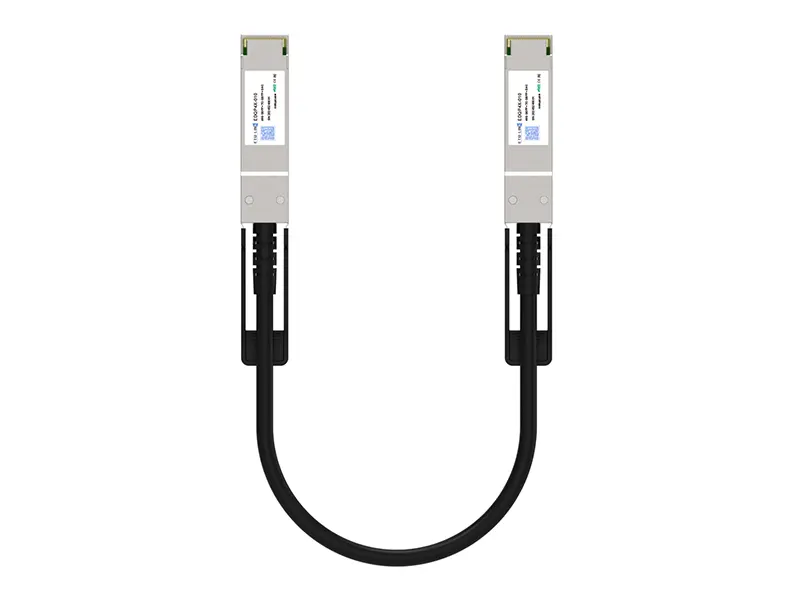
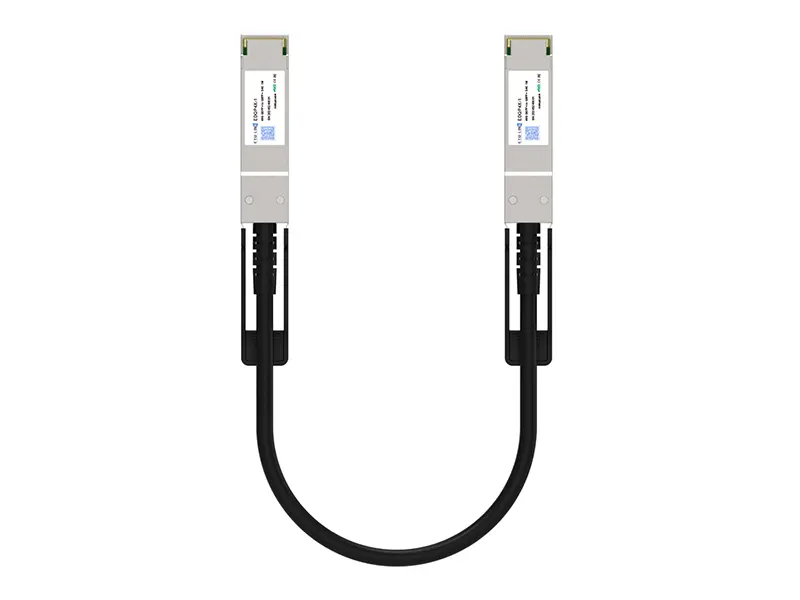
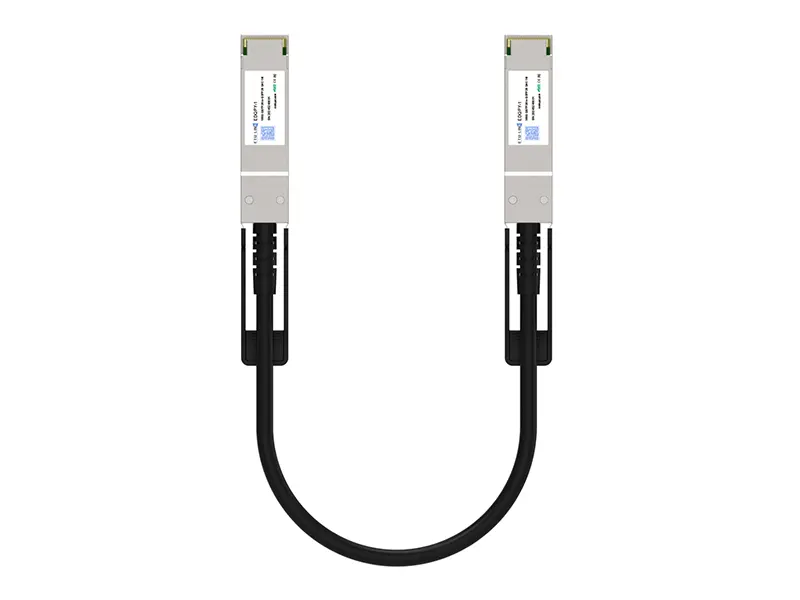
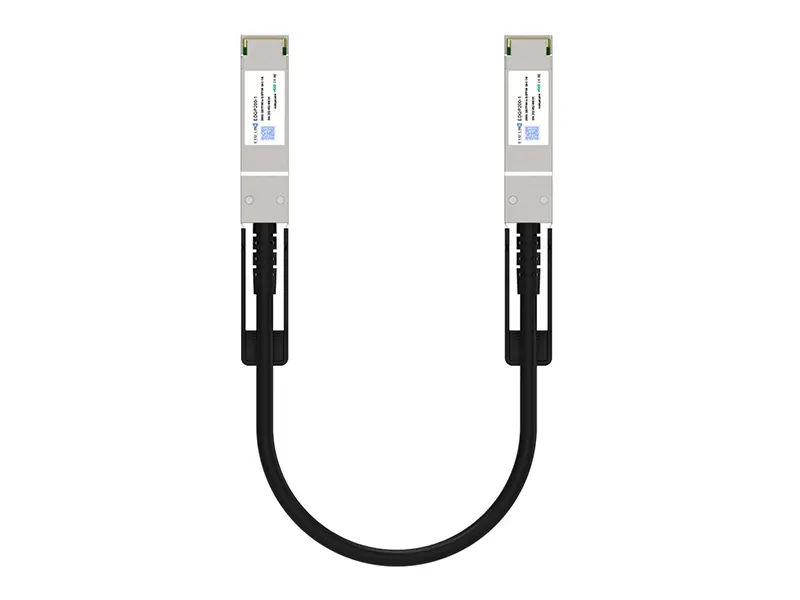
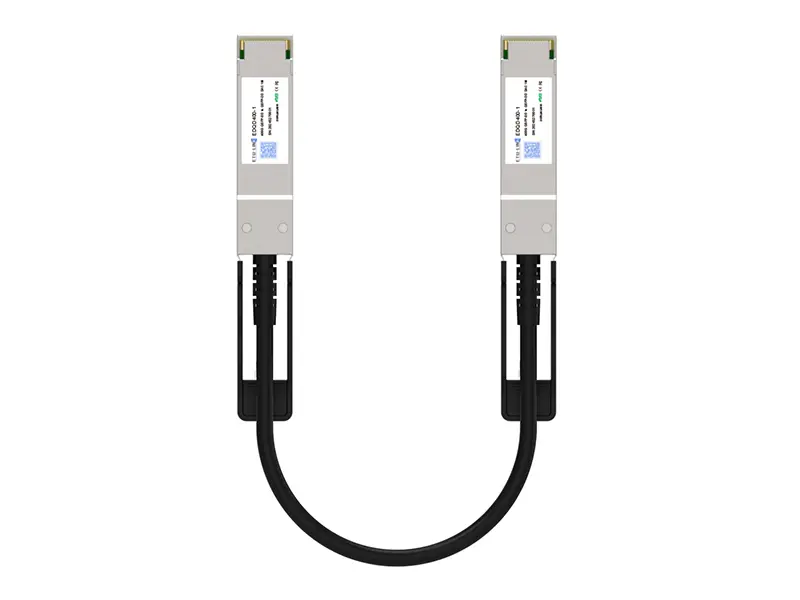
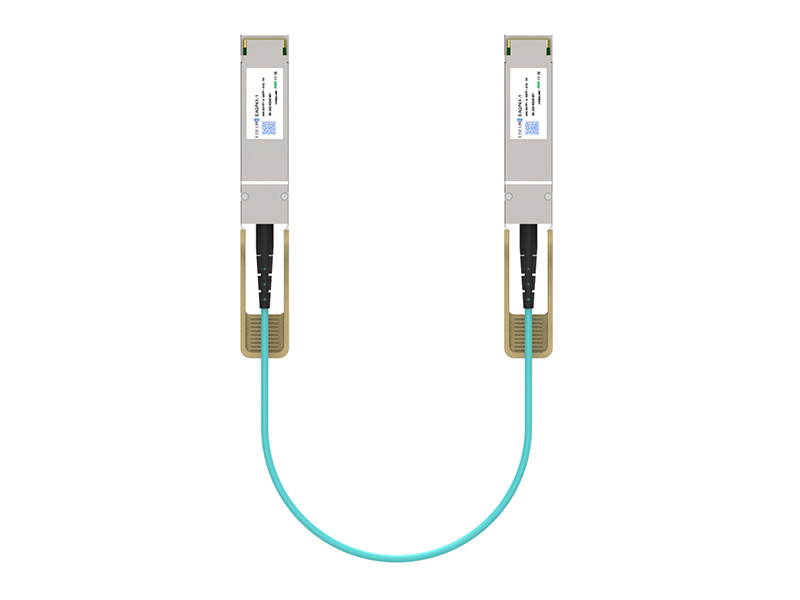
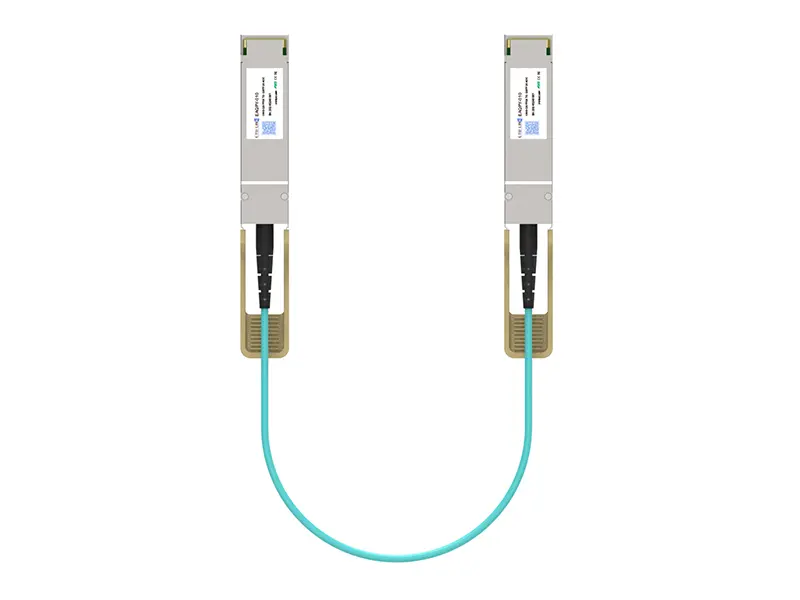
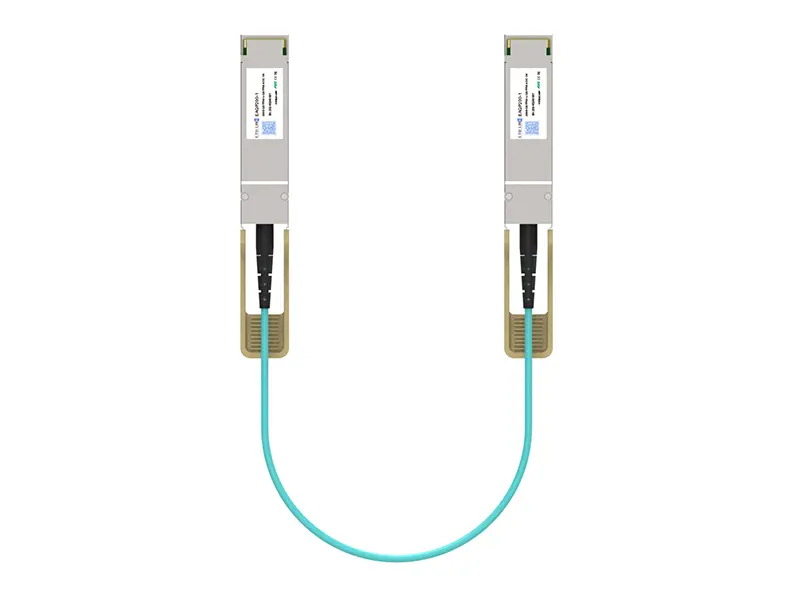
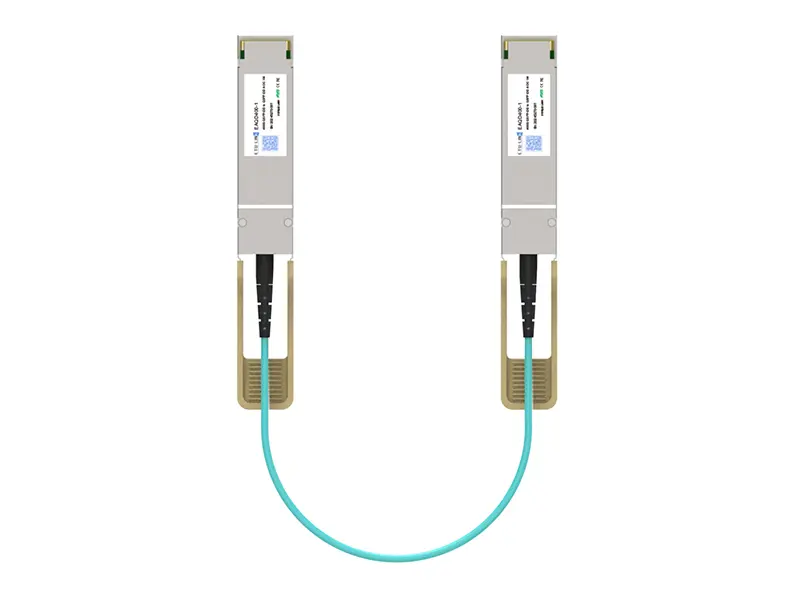
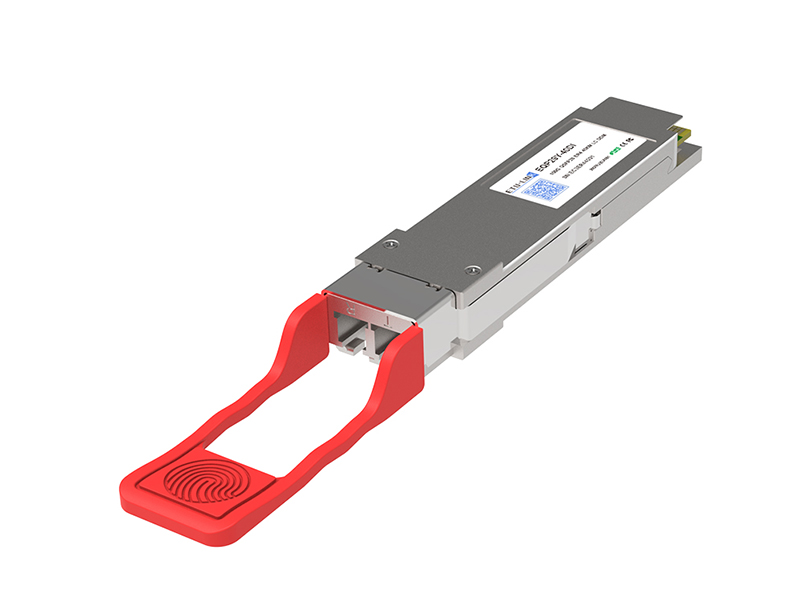
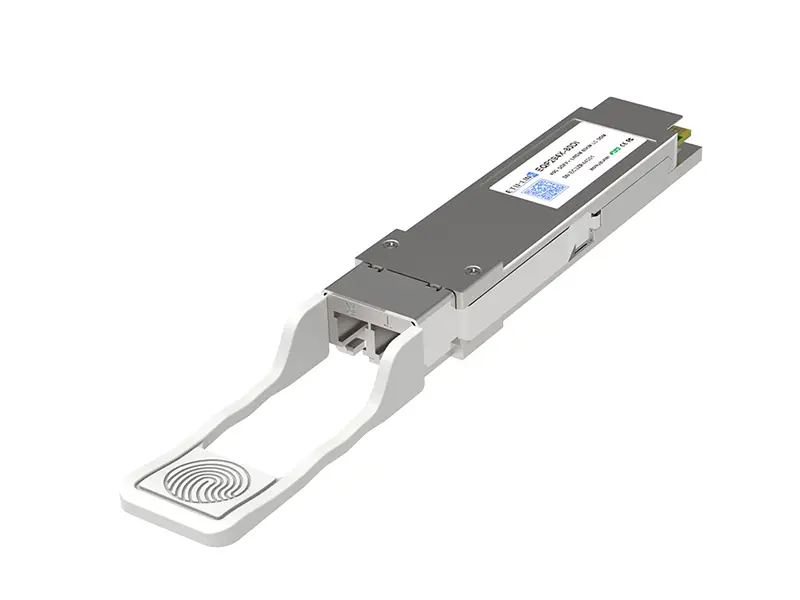
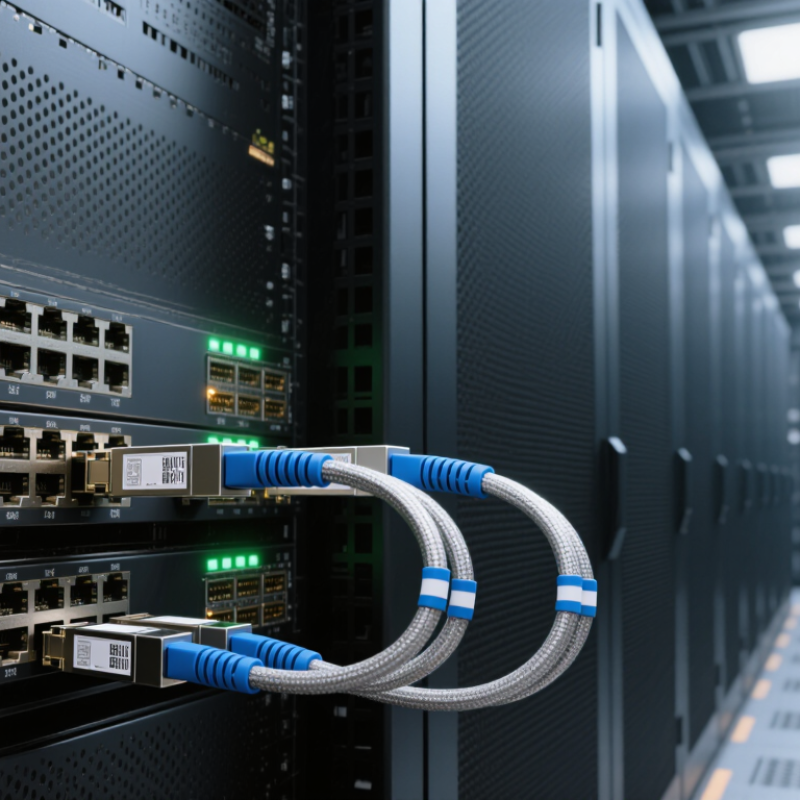
A 56G QSFP+ active optical cable carries data across four lanes, each rated at 14.025 Gb/s. Together, the lanes provide about 56.1 Gb/s of aggregate signaling capacity. This lane-based design supports InfiniBand FDR links between compatible switches, servers, or storage equipment. The cable has QSFP+ connectors at both ends and uses optical fibers inside, helping connect devices across a rack without bulky copper cabling. Actual throughput can differ from the headline rate because signaling overhead and system settings matter.

Check the device documentation before choosing a cable. Confirm QSFP+ ports, InfiniBand FDR support, required cable length, and the operating temperature range. A cable that fits the port may still fail to establish a link if its supported protocol or firmware expectations differ. Small details matter. When possible, verify compatibility with both connected devices, not just one.

Tips: Measure the cable path, including bends around rack rails, and leave a little slack. Avoid tight coils or sharp pulls; optical fibers are delicate. Check the listed lane rate, too. Specifications sometimes use slightly different signaling figures, so confirm that the cable matches the equipment’s FDR requirements rather than relying on “56G” alone. One oversight is easy to make: cable length is not the same as usable reach in every installation.

Match the Protocol: Distinguish 56G FDR from 40GbE QSFP+ Links

A 56G QSFP+ AOC and a 40GbE QSFP+ link may share a connector, but they do not share a protocol. The InfiniBand Trade Association’s InfiniBand Architecture Specification defines FDR as four lanes totaling 56 Gb/s, or 14 Gb/s per lane. By contrast, IEEE 802.3ba specifies 40GbE as four 10.3125 Gb/s lanes.

Check the host port’s supported protocol, not just the cable’s “QSFP+” label. That label can mislead.

Before ordering, confirm the switch or adapter supports FDR, or 40GbE, as required. Then check the AOC’s stated protocol, reach, and supported equipment; matching lane counts alone does not establish compatibility.

A short rack connection may need only a few metres, while a longer route can require a different cable specification. Read the port and cable documentation together.

If the specification only says “56G,” ask whether it means InfiniBand FDR or another interface. That small ambiguity matters.

Standards provide the rate figures, but actual interoperability still depends on the specific host and cable implementation. I would verify the exact port mode before installation, even when the plug fits.

Set Reach and Fiber Needs: Compare AOC Lengths, Often up to 100 m

A 56G QSFP+ active optical cable is often sold in lengths up to 100 m, but that figure is not a universal guarantee. The right reach depends on the cable’s optical design, host compatibility, and routing conditions. Measure the installed path, including rack turns and service loops, rather than the straight-line distance. A 30 m link may be a better fit than buying extra length that tangles behind a rack.

For a useful benchmark, IEEE 802.3ba specifies 40GBASE-SR4 reach of 100 m over OM3 and 150 m over OM4 multimode fiber. Those figures describe a different Ethernet interface, not a 56G AOC rating. Still, they show why fiber grade and interface specifications matter. Check the cable’s stated maximum length and supported host ports; never assume a longer reach from the QSFP+ connector alone. A neat chart can still mislead.

Tips: Measure the route, then add modest slack for bends and maintenance. Keep the cable away from sharp edges, and avoid tight coils. If the run approaches 100 m, verify the exact cable specification and link requirements before ordering. Leave room for doubt: the longest listed option may not suit every installation.

Check Port Fit, Power, and BER Against Host and Switch Specifications

How to Choose a 56G QSFP+ Active Optical Cable in 2026?

Check Port Fit, Power, and BER Against Host and Switch Specifications

A 56G QSFP+ label does not guarantee a working link. The InfiniBand Trade Association’s architecture specification defines FDR at 14.0625 Gb/s per lane across four lanes, or 56.25 Gb/s aggregate. Check that both host and switch support the same protocol, lane rate, and cable type. A QSFP+ cage may fit physically while firmware, lane mapping, or port configuration still prevents link-up. It is tempting to choose by connector alone. That shortcut can mislead.

Read the host and switch manuals for allowed AOC types, per-port power limits, and thermal conditions. SFF-8436 defines QSFP+ interface and management requirements, but the cable’s actual power draw should come from its specific datasheet. Check both ends, especially in a dense rack where warm exhaust can raise module temperatures. Ask for BER test results at the required cable length and operating conditions, then compare them with the system specification; do not assume a quoted BER applies at every reach. Keep the test record. Small detail, big difference. If the vendor does not state test conditions, flag that gap before deployment. Even a perfect bench test may not reflect a crowded switch with marginal airflow. Recheck after installation.

Validate the Link: Confirm FDR Support, Cable Length, and Warranty Details

How to Choose a 56G QSFP+ Active Optical Cable in 2026?

Before ordering a 56G QSFP+ active optical cable, confirm that both connected ports explicitly support FDR operation. A QSFP+ shape alone does not guarantee protocol compatibility. Check the host adapter and switch documentation, then verify the cable’s stated data rate and supported mode. If a listing only says “56G,” ask for the exact FDR qualification. Small detail, big difference.

Choose the length by measuring the installed route, not the straight-line distance between devices. Include rack turns, vertical runs, and enough slack for service access, but avoid coils that crowd airflow. A 3-meter cable may fit on paper and still pull tight around a rail. Measure twice. Confirm the listed length matches the cable you will receive, and check connector orientation before ordering.

Request warranty details in writing: coverage period, replacement process, and whether failed cables are tested before shipment. Confirm how compatibility issues are handled, since a cable can establish a link yet fail under sustained traffic. Keep the packaging and record the serial or lot identifier when it arrives. It is tempting to trust a short product listing; I would not. A clear specification sheet and a defined return process are useful safeguards.