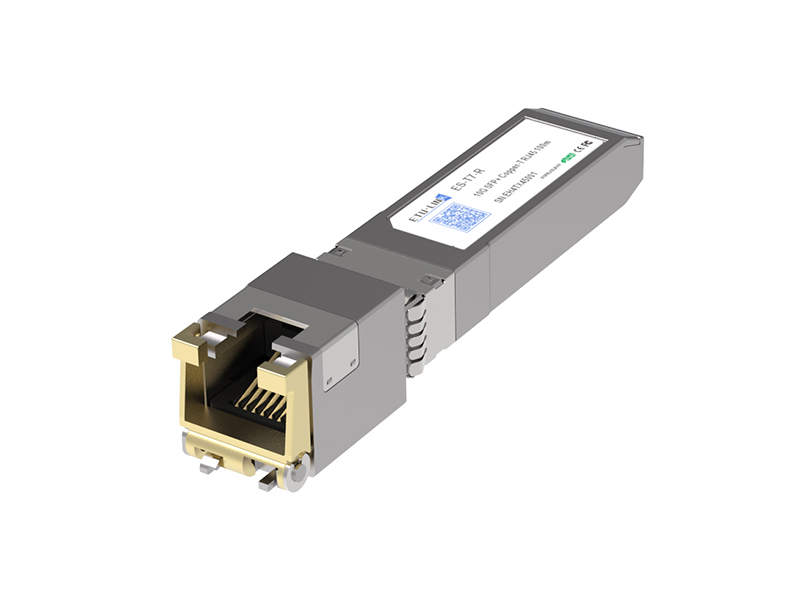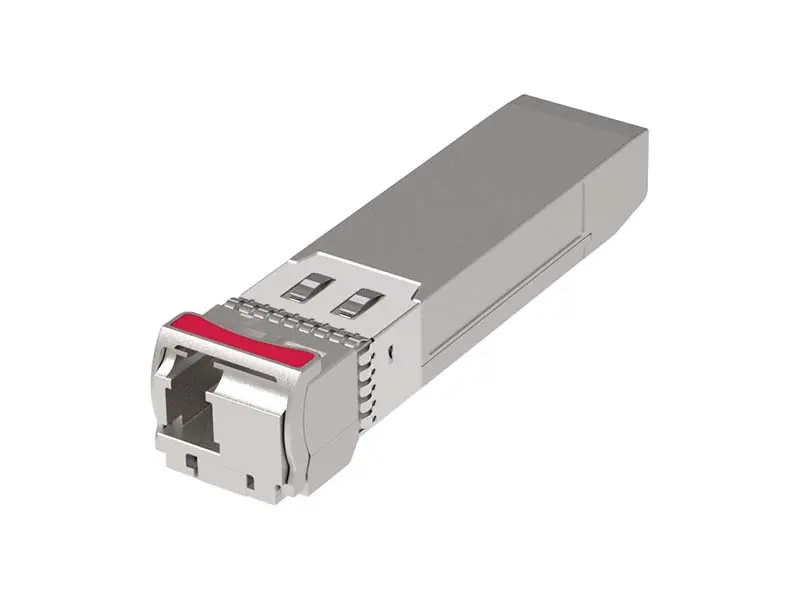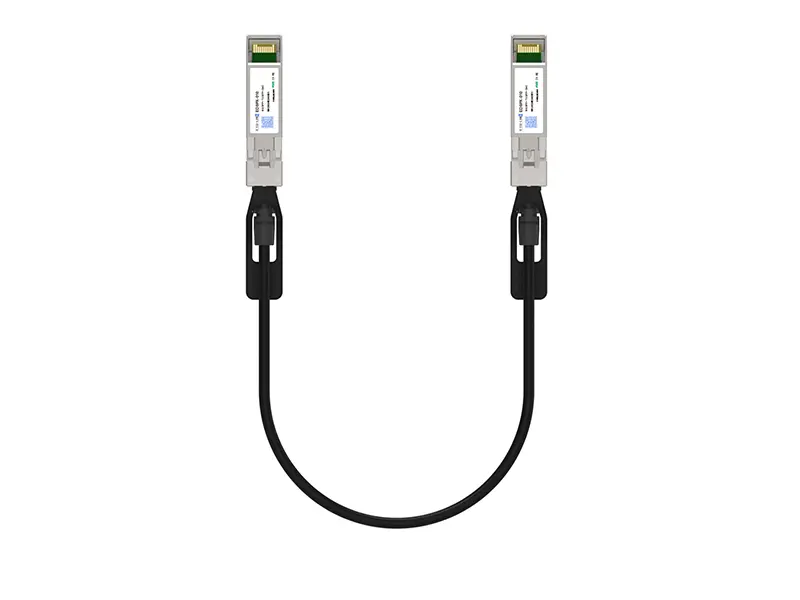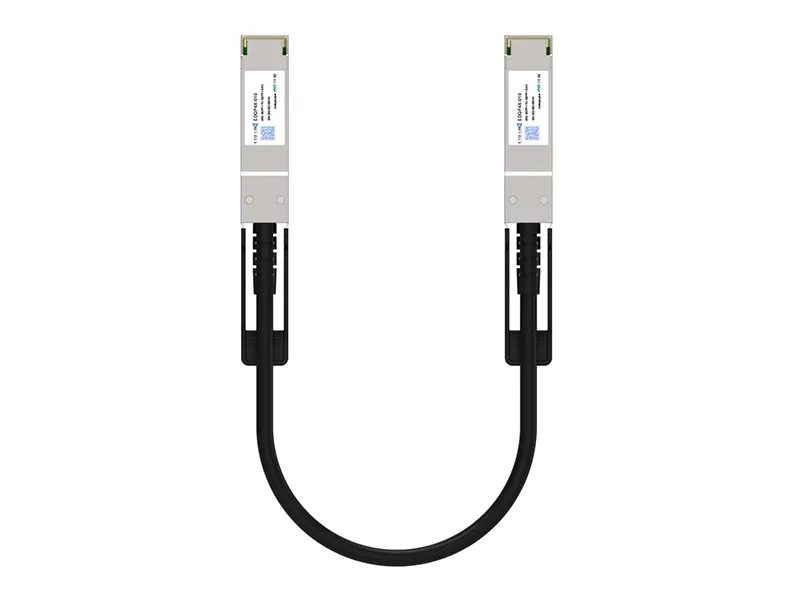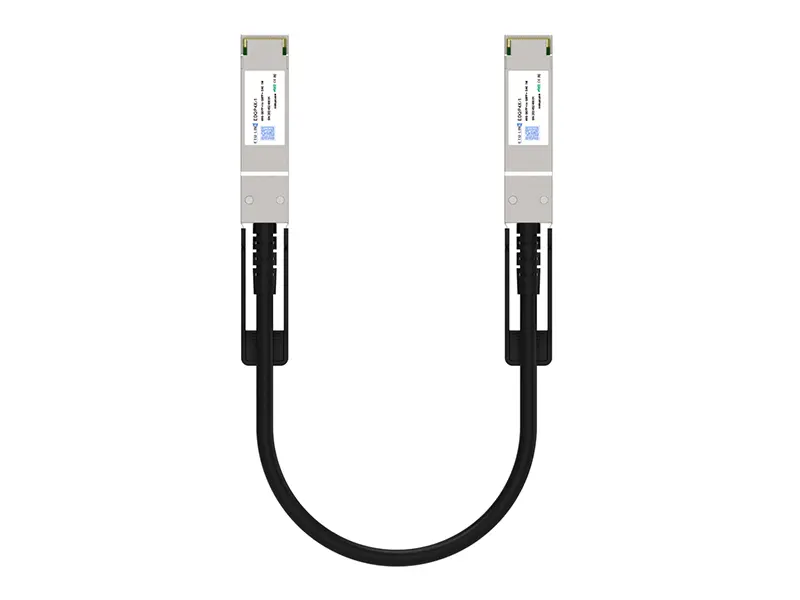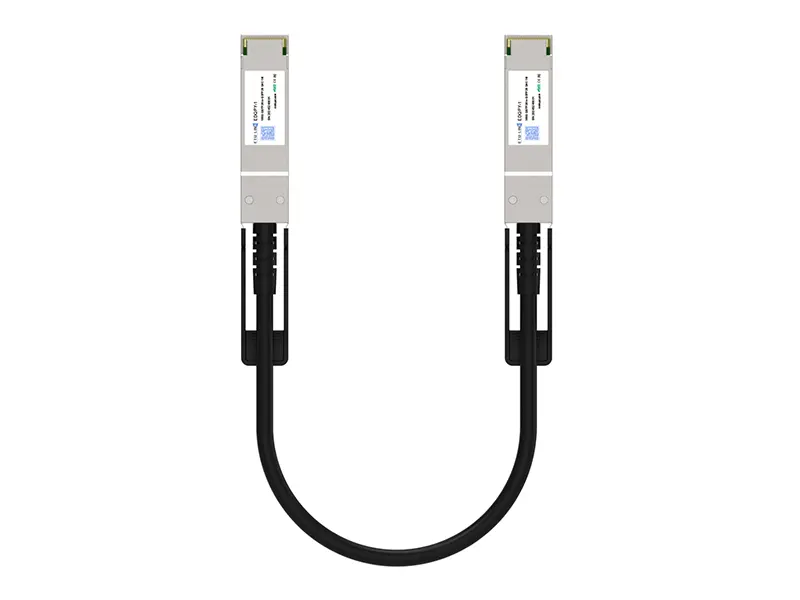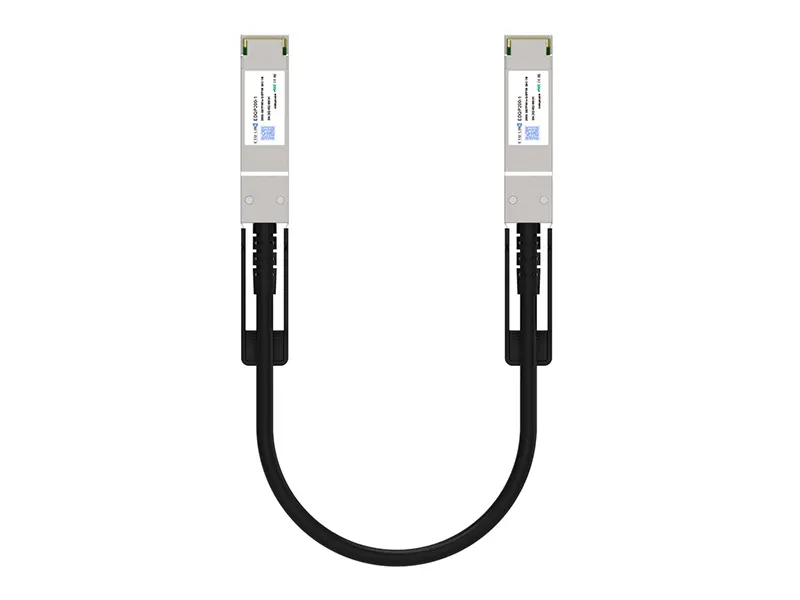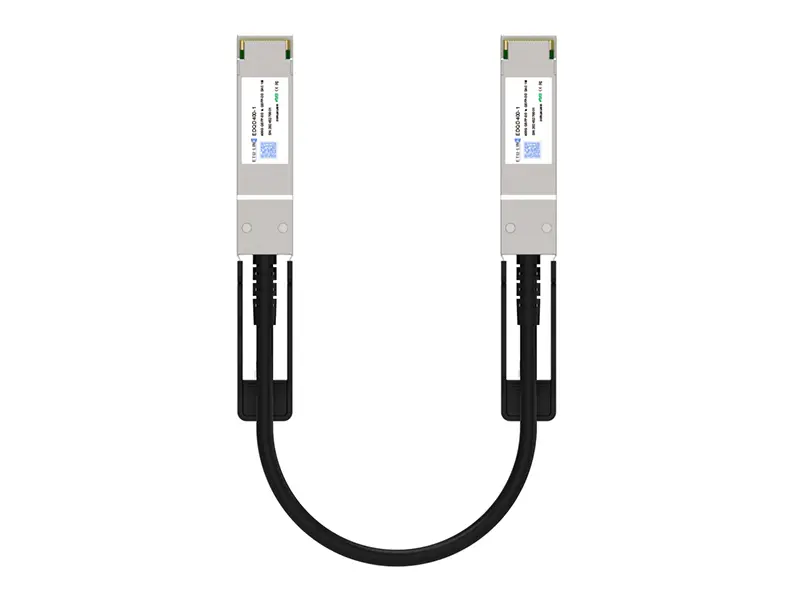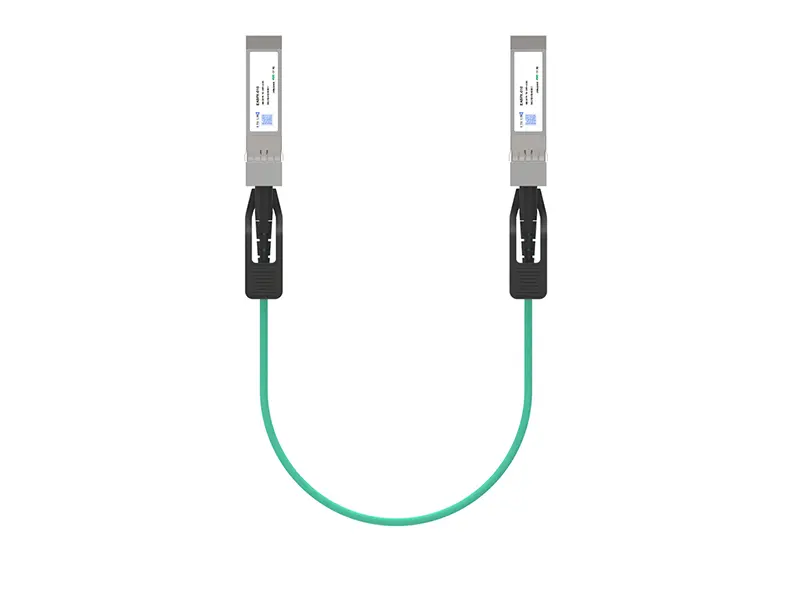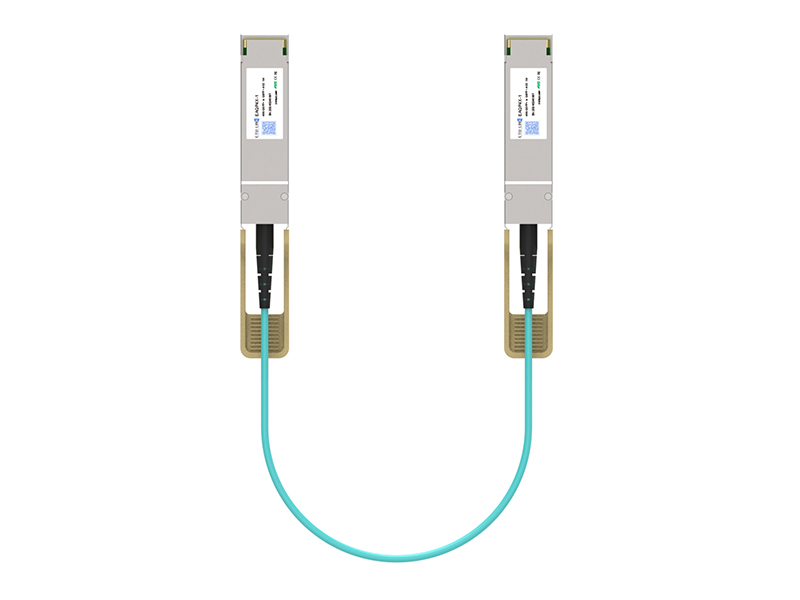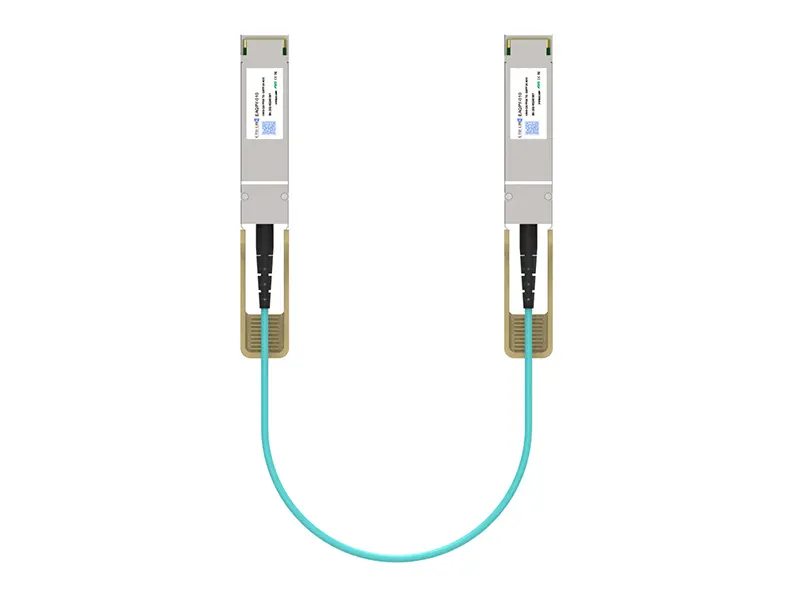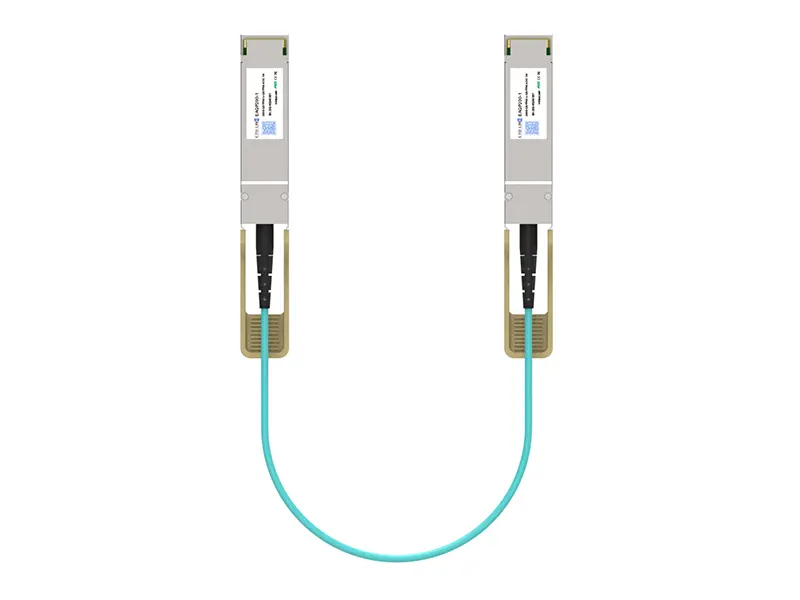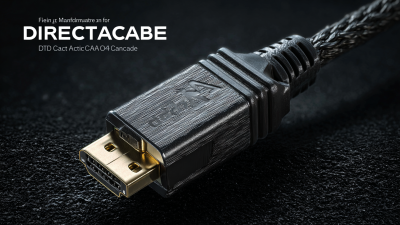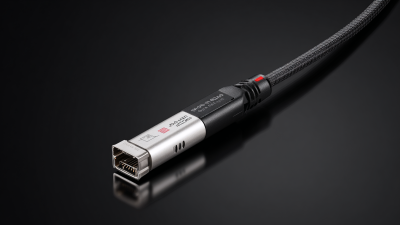
In the fast-evolving world of networking, selecting the right Direct Attach Cable (DAC) is crucial. Expert Lisa Thompson states, "Choosing the right DAC can drastically improve network performance." The right cable can enhance data transfer speeds and reduce latency. However, many overlook important factors.
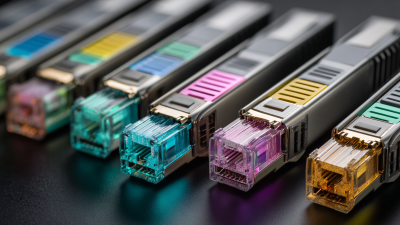
Consider compatibility with existing systems. Not all cables will fit all devices. Length is also vital; too long can mean signal loss. Shorter options are often recommended for optimal performance. Color coding or labeling could help in identifying and organizing cables efficiently.
Yet, even the best choices come with challenges. Users often face confusion in standards and specifications. It’s essential to research and reflect on your needs. Balancing cost with quality is tricky. Investing in reliable DACs can yield benefits in the long run. Navigating these choices can feel overwhelming, but careful consideration will lead to better outcomes.

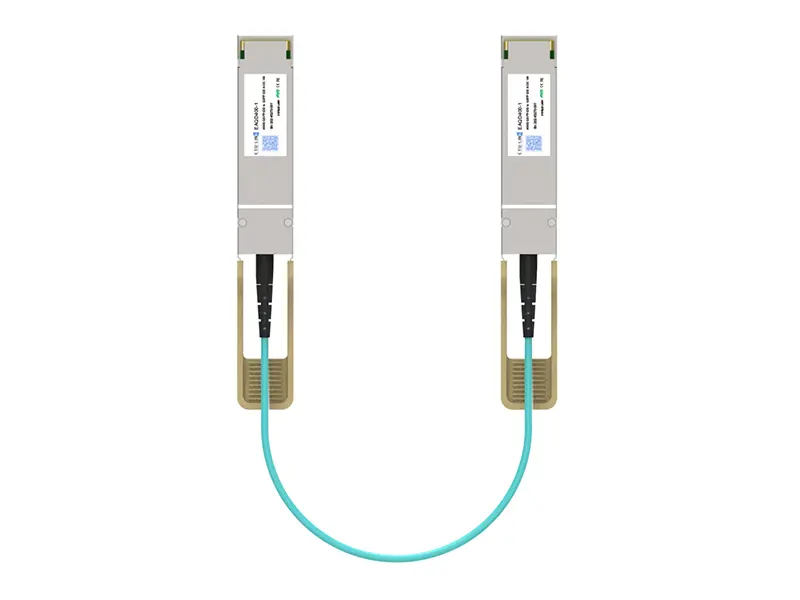
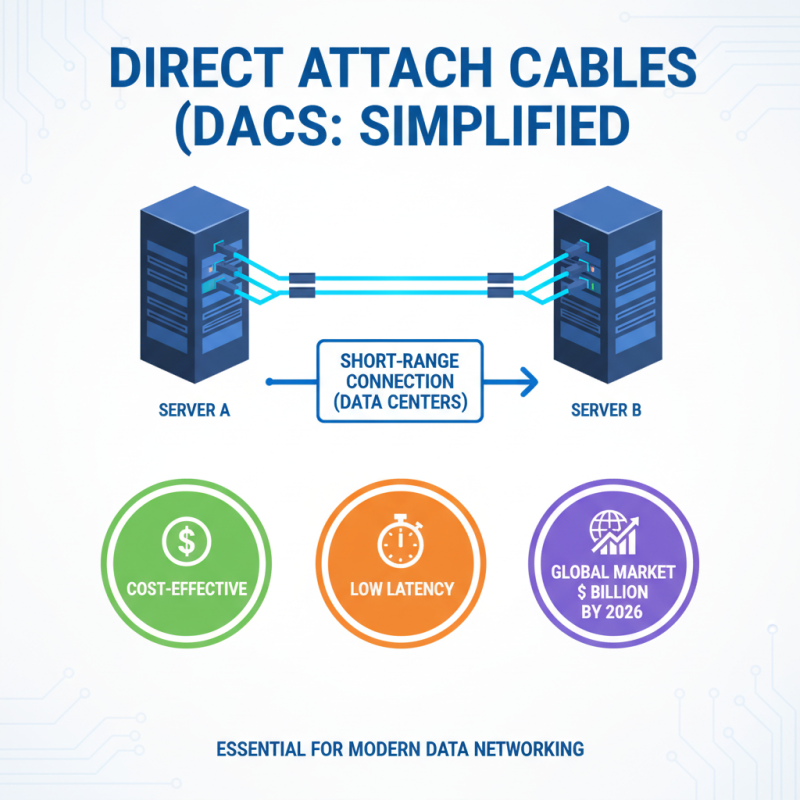
Understanding Direct Attach Cables (DACs) is vital in data networking. DACs are used for short-range connections, often within data centers. They offer a cost-effective solution with low latency. Research indicates that the global DAC market is projected to reach $2 billion by 2026, showcasing their growing importance.
When selecting DACs, consider your specific use case. If you require high-speed connectivity, prioritize cables that support 10GbE or 40GbE standards. Tip: Always check the distance requirements. Many DACs perform optimally within a limited range, often up to 7 meters. Improper length may lead to signal degradation.
Flexibility in compatibility is crucial. Some DACs work with various equipment setups while others are more specialized. Tip: Read technical specifications carefully. Find cables compatible with your existing infrastructure to avoid future hassles. Remember, not every DAC is created equal. A subpar choice can result in unintended inconveniences, such as network bottlenecks or sluggish performance. Consider these factors before making a decision.
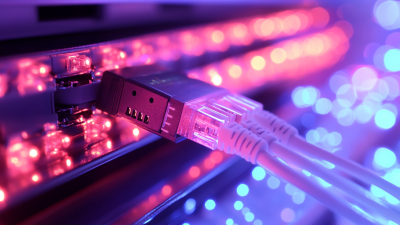
When evaluating cable lengths for optimal performance, it's important to understand your specific needs. Shorter cables tend to reduce latency. These lengths offer a more reliable connection. However, if your setup requires longer runs, the quality of the cable matters greatly. A longer cable can introduce signal degradation. This can lead to interruptions in data transfer.
Consider the environment where the cables will be used. In office spaces, longer cables may run along walls or under desks. This setup can be messy, and it creates potential hazards, like tripping. Keep an eye on how the distance impacts performance. You might notice unexpected lags or slowdowns due to excessive length. Testing the cable before full installation is wise.
In some instances, the exact length you need may not be available. This creates a dilemma—do you compromise on quality or distance? Think about it carefully. An oversized cable could detract from your overall system's efficiency. Always weigh the pros and cons. Realizing how cable length affects performance can help you make more informed choices. It’s all about balancing your setup's demands with practical solutions.
| Tip Number | Tip Description | Recommended Length | Performance Considerations |
|---|---|---|---|
| 1 | Identify the application needs | 1m - 3m | Suitable for short range connectivity |
| 2 | Consider cable compatibility | 3m - 10m | Good balance between distance and performance |
| 3 | Evaluate signal loss over length | 10m - 15m | Monitor for increased attenuation |
| 4 | Choose the right gauge | 15m - 30m | Thicker cables reduce resistance |
| 5 | Assess environmental factors | 30m+ | Consider temperature and humidity effects |
| 6 | Inspect connectors quality | Universal | Ensure minimal connectivity issues |
| 7 | Consider optical vs copper | Varies | Optical cables outperform copper in length |
| 8 | Plan for future expansion | Custom Lengths | Consider additional devices and layout |
| 9 | Test performance before finalizing | Any | Conduct speed tests in different conditions |
| 10 | Consult with experts as needed | N/A | Seek professional recommendations for complex setups |
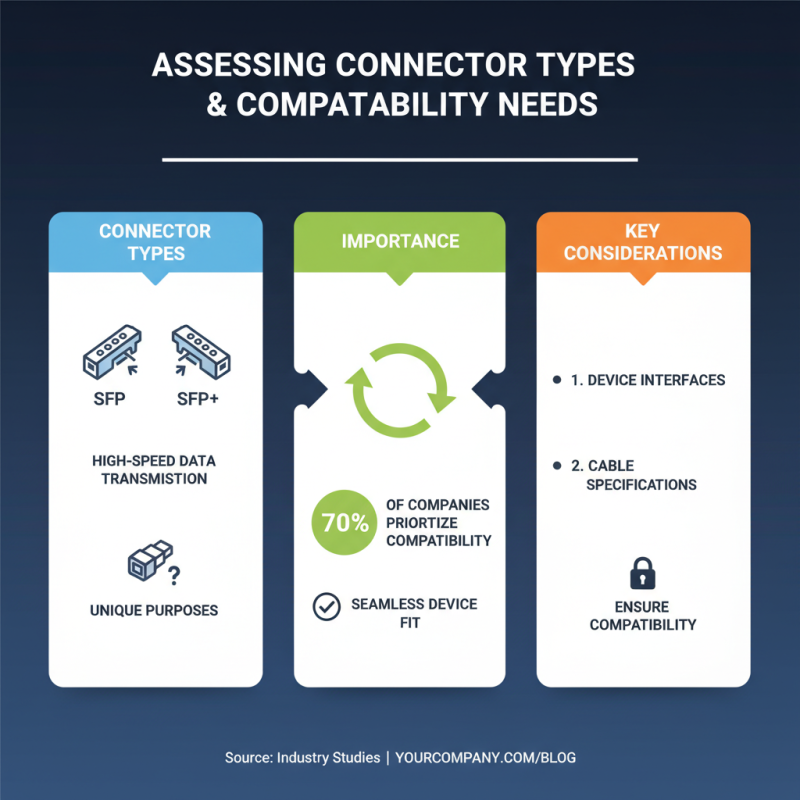
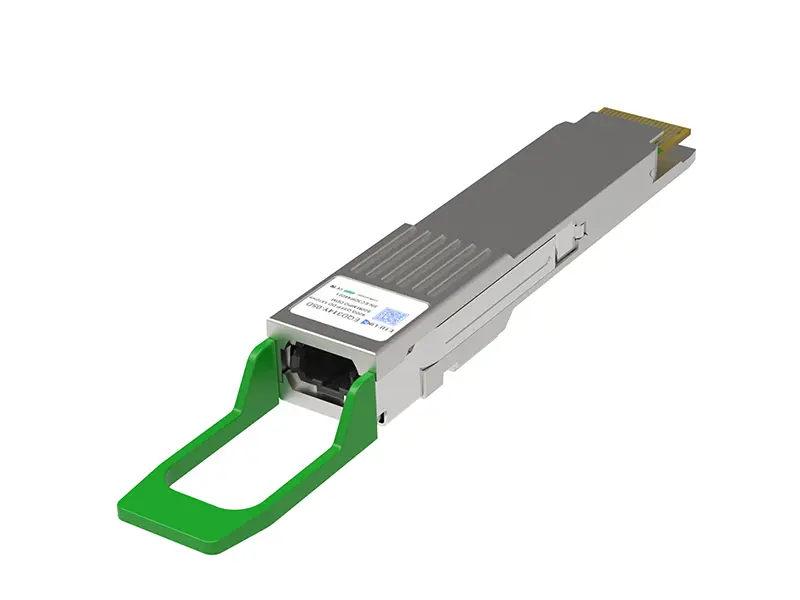
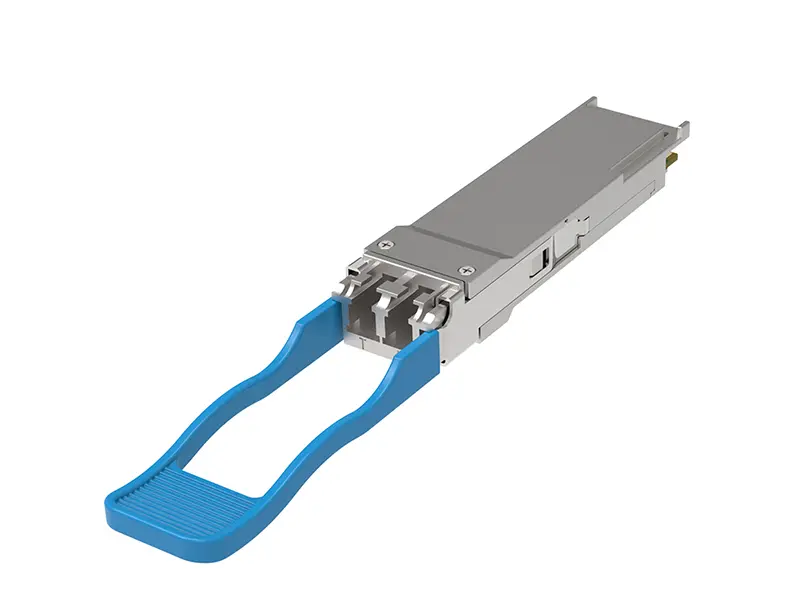
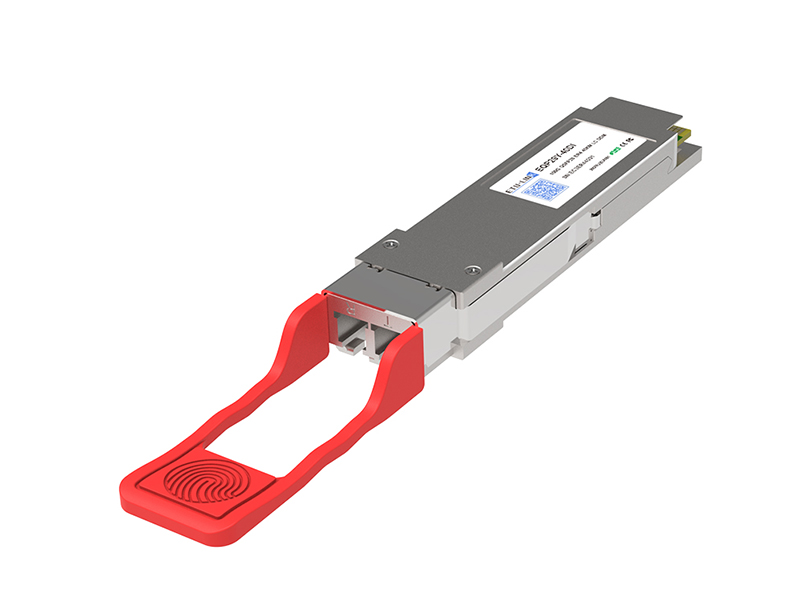
When selecting a direct attach cable, understanding connector types and compatibility is vital. Different connectors serve unique purposes. For instance, SFP and SFP+ connectors are designed for high-speed data transmission. According to industry studies, over 70% of companies prioritize connector compatibility in their selection process. This highlights the importance of ensuring that your cable fits your devices seamlessly.
Analyzing compatibility involves considering factors such as data rate and distance. The IEEE 802.3 standards outline the requirements for Ethernet performance. If a cable does not meet these standards, it may lead to poor performance or even failure. Reports show that inadequate compatibility can reduce transmission efficiency by up to 15%. Additionally, connector size can matter in space-constrained environments. Many customers overlook this, resulting in installation challenges.
Assessing cable length is another crucial element. A mismatch can cause signal degradation. Research indicates that a single cable that is too long can introduce significant latency. This factor is often disregarded in favor of convenience. Investing time to evaluate the right connector type and its compatibility with your existing network can significantly enhance overall performance and longevity.
When choosing a direct attach cable, understanding the differences between active and passive options is crucial. Active cables contain electronic components that boost signals, making them ideal for long distances. They are more flexible and often support higher data rates. However, they may require additional power, which can limit their use in some setups.
Passive cables, on the other hand, are simpler and lighter. They transmit data without amplification and are typically cheaper. However, they perform best over shorter distances. If you need to cover a long stretch, the quality may suffer. The trade-offs between the two require careful consideration.
Think about your specific needs. Will the ability to run longer distances outweigh the costs? Is the simplicity of passive cables more appealing for your project? These reflections can guide your decision. It’s essential to weigh the long-term benefits against immediate convenience. Like any other choice, understanding these nuances can lead to better outcomes.
When choosing direct attach cables, cost can significantly influence your decision. A recent industry report indicates that companies often underestimate the total cost of ownership. Many overlook not just the purchase price but also the potential maintenance and replacement costs. An inferior cable might save money initially, but frequent replacements add up quickly. Research shows that companies incur up to 30% more in costs over time when they opt for cheaper options.
Evaluating your budget is vital. It's essential to balance upfront costs with long-term reliability. A quality direct attach cable may cost more at purchase but can last three to five times longer than a budget model. Companies should consider their specific needs. If data transfer rates are crucial, investing in a more robust cable is wise. Short-term savings might lead to issues that impact your operations later.
Take the time to analyze your requirements and budget. A good cable improves efficiency and reduces downtime. Look at total lifecycle costs instead of focusing solely on the initial price. This perspective can change how you view your choices significantly.